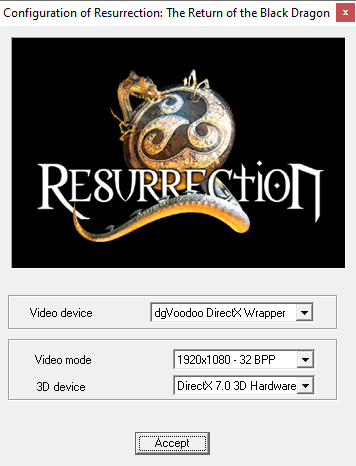
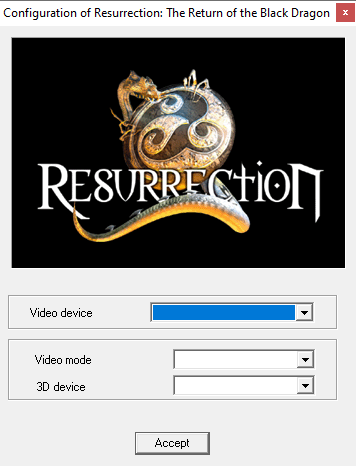
So the game doesn't show any settings in the startup launcher with dgVoodoo2, so I can't start the game at all with it, it doesn't run. The dropdowns don't show anything at all when clicking on them, however natively without dgVoodoo2 they show fine if I manually select in the dropdowns. Is it a dgVoodoo2 bug or some setting I have to change in the control panel? I'm using dgVoodoo2's default settings.
Native:
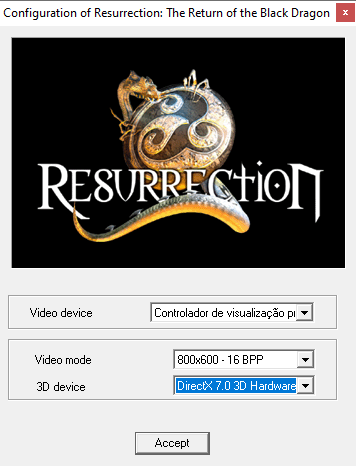
dgVoodoo2 (latest version - v2.87.1):
Last edited by dccs on 2026-05-30, 19:24. Edited 1 time in total.
I just used DebugView++ to trace dgVoodoo2's API calls, and the game tries to access DirectDraw from DLLMain, and since the D3D11 runtime doesn't run from DLLMain to prevent lockups/deadlocks (cuz the loader lock is still held in that function), the game has to be patched to make it work with dgVoodoo2, probably by delaying its initialization somewhere in the code. Since DirectDraw is probably being initialized inside VideoDrvDDraw.dll's DLLMain(), the most likely solution would be to move that function call outside of DLLMain(), but I'm not really sure how to do that in the assembly.
1[dgVoodoo] INFO: Reading config from file H:\Local\Resurrection The Return Of The Black Dragon\dgVoodoo.conf. 2[dgVoodoo] INFO: INI file based version of config file is successfully read. 3[dgVoodoo] INFO: DDraw is successfully loaded: H:\Local\Resurrection The Return Of The Black Dragon\DDRAW.dll, architecture: x86 4[dgVoodoo] WARNING: Attempt to access DirectDraw from DllMain. Application may need to be modified or patched to use with dgVoodoo. 5DirectDrawEnumerateA (lpCallback = 00543110, lpContext = 0x0) 6[dgVoodoo] INFO: Reading config from file H:\Local\Resurrection The Return Of The Black Dragon\dgVoodoo.conf. 7[dgVoodoo] INFO: INI file based version of config file is successfully read. 8DXGI ERROR: CreateDXGIFactory cannot be called from DllMain. [ MISCELLANEOUS ERROR #76: ] 9[dgVoodoo] ERROR: DirectDrawEnumerateA: Enumerating primary device has failed.
Thanks a lot Dege, it works perfectly now, the game doesn't have any slowdowns either 😀 Any chance you could do one for End of Twilight as well? It has the same exact issue.
I also included a patched version of dgVoodoo because the released ones freeze at the startup screen. The fix will be included in the next version ofc.
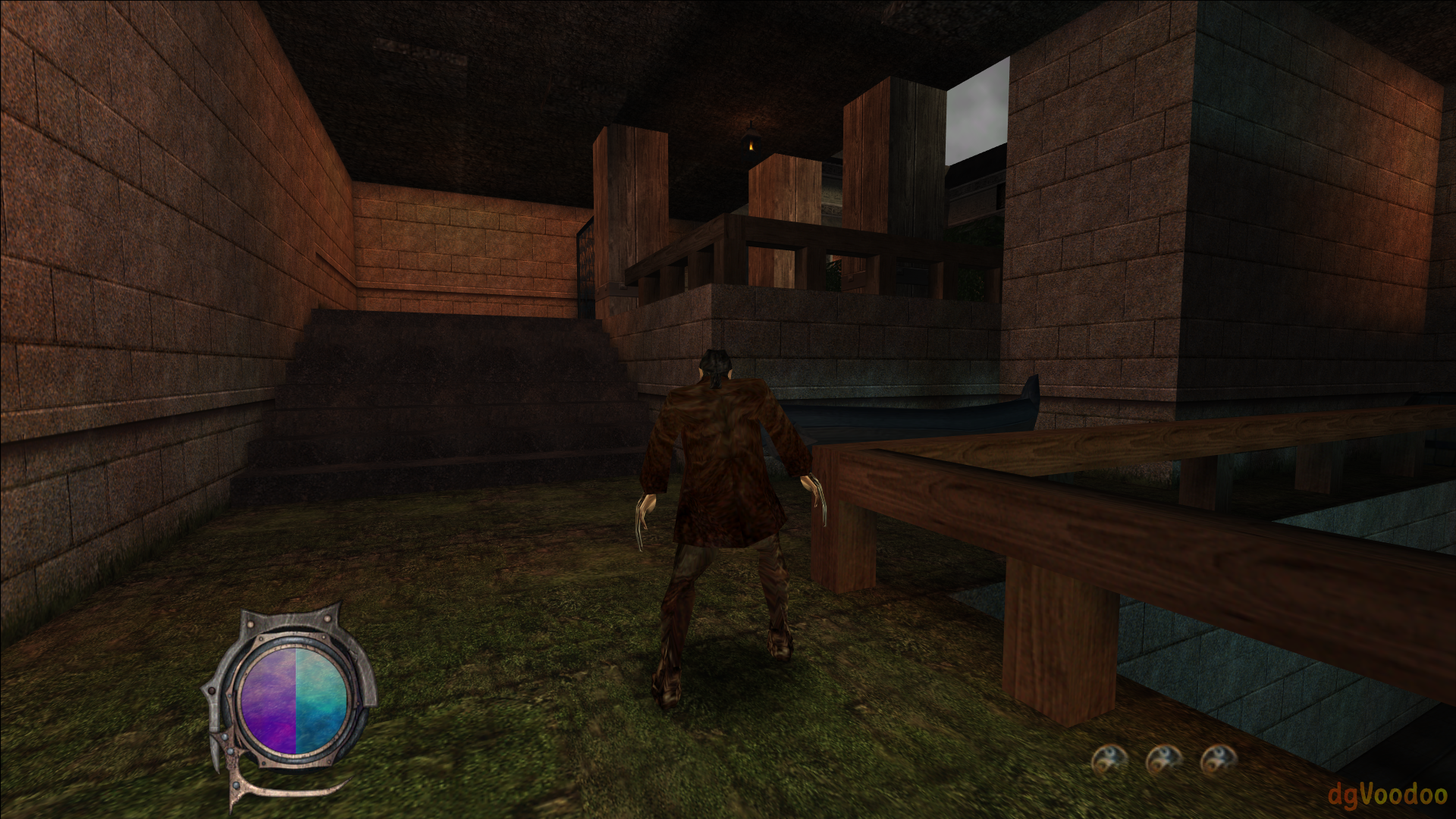
If you want to play this game with forced resolution or a scaling mode other than "unspecified" then you have to enable option GeneralExt\FreeMouse. Otherwise the mouse gets stuck to the left-top corner and you cannot move it at all.
Btw, this patch might be useful for non-dgV usage as well. My native Intel driver also gets stuck in DD initialization called from DllMain just like dgVoodoo.
Thanks a lot again Dege! I'll release your files as a patch on PCGamingWiki and credit you, I patched your patched EXE to work without the CD. I'll take note of those instructions 😀