VOGONS


First post, by Verax

User metadata
Rank Newbie
Rank
Newbie

Good evening 👋

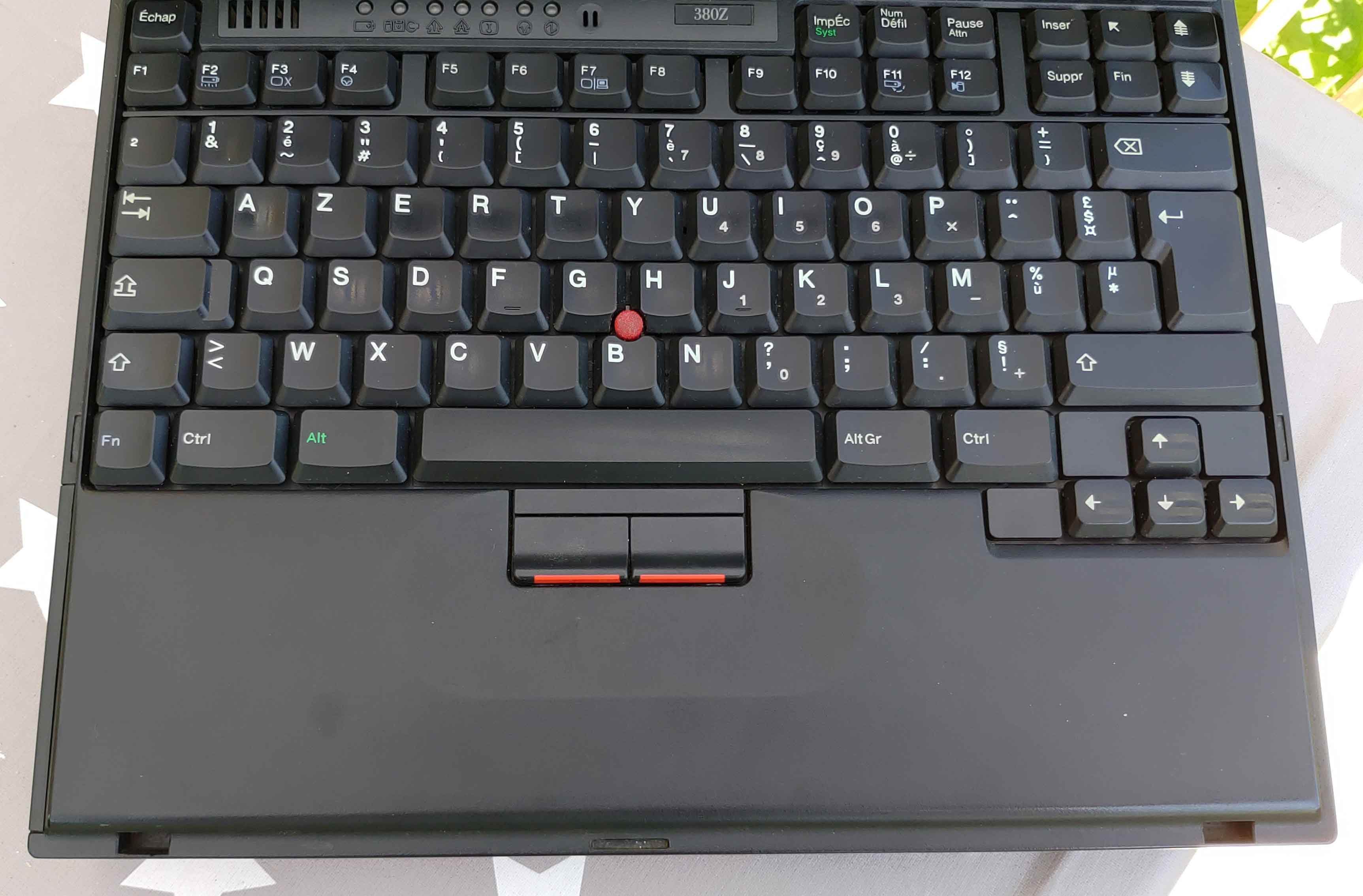
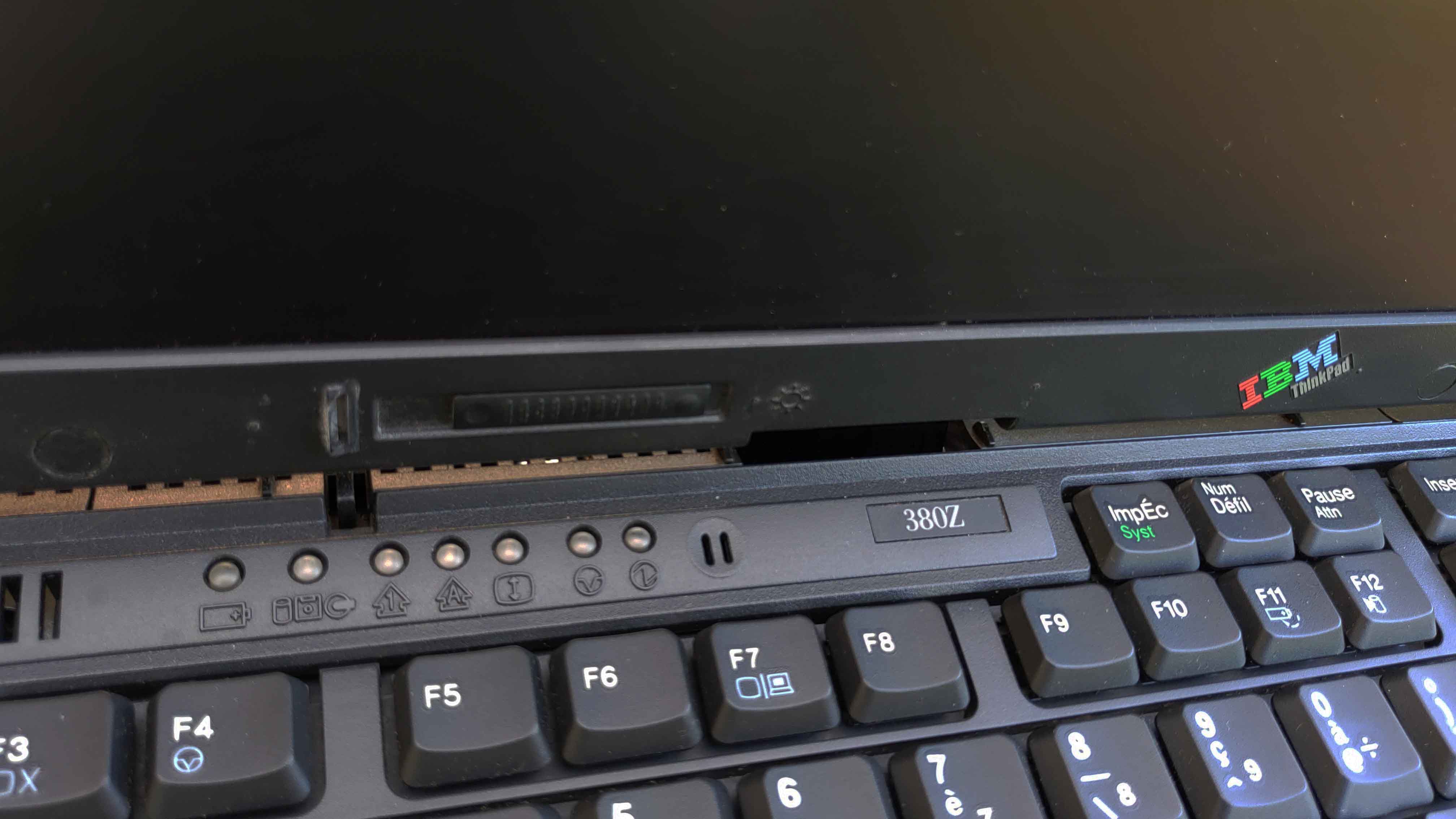
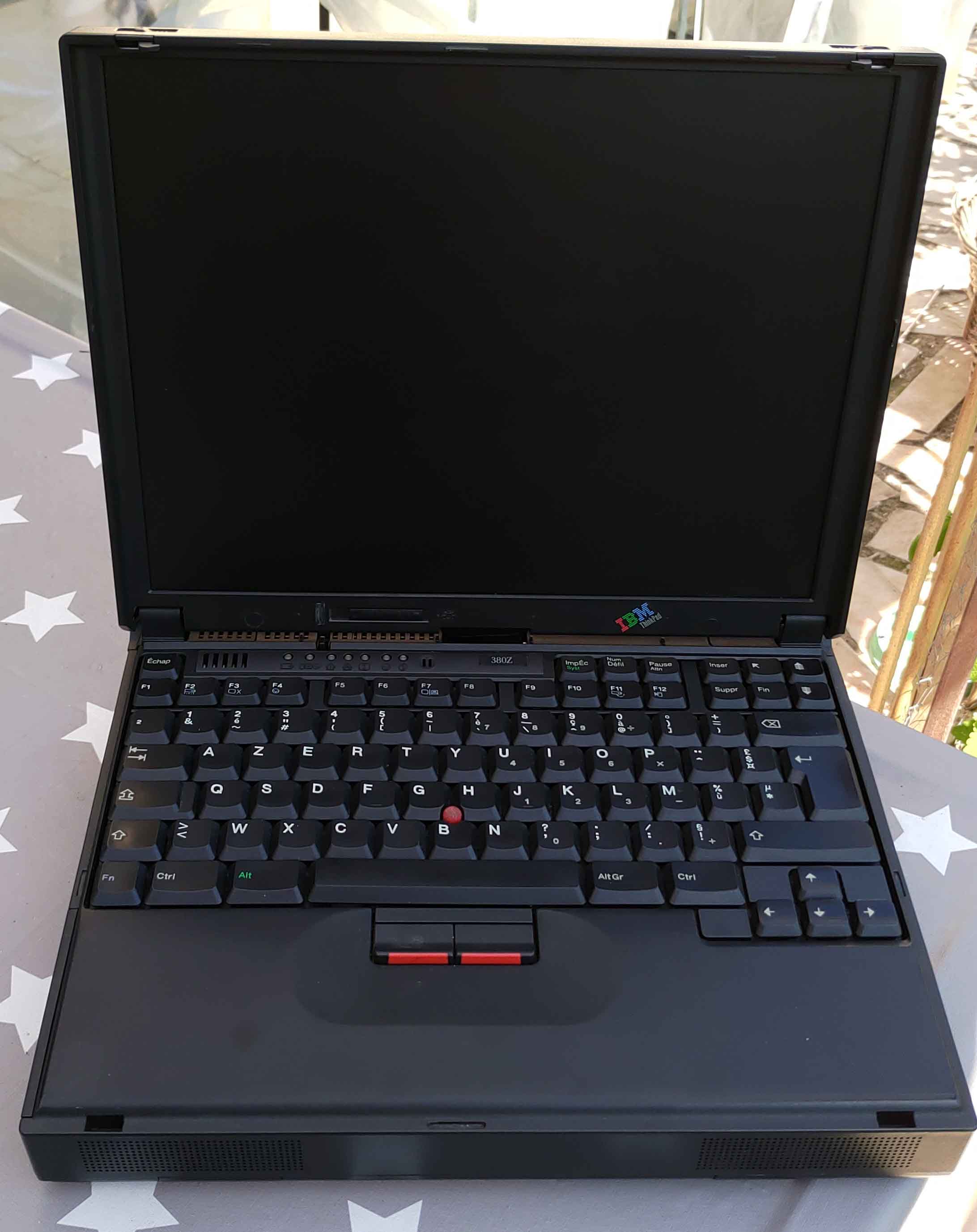
This time i'm trying to repair this old laptop, it's an old b] IBM Thinkpad 380Z[/b], from 1997.

mini_21071804204425187817497008.jpg

MZCyNZr.jpeg

That's its specs :

Brand: IBM
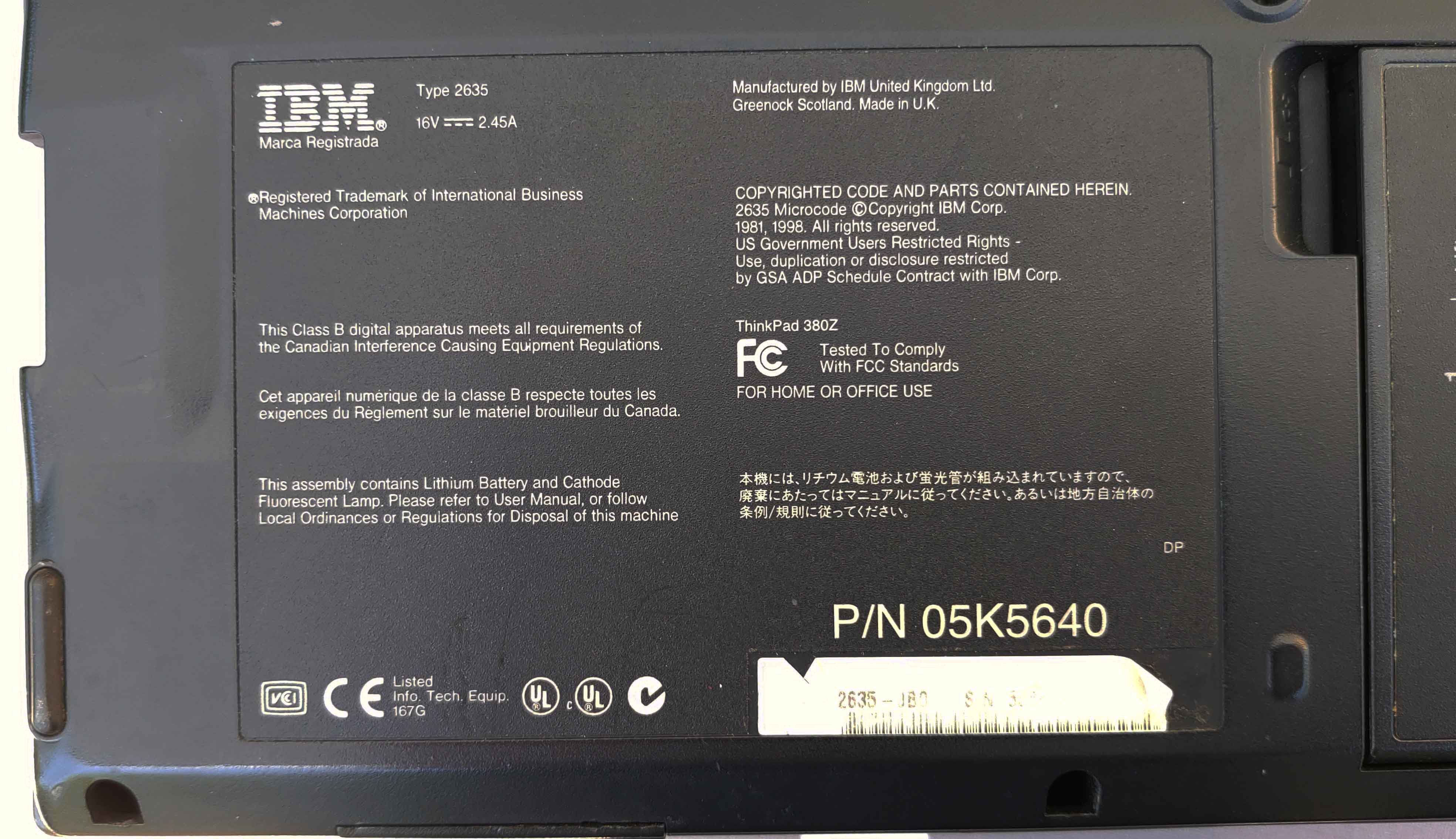
Model: Thinkpad 380Z
CPU: Intel Pentium II 233 MHz / 300 MHz
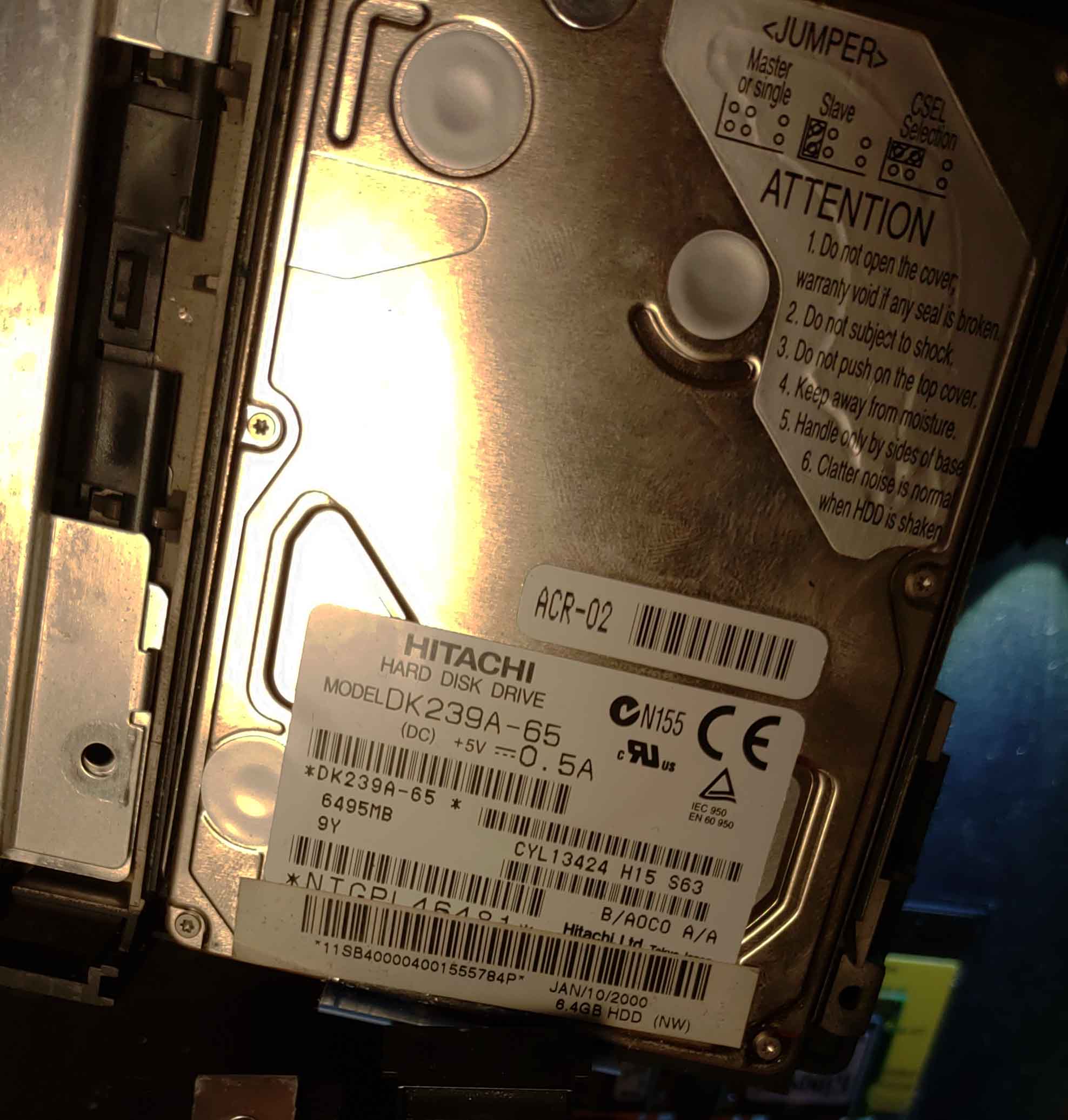
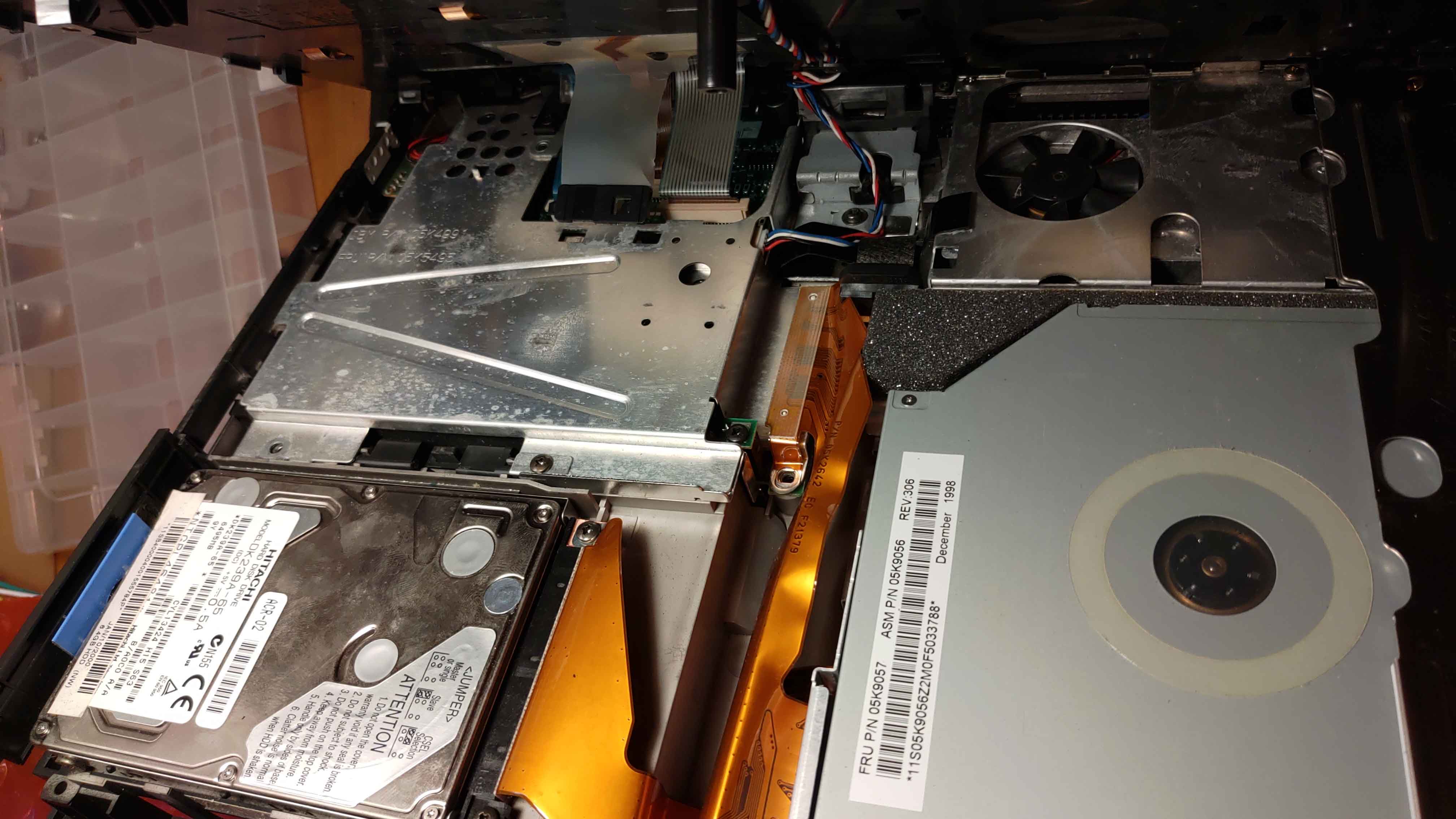
Hard Drive: Hitachi DK239A-65 - 6.4Gb
Sound: 16-bit audio - internal IHP - internal microphone
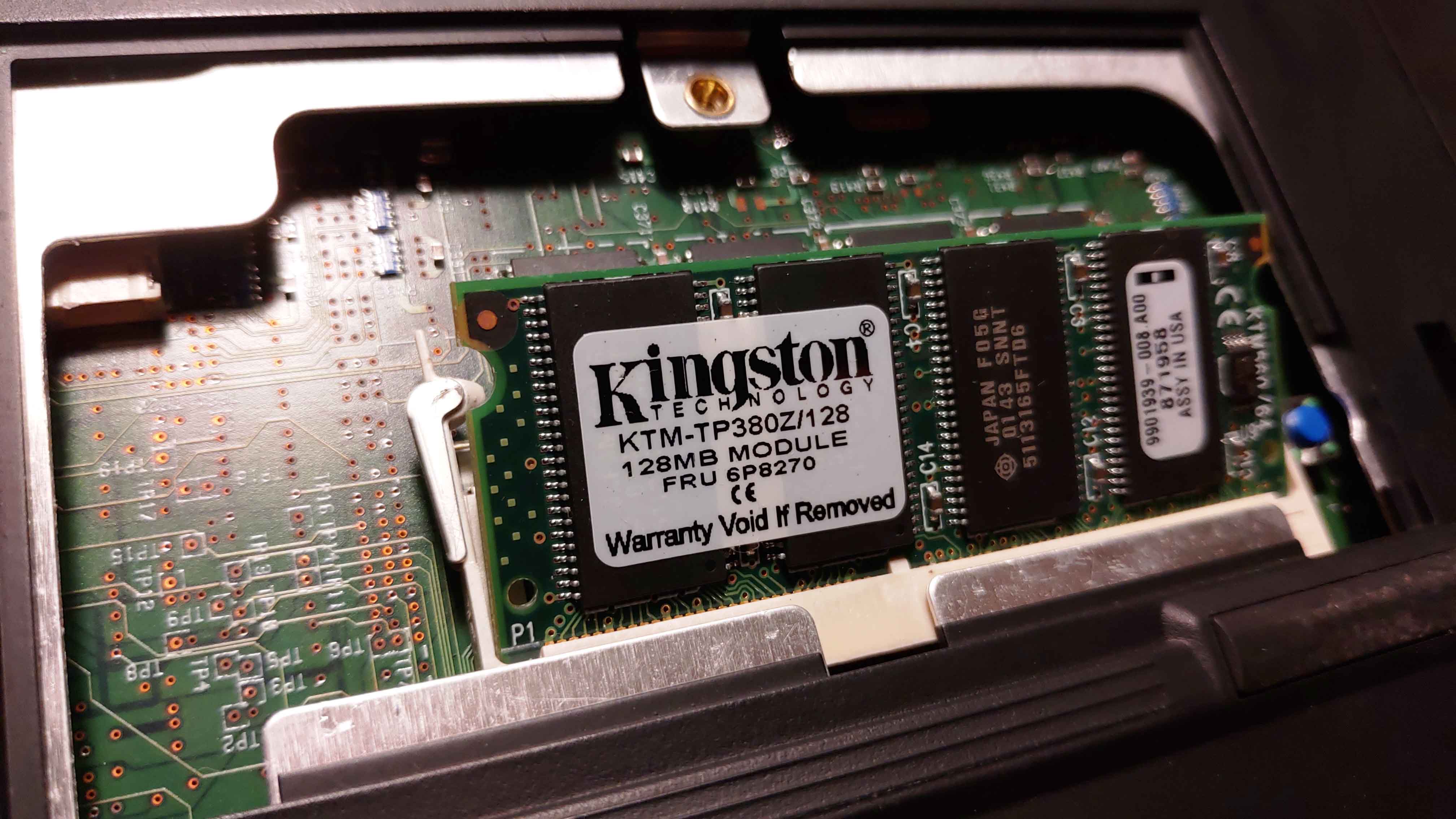
RAM: 128Mb KTM-TP380Z/128Mb - CMOS RAM 242 bytes
Screen LCD 2635-Hxx/Jxx - 13.3-inch, 16M colors, 1024×768 - pixel TFT color LCD
CD: 10×—24×
Floppy Drive 1.44 MB (3-mode), 3.5-inch
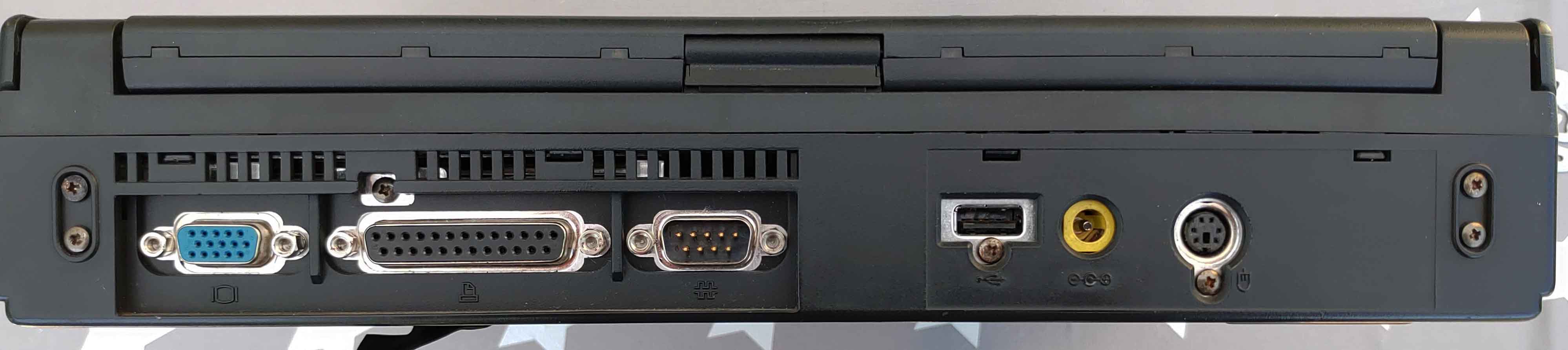
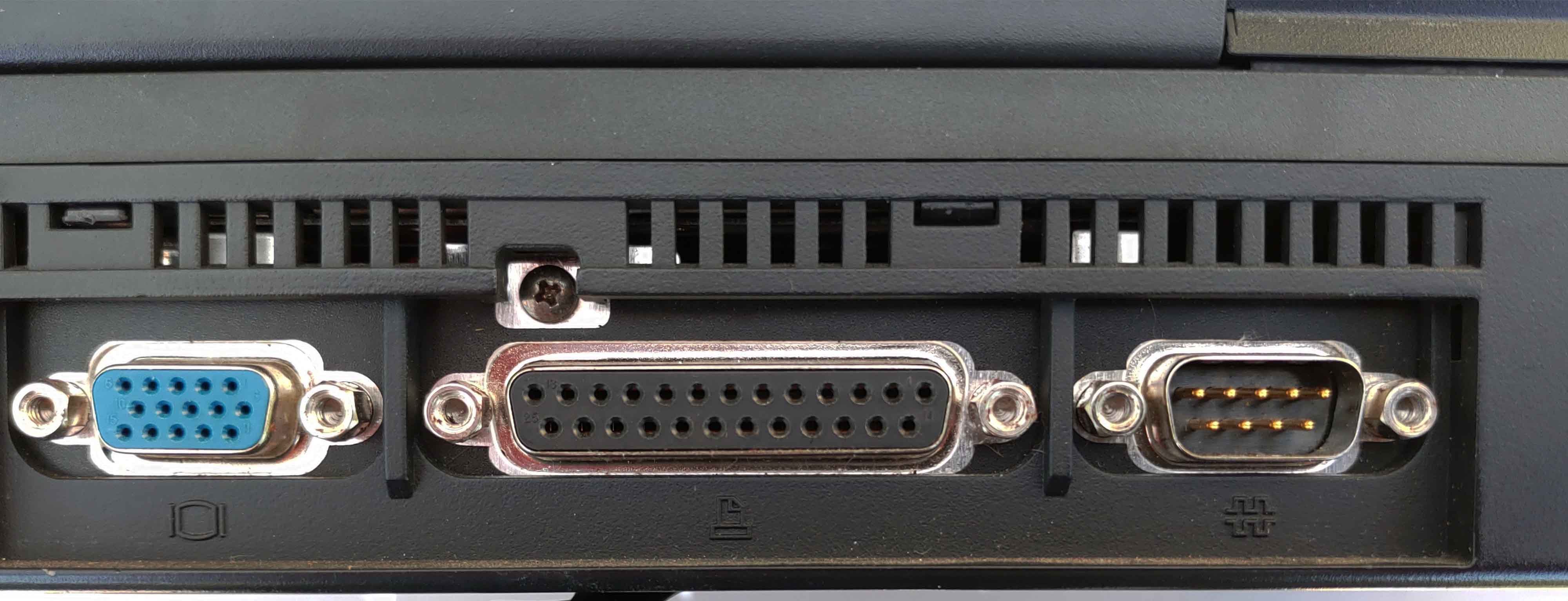
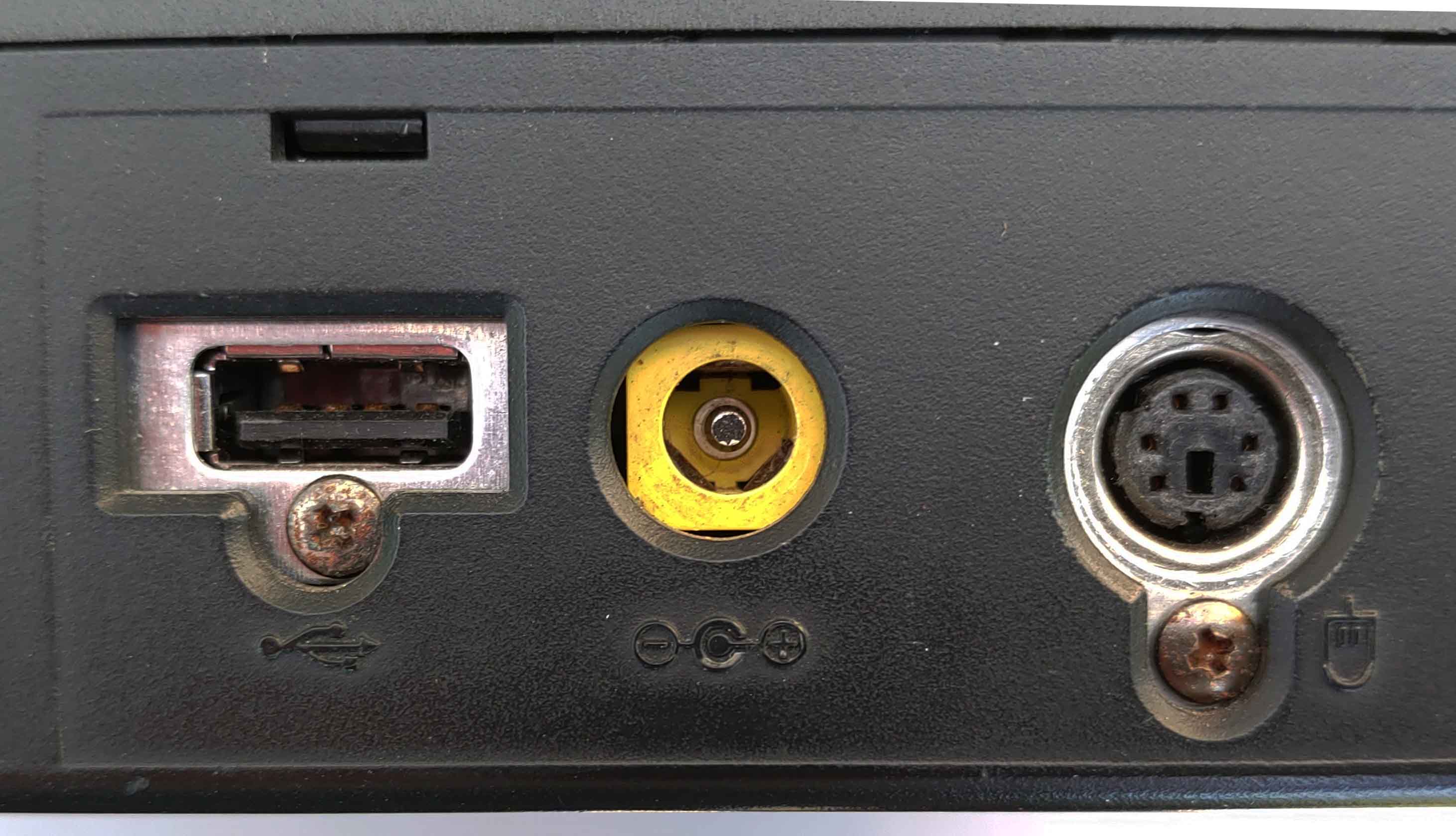
Other: Port écran externe VGA - 1 port USB 1.0 - Port parallel - Port Serial - Port I/O
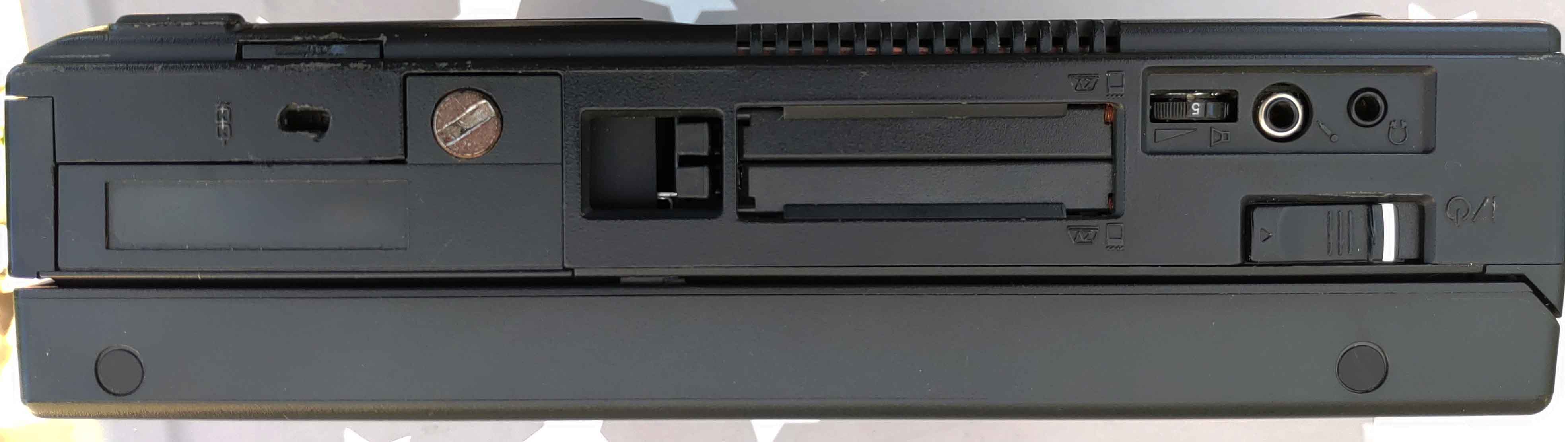
Jack headphone - Jack Microphone - Infrared Transfer - IrDA 1.1 - PC Card - One Type III
or two Type I / Type II - CardBus support - ZV card support - AC Adapter - 56Watt type

Briefly : When i turn on the PC, the battery cell start making "whistling sound"very high pitch one, continuously, but it does start all of the leds do their job and the HDD seems to be detected and working as well. I want to precise that the screen keeps blinking and the contrast is so bad i can see almost nothing on the screen, except if i get very close. (maybe the Screen cable is dead? I don't know yet)

Here a video to let you hear/see what it looks like:

https://youtu.be/AiVtTGQnJU0

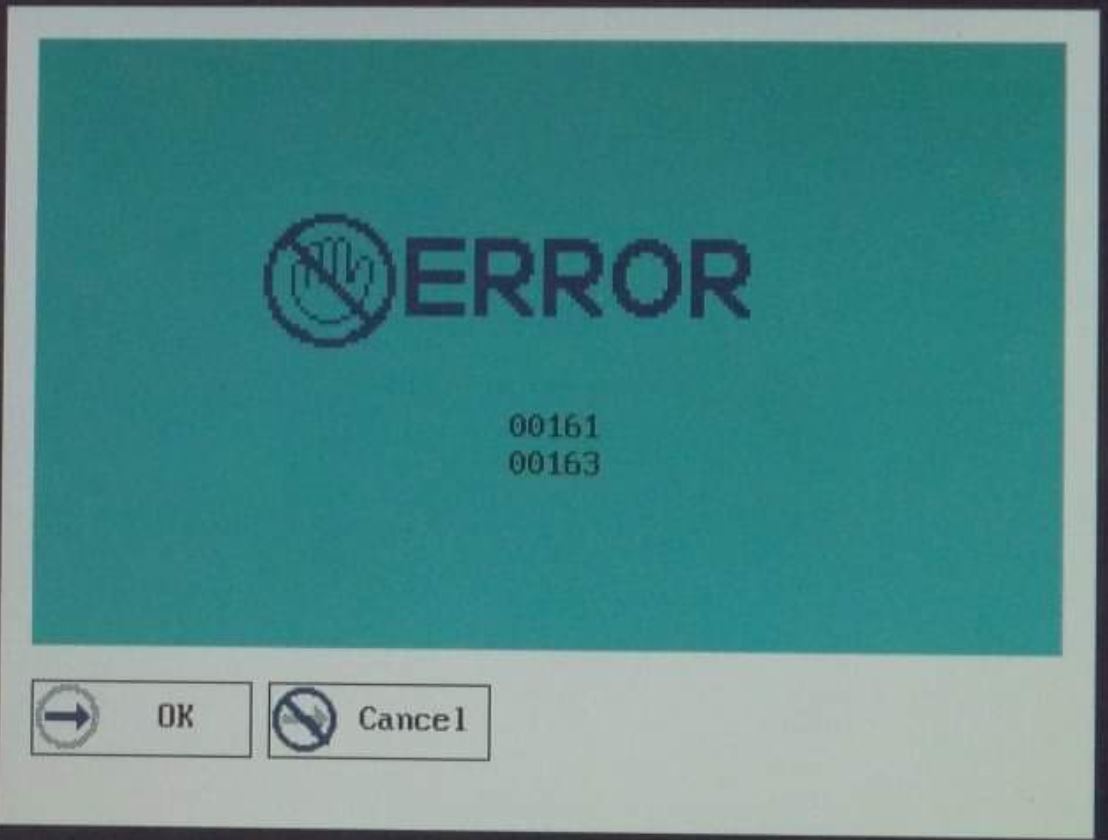
So after the laptop's boot You can listen two "BIP BIP", and after this if you do nothing you have a blue windows with two error codes : "00161" and "00163"
21071804205025187817497024.jpg

Looking into the laptop's manual i found that these two errors could be the CMOS battery that has a problem (althougt i changed it but it doesn't seems to change this for some reasons?) and the second error should be that the BIOS setup cannot be saved or something like that.

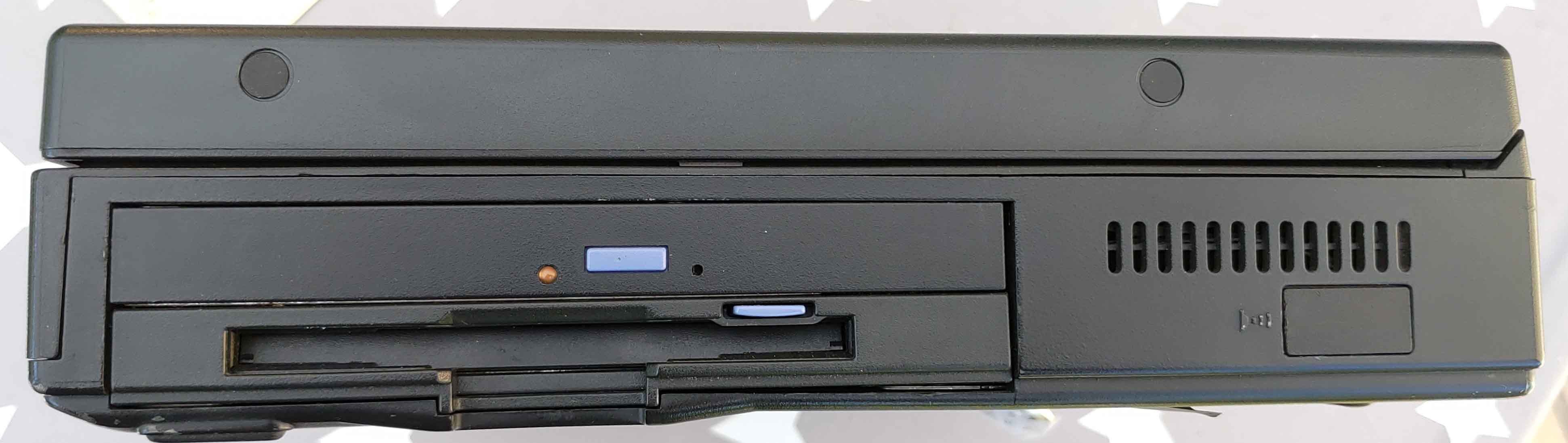
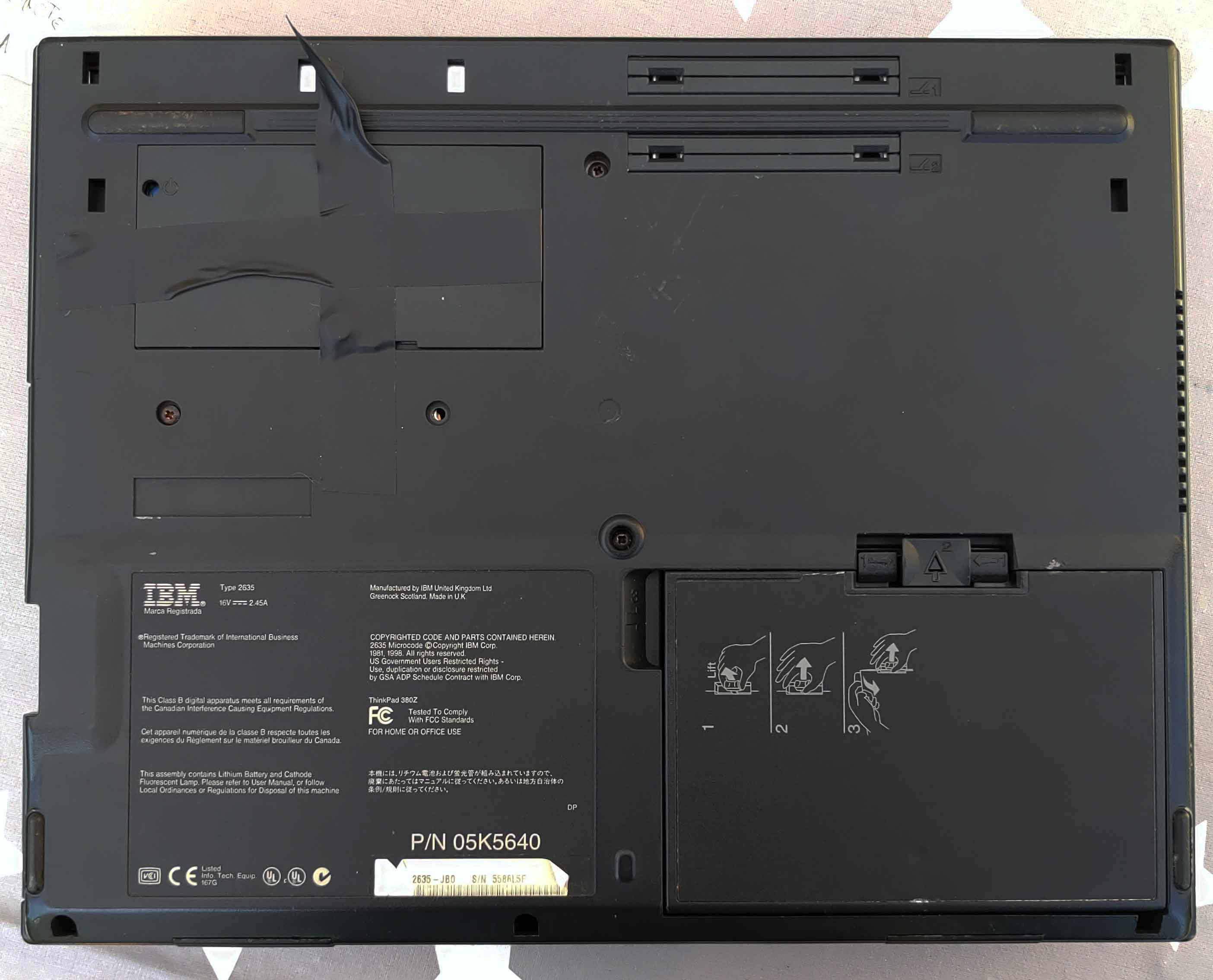
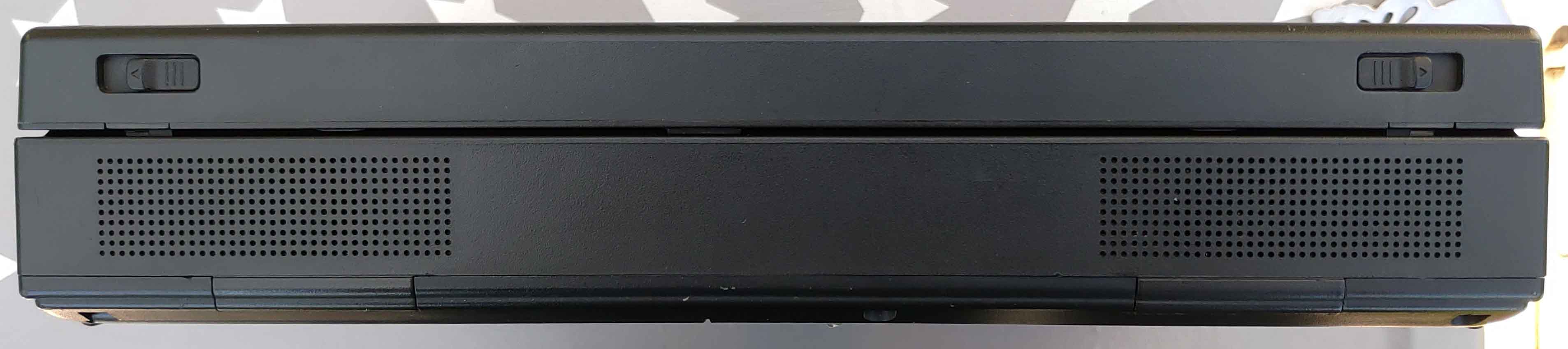
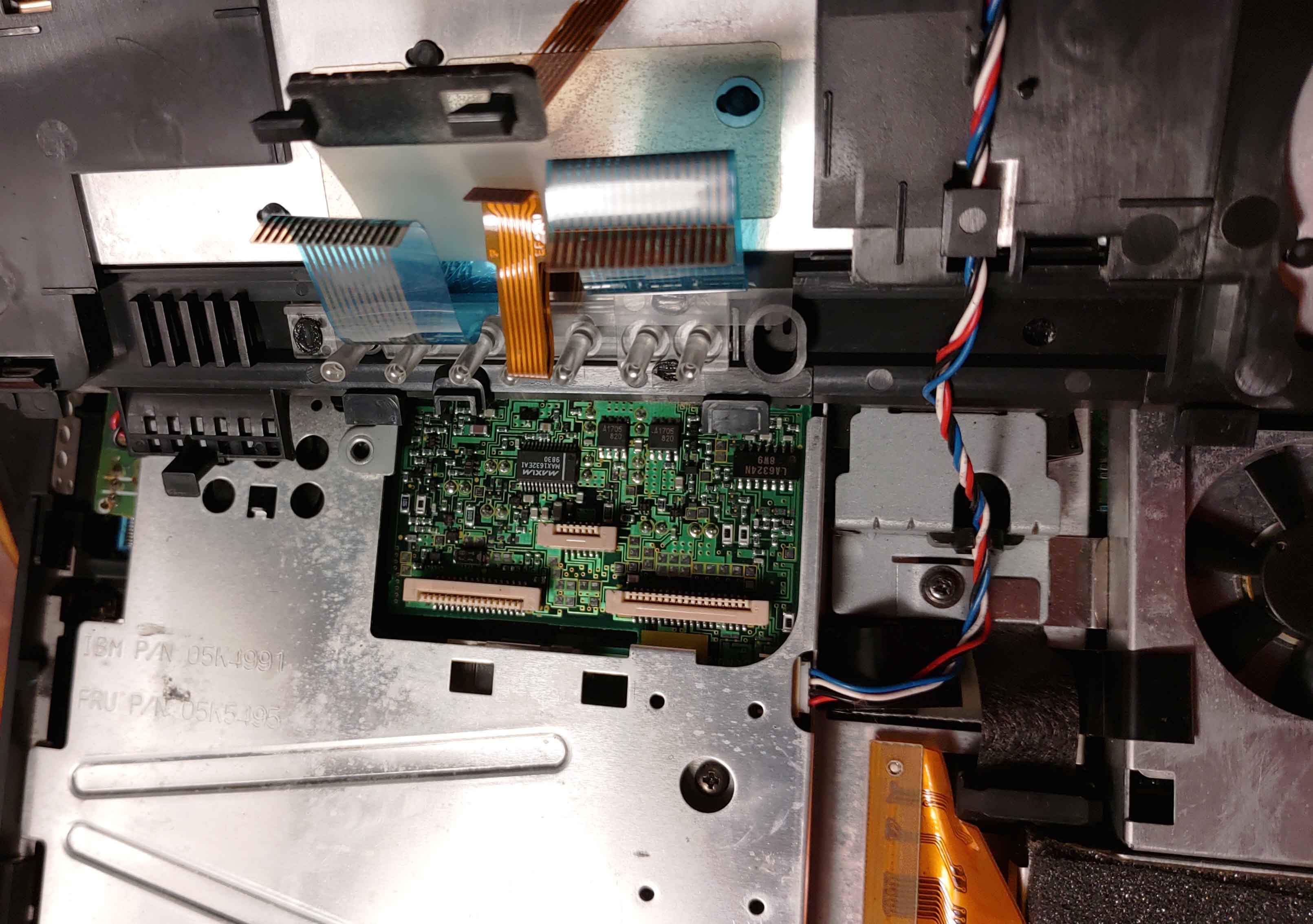
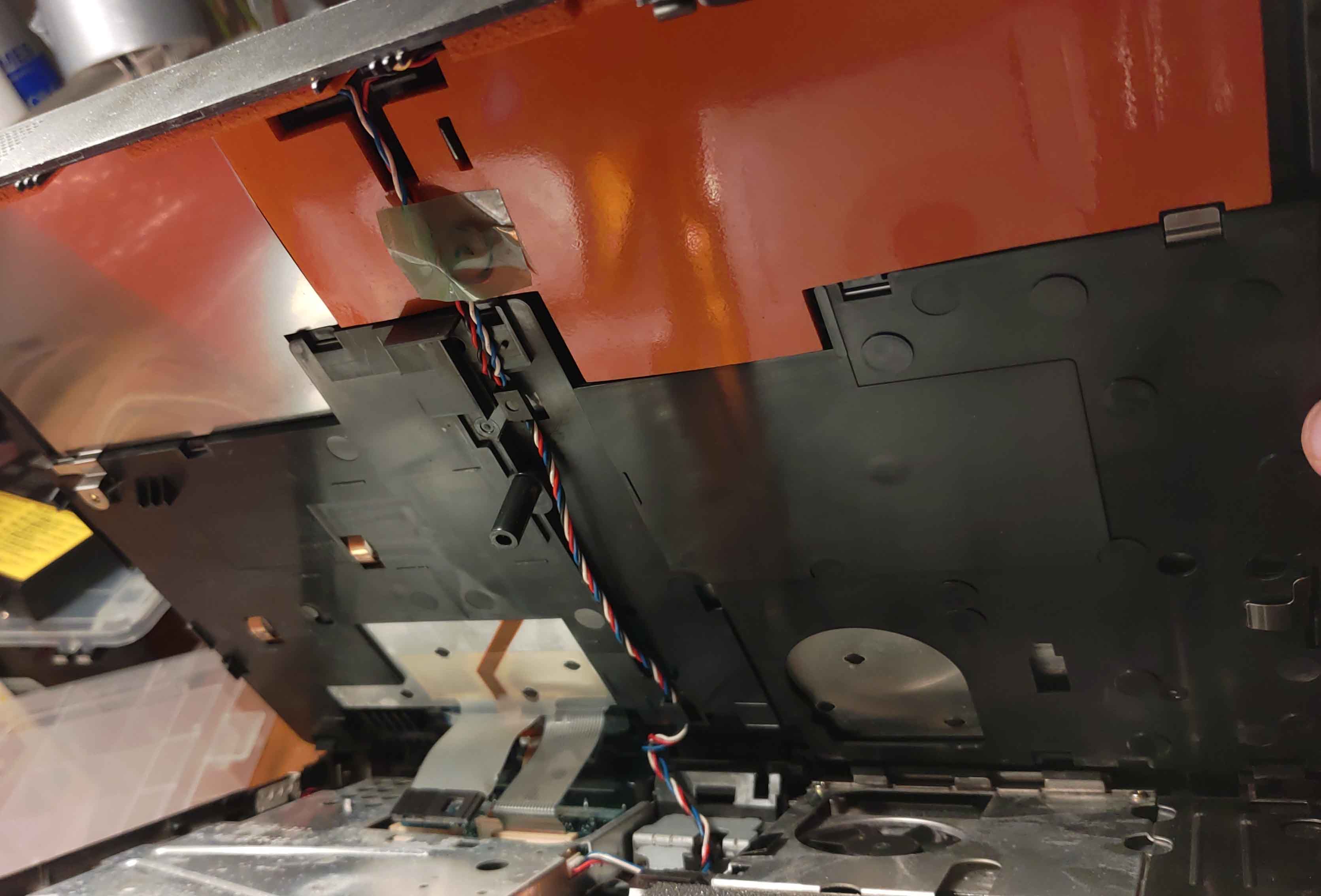
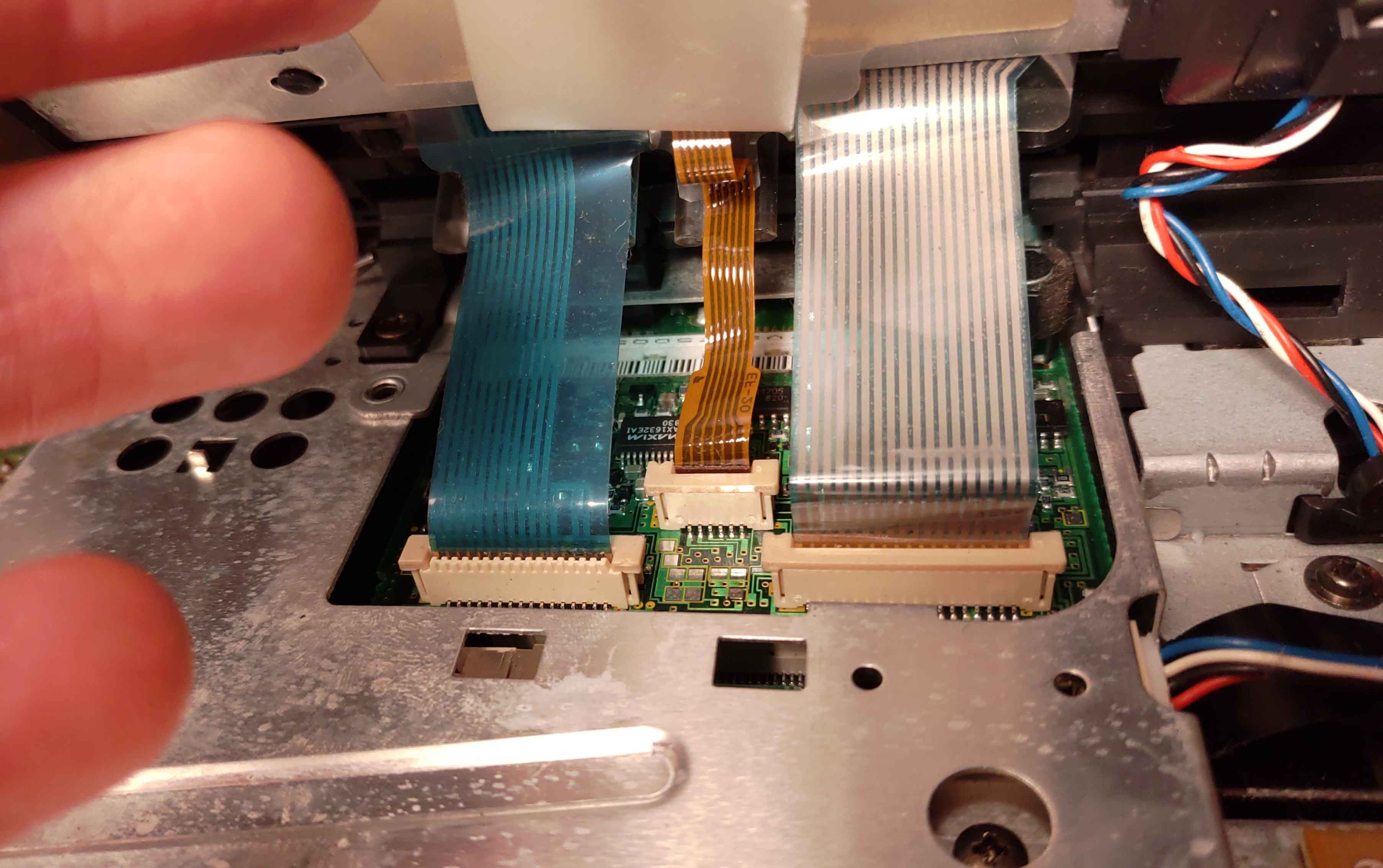
Some photos of the whole thing :
21071804204325187817497005.jpg
21071804204325187817497006.jpg
21071804204425187817497007.jpg
21071804204425187817497008.jpg
21071804204425187817497009.jpg
21071804204525187817497010.jpg
21071804204625187817497014.jpg
21071804204625187817497013.jpg
21071804204625187817497012.jpg
21071804204525187817497011.jpg
21071804204625187817497015.jpg
21071804204725187817497016.jpg
21071804204825187817497019.jpg
21071804204825187817497018.jpg
21071804204725187817497017.jpg
21071804204825187817497020.jpg
21071804204925187817497021.jpg
21071804204925187817497022.jpg
21071804205025187817497023.jpg

That's all, so basically i'm stuck with these two errors and if i press CTRL + ALT + INSER i get stopped by the padlock icon right after 😒
If you have any idea on how i could passed all of this pleasez let me know.

lenovo-1-jpg.68063

Thanks! 😀

Reply 1 of 3, by hyoenmadan

User metadata
Rank Member
Rank
Member

Looks like your machine CMOS setup is password protected. CMOS NVRAM in these machines save settings as you can see in the errors, but security locks are stored in an extra small EEPROM which doesn't get erased across reboots or battery failures. The errors come from CMOS automated routines can't save the default values even if you have new CMOS battery, because the routines are security locked by these passwords stored in EEPROM. You first need unlock your machine to make new CMOS settings, or let the automated routines create defaults and save them to the CMOS NVRAM.

Reply 2 of 3, by JidaiGeki

User metadata
Rank Oldbie
Rank
Oldbie

In some Thinkpads there was a jumper pad on the motherboard which you short to clear the startup password.
https://thinkpads.com/support/hmm/hmm_pdf/38zhmm.pdf - see page 6

However, the supervisor password is harder to clear. For that era of TPs, a forgotten supervisor password would require a full motherboard replacement if serviced by IBM - http://ps-2.kev009.com/pcpartnerinfo/ctstips/e676.htm

Reply 3 of 3, by Thermalwrong

User metadata
Rank Oldbie
Rank
Oldbie

From what you've described, and since you're seeing the CMOS battery errors, it shouldn't be a Power On Password - that one's easy to solve by clearing the CMOS (remove CMOS battery). There's also a supervisor password which is stored securely on an EEPROM inside the laptop which you can't just clear, like hyoenmadan mentioned. I've had to do this with some older thinkpads - I think a Thinkpad X21 and an X30, it's common with the ex corporate ones or just in general, laptops were valuable back then. Your one is valuable now in a sense, there certainly aren't many Thinkpad 380Z laptops around these days.

You can fix it by making up a serial port to i2c reader, soldering it carefully onto the EEPROM, using the free software on allservice.ro to read the EEPROM, then clear the password.
It requires some relatively fine soldering skills but if you've got soldering flux and some soldering wick to clean up bridges you should be fine.

There's other methods like shorting that eeprom but that'll cause a checksum error like this guy did, maybe that can work too: http://www.os2museum.com/wp/cracking-a-thinkpad-755c/

But it doesn't take many more steps to clear it the proper way with the ibmpass utility that allservice provide. See this thread for details: https://www.allservice.ro/forum/viewtopic.php?t=47
It works similarly to a password recovery method from another website, though that one was paid for and is now mostly gone from the Internet. The information on Joe in Australia's website is very useful for figuring out the exact procedure to read out the EEPROM safely, which you can mesh up fairly easily with the free allservice method.
You can find that here: https://web.archive.org/web/20040803124543/ht … rd_recovery.htm
Notice that it has a dedicated page for the 380Z - note that that uses a 24C01 eeprom instead of the 24RF08, but the software for that is also included in the allservice 24rf08 reader software.

Because it needs a real serial port, use an older laptop with a serial port if you've got another around. I used my Thinkpad 240Z's Windows XP install to do it last time I had to 😀