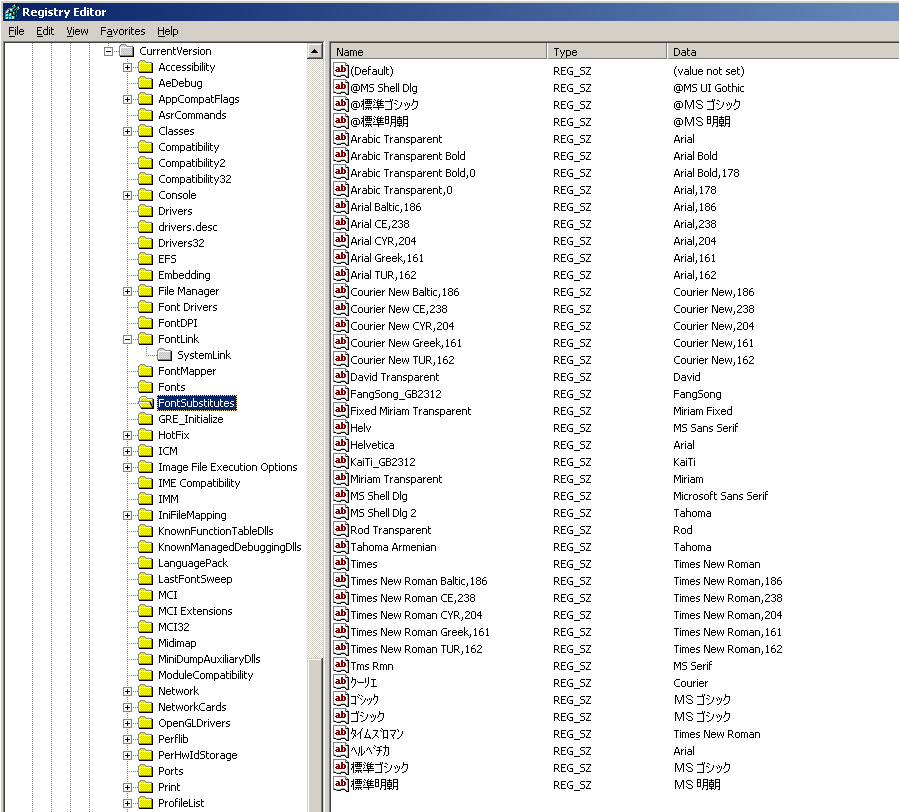
Hi, that's because of the double-byte enconding for text fonts, maybe.
And Japanese Windows versions support Japanese fonts natively.
Windows 2000/XP do support Japanese characters through Unicode if the the support for East Asian characters was installed.
Info: https://www.instructables.com/Add-East-Asian- … -to-Windows-XP/
However, that has little effect on Windows 9x applications using ANSI code pages instead of Unicode, however.
Also, some applications even check for non-Japanese Windows and refuse to work (some Japanese emulator did that).
A real Japanese Windows 2000/XP is better here, I think.
For Western Windows XP, there's Microsoft AppLocale and NT Locale Emulator Advance.
It will some applications make think it's a Japanese system.
Some links:
Microsoft AppLocale
https://www.shrinemaiden.org/forum/index.php?topic=4138.0
https://web.archive.org/web/20060719161320/ht … &displaylang=en
https://legacyupdate.net/download-center/down … ocale-utility-1
NT Locale Emulator Advance
https://www.nookgaming.com/how-to-play-japane … ocale-emulator/
Windows 3.x/NT specific
https://otakuworld.com/index.html?/toys/utils.html
PS: Some special Windows releases have "English with Japanese support".
Such as Windows 3.1 or Windows 95..
They have an English GUI and can displayJapaneye characters out of box.
Also, there's an early add-on called Win/V for Windows 3.1 (demo).
Edit: @jh80 indeed, a Japanese Windows 98SE is fine.
It also was last official OS for the dying PC-9821 platform.
A beta of Windows 2000 was the latest there was.
So it makes sense that Windowd 98SE remained very popular because of PC-98 platform, maybe.
"Time, it seems, doesn't flow. For some it's fast, for some it's slow.
In what to one race is no time at all, another race can rise and fall..." - The Minstrel
//My video channel//