First post, by TianQI233
Bug: Window shifted down in fake fullscreen on non-integer DPI scaling (16:10 display)
Hi Dege,
I found a window positioning bug with dgVoodoo 2.86.4 D3D9 wrapper.
Environment:
Windows 11 24H2
Display: 2560×1600 (16:10)
DPI scaling: 150%
Game: Touhou 16 (Hidden Star in Four Seasons), native D3D9, using thcrap launcher
Symptom:
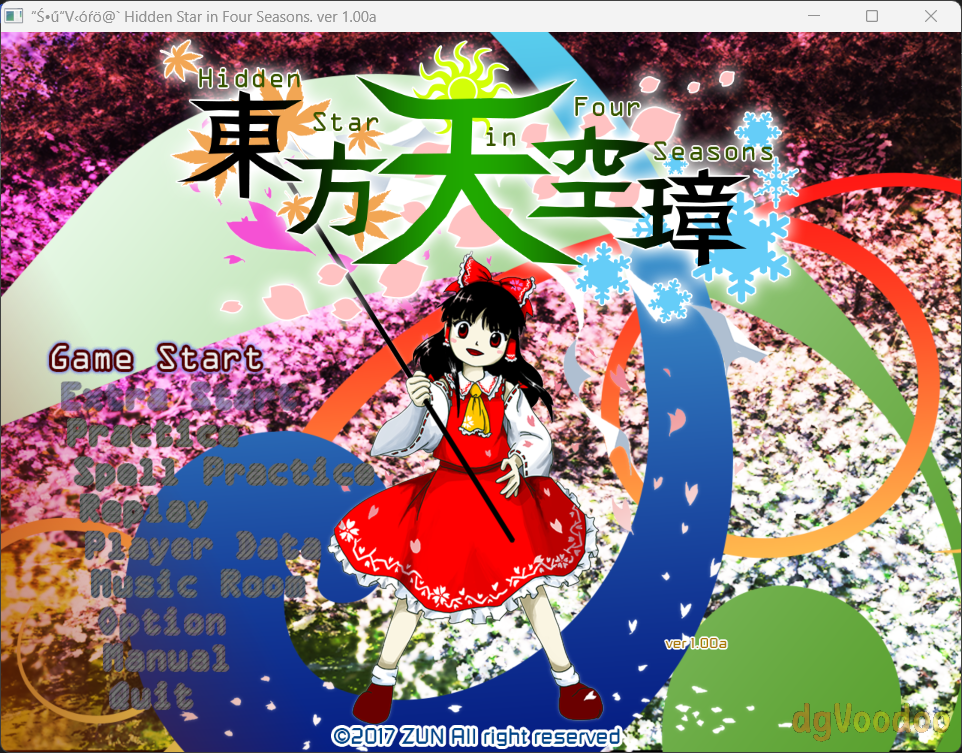
In fake fullscreen mode, the entire game image is shifted downward by ~30-40px. The bottom of the game is clipped below the screen edge, and the top portion appears vertically stretched to fill the gap — as if the client area is being rendered at an offset and the display output is scaled to compensate.
Reproduction:
2560×1600 @ 150% → bug occurs
2560×1600 @ 200% → no issue (DPI virtualization masks it)
Hint on location:
The issue seems to be in the windowed-mode window creation path. When the window is created with WS_CAPTION style, AdjustWindowRect expands the rect to include the title bar. The centering logic then computes a negative top coordinate to hide it above the screen. But there is a clipping check that detects the window extends above the monitor top and calls OffsetRect to push it back down — this defeats the purpose of the negative offset and shifts the client area down by the title bar height.
On 200% scaling, Windows DPI virtualization reports a smaller virtual resolution so the offset is small enough to go unnoticed. On 150% (non-integer), the wrapper operates closer to physical coordinates and the shift becomes clearly visible.
Thanks for the amazing work on dgVoodoo!