VOGONS


Rust-DOS, a new DOS emulator

Topic actions

Reply 40 of 42, by Dividebysandwich

User metadata
Rank Newbie
Rank
Newbie

@The Solutor

Ah, you need to have DKRNL32.DLL and DADVAPI.DLL from the HX runtime in the mc directory. CWSDPMI.EXE from your zip isn't actually used.
I got Midnight Commander to run but there's a problem in Rust-DOS' bios buffer not getting the queued key presses. This is fixable but I'll need to run more extensive tests because this is a bit of an invasive change in int16h and I don't fully know the consequences yet. But this is a good issue to improve emulator correctness.

Oh and also note this won't work with DPMI on yet, i'll need to implement support for 0504h in the DMPI host.
Reply 41 of 42, by The Solutor

User metadata
Rank Member
Rank
Member

But this is a good issue to improve emulator correctness.

Is what I thought as well.

It may be a bit of corner case, but you know, the world is plenty of corner cases 😀

Tanks for your interest and explanations anyway

P.S. I assume we are talking about the package called MC.ZIP, the other has issues even under windows, but includes the localization files, which work on the other (SET LANG=IT for italian and so on)

Reply 42 of 42, by Dividebysandwich

User metadata
Rank Newbie
Rank
Newbie

v1.0.0 time! -> https://github.com/dividebysandwich/rust-dos/ … ases/tag/v1.0.0

New in this version:

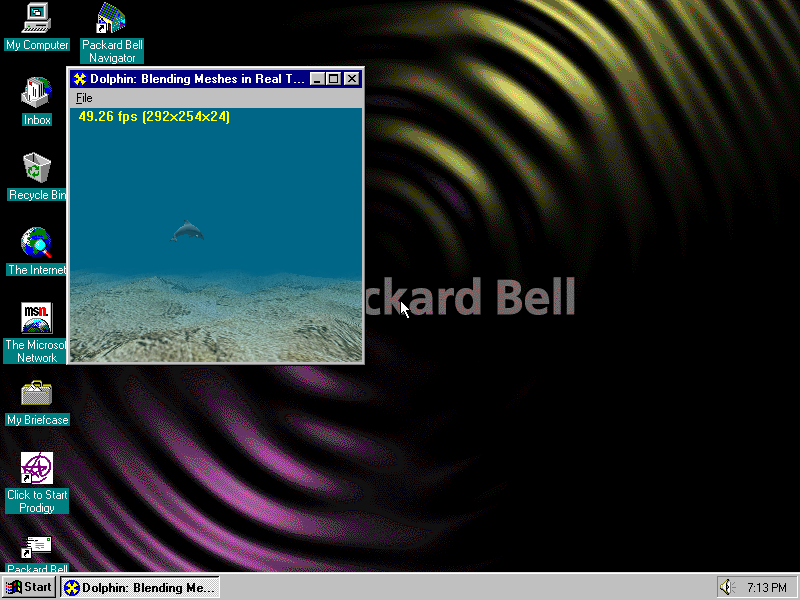
x) S3 Virge and Virge/VX emulation with Direct3D support in Windows 95

zfpmxz.png

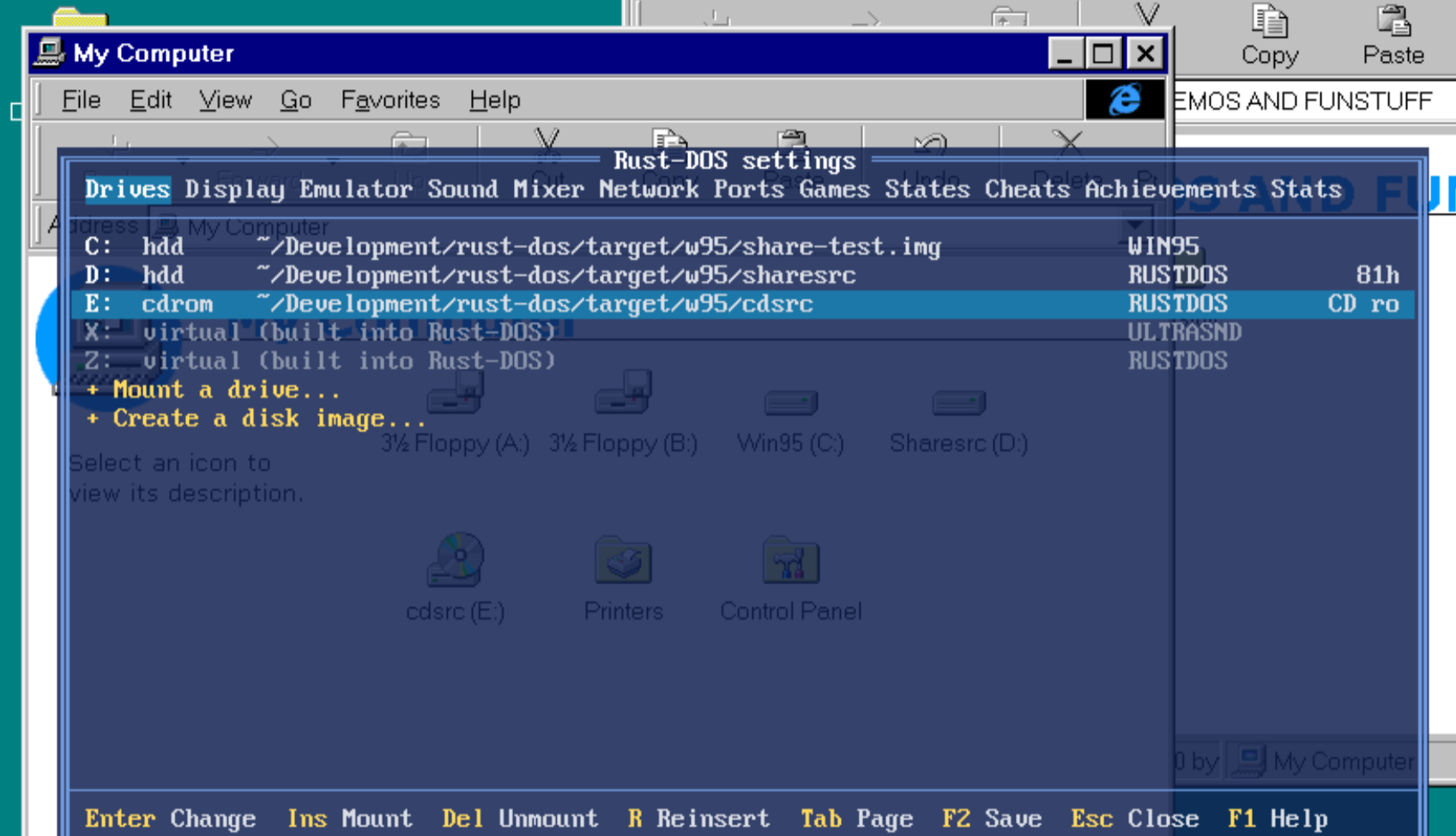
x) File exchange with Windows 95 via a virtual CD drive (readonly) and an in-memory disk (read+write) that has updates done by Win95 written to the actual filesystem on shutdown

0cyfqe.png

x) AWE 32 support
Note the ROM is not being distributed with Rust-DOS, but it will be automatically downloaded after user confirmation.

6jnx4i.png

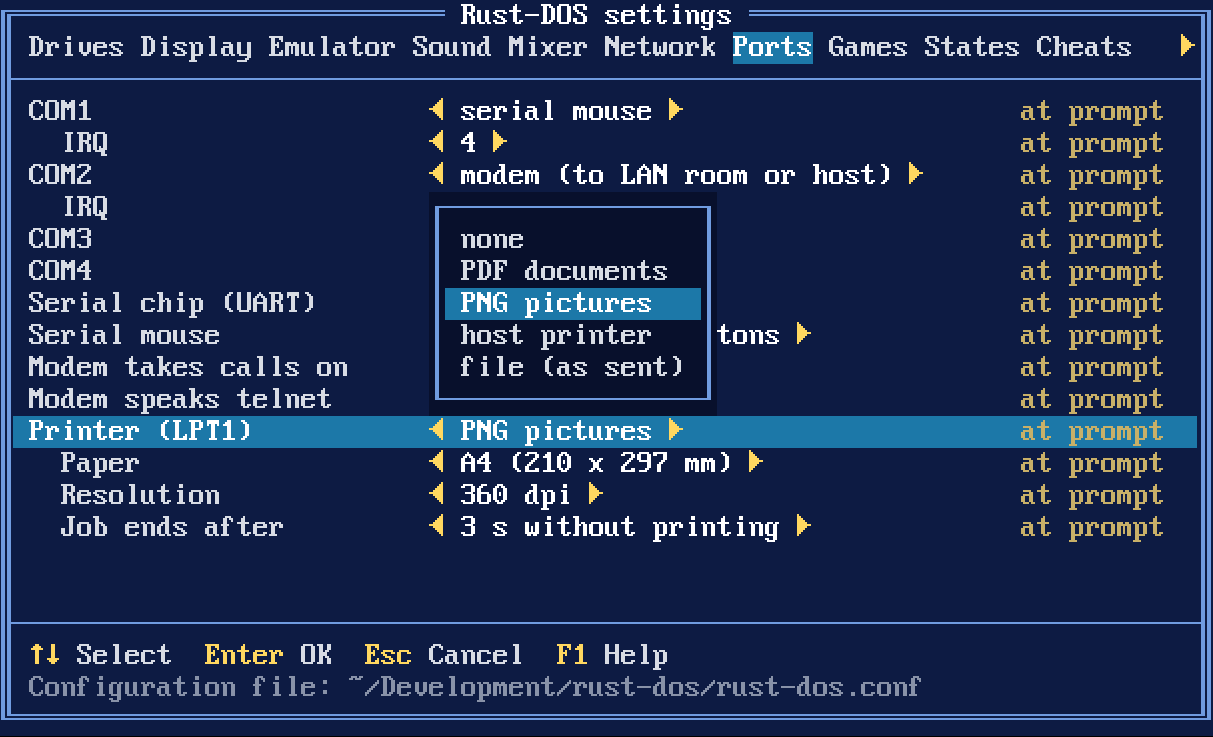
x) DOS Printing to file, PNG, PDF or a physical host printer

gltwey.png

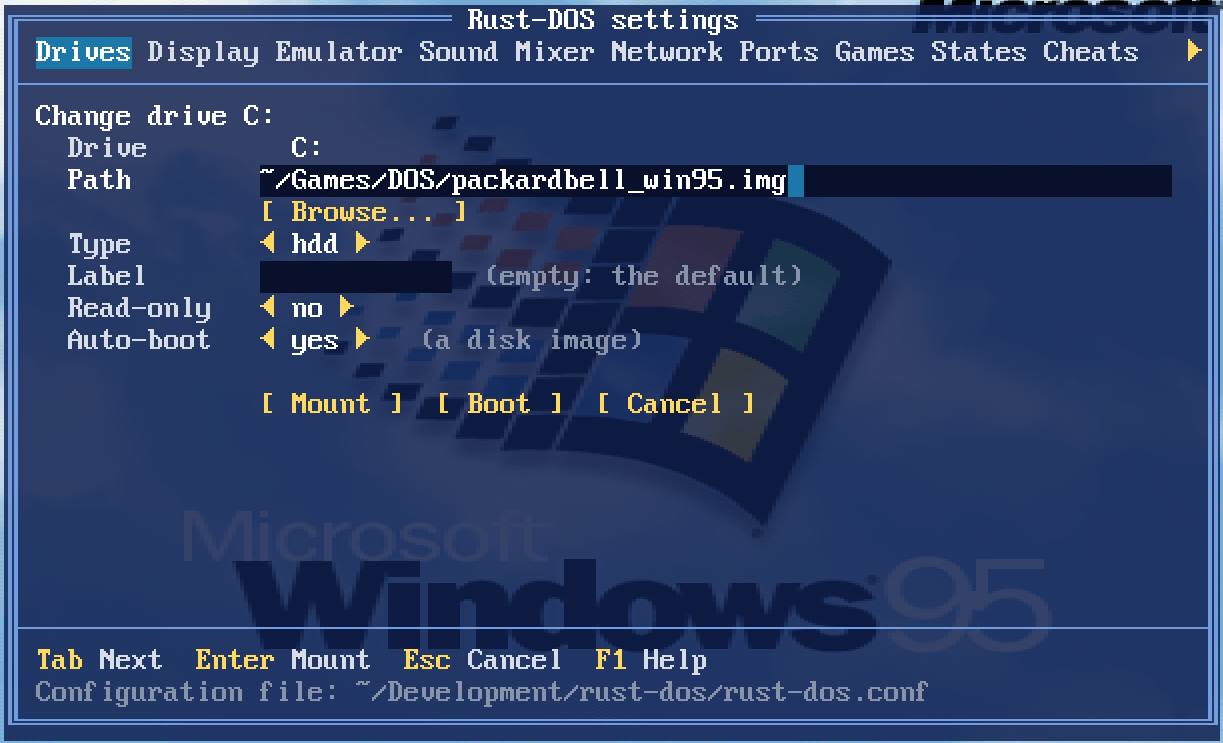
x) Booting mounted drives via the UI

olnhvm.png

x) A new "auto" cycle setting
This monitors the actual DOS render framerate and adjusts cycles to ensure maximum fps at minimum CPU load. It works a lot better than the usual dosbox approach of "grow to max in protected mode and use 3000 for everyone else". This actually enables playing a game like F117, and then playing Descent, both with good framerates and without touching settings at all. This is now the default.

x) Interpreter mode performance improvements
Rust-DOS should now be faster than Dosbox-X and Dosbox-Staging in realmode applications as well as protected mode applications.

z3rjjn.png

x) Larger memory configurations added - gated by processor type.

Last but not least:

x) Midnight Commander works now, both with and without DPMI=on 😀