" - Looking at the modes list at the very end of the manual, is there any easy way to use this monitor at 75hz even on those higher resolutions ? https://www.asus.com/no/displays-desktops/mon … Display-PA248QV
Seeing that (after 1152x864) it has 75hz (only) on the very max setting, 1900x1200 - bandwith is apparantly no issue, but the highest "operating modes" below are not 'supported' at 75hz ? As in will produce a blank/black screen if setting the desktop etc to 75hz in those modes ?
And what limitations/issues does that VGA input have - if any, vs aspect ratio, refresh rates or other areas ?
Yeah, I am not the most knowledgeable about these thing 🫣
But grateful for any useful information from current owners that have put that one through its paces.
Considering purchasing said monitor, so...
"
So indeed there is a restriction that 75Hz is only offered at the max refresh rate.
This must be the list of video modes programmed into the EDID table. I have no idea why they do not support 75Hz on the lower video modes.
CRT Terminator DV1000 ignores the EDID, and pushes out DVI-D video based on the input DOS mode. In my tests from generating a video mode from FPGA, the only restrictions I can recall, are:
- on HDMI input, output video width resolution must be > video height resolution (so DOS hack video modes like 256x256 or 512x512 are not supported. CRT Terminator sidesteps this by outputting 512x256 and 1024x512, and relying on 4:3 aspect)
- 50Hz <= refresh rate <= 75 Hz
- hsync >= 31.0 kHz
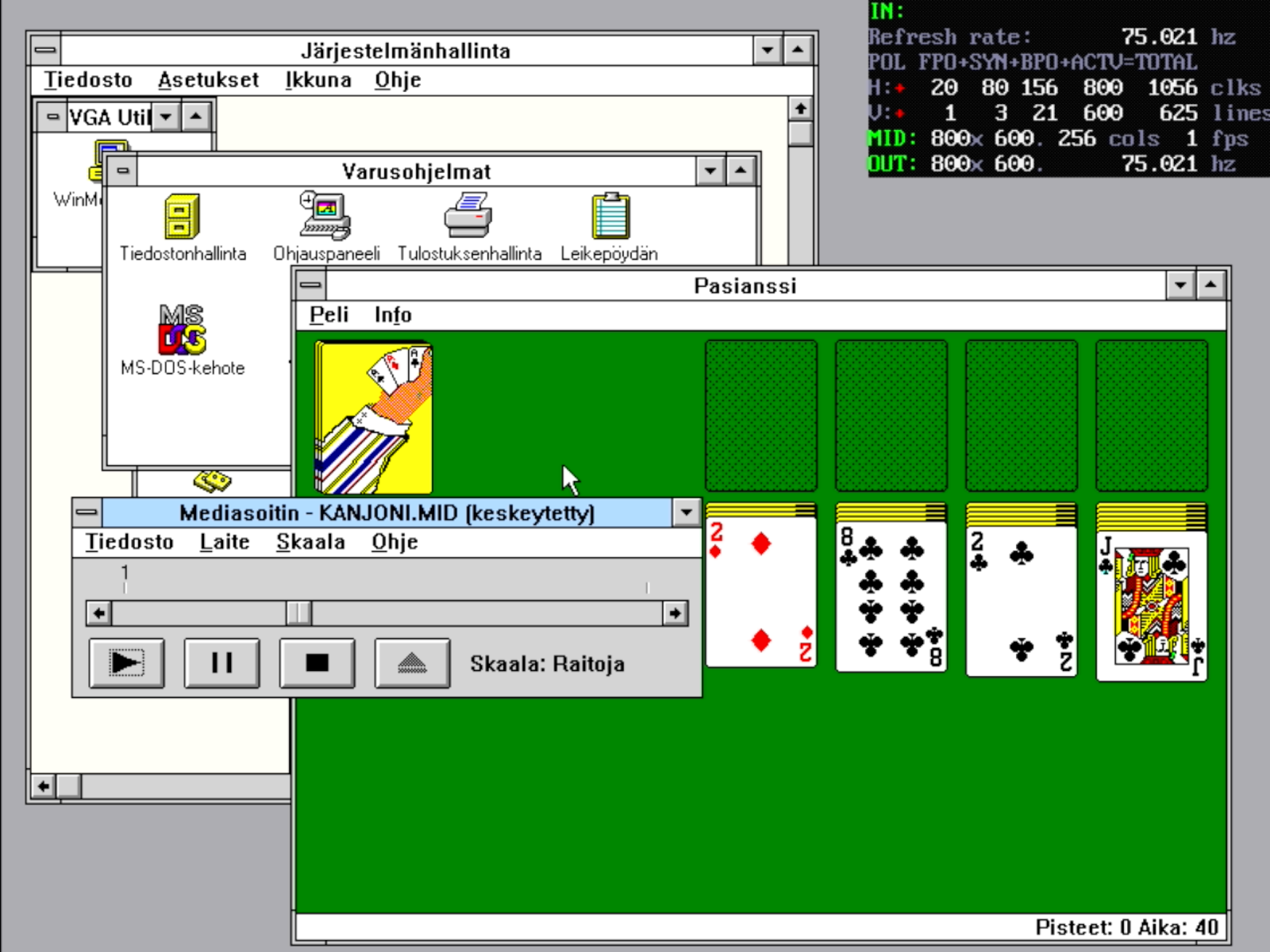
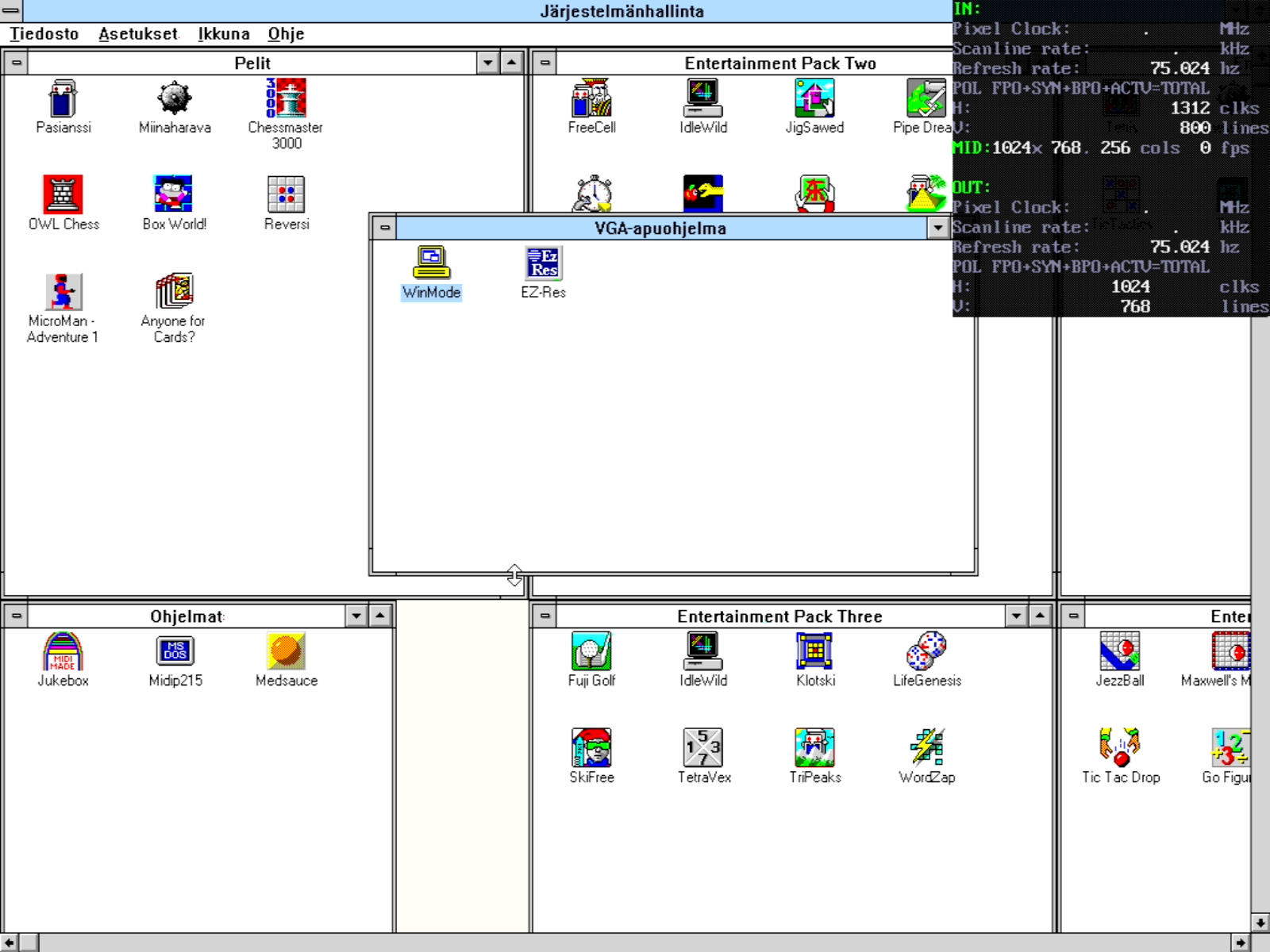
Giving a quick test with what I have at hand, I was able to output the following video modes from CRT Terminator to the Asus PA248QV:
The refresh rates are the maximum output from Hercules Stingray Pro ARK1000PV DOS card happens to be. Unfortunately it does not output 75Hz in any mode, though I am pretty sure I have output 75Hz from a wide range of lower resolution modes than 1920x1200.
The PA248QV does not do refresh rates above 75Hz, but I can't recall it ever not being able to do 75Hz in lower resolutions. e.g. 640x480 75Hz, 800x600 75Hz should be possible.
The above information are all from the HDMI input.
As for the VGA input, I have not used that side as much. The display has "4:3", "Full" and "OverScan" aspect ratio control modes.
In 4:3 modes from HDMI, the 4:3 control is not fixed, but an "intelligent 4:3", where the video output is shown as 4:3 only if the input video mode has an aspect ratio < 16:10. If the aspect ratio is >= 16:10, then the output is always shown as 16:10.
But naturally when viewing via VGA, such an aspect ratio determination cannot be made (as VGA video is continuous and does not have a horizontal resolution), so it could be that in VGA mode the 4:3 aspect ratio control is fixed, or based on some intelligent vertical # of scanlines detection only.
So, am I to understand that you can (somehow) actually make this monitor show a picture (and work normally) at these higher resolutions when the input signal comes as above 60hz ?
Noticing this bit here:
But you have to use some EDID black magic (ignoring) for that to happen ?
(as in, you need some kind of overriding apparatus between the monitor and the source)
If so, that is disappointing/annoying.
.
As for resolutions below 1280x, everything seems quite dandy though, judging by that modes table. But I still wanted to have slightly better refresh rate on the higher ones as well.
As I experienced 60hz to be less desirable when using my ancient Dell 2209WP at 1280x960 (4:3) etc. And my personal preference is that 1920x1200 is a bit too much/small anyway for a 24inch monitor.
The resolutions in question (picture from ASUS manual):
The attachment Asus Proart modes.jpg is no longer available
With my tests with CRT Terminator, it ignores all the EDID stuff, and just pushes a specific DVI-D mode resolution out to the display. The display then either shows a picture, or doesn't.
There are no mechanisms in a display itself to first configure/enable a display mode. I.e. Custom Resolution Utility and modelines configure the PC graphics adapter to output a specific video mode. The display just passively either accepts or rejects it.
Unless I'm missing something, that updated model no longer seems to have VGA input.This makes is less useful for retro gaming on older systems (Win9x).
Of course, if you have a DVI capable GPU, you might be able to use a passive DVI to HDMI adapter. But for pure VGA cards, this newer version of the monitor isn't a great choice.