UPdated Kernel for Geoworks GEOS, New Deal Office & Breadbox Ensemble: WORKS ON XT's!!!! […]
Show full quote
UPdated Kernel for Geoworks GEOS, New Deal Office & Breadbox Ensemble: WORKS ON XT's!!!!
Updated Recompiled GEOS.GEO For Geoworks GEOS, New Deal Office & Breadbox Ensemble.
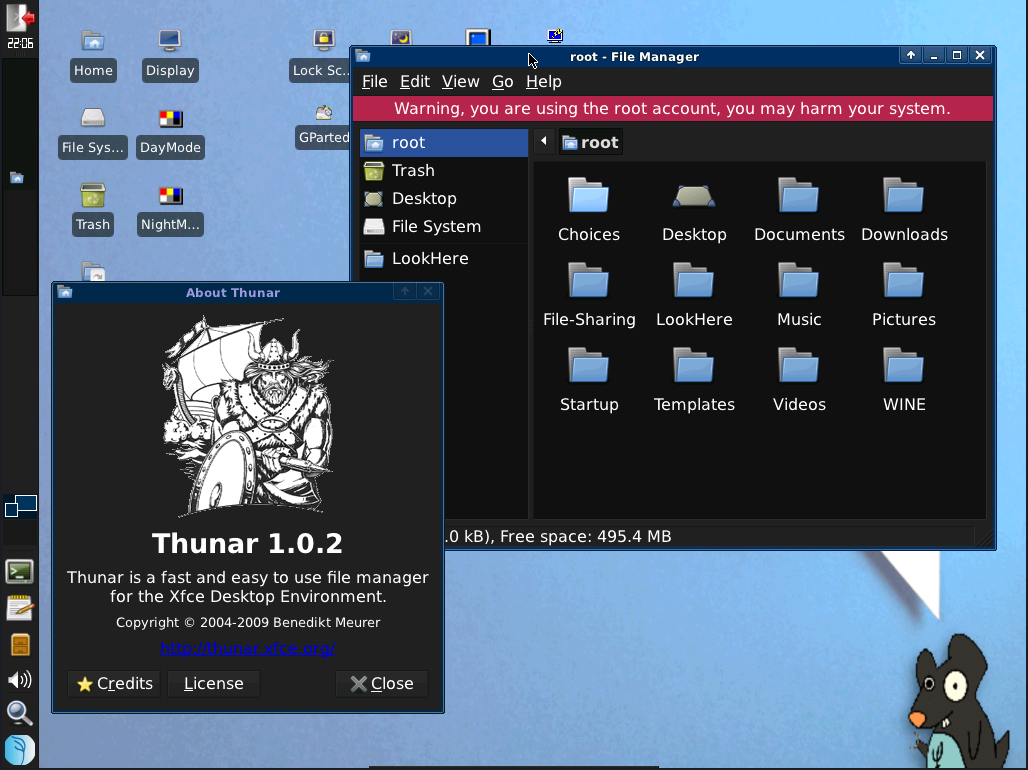
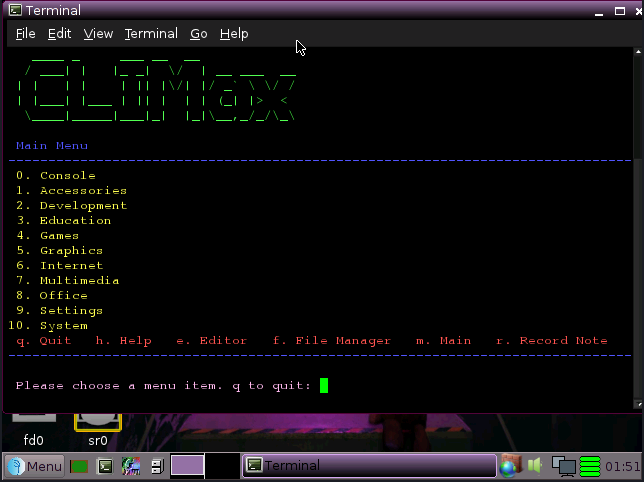
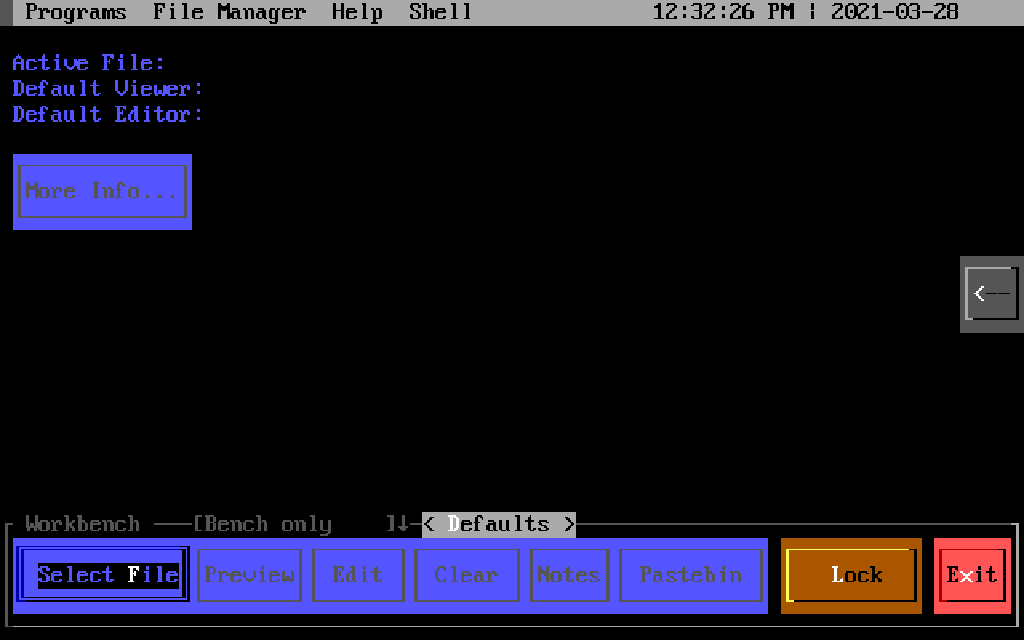
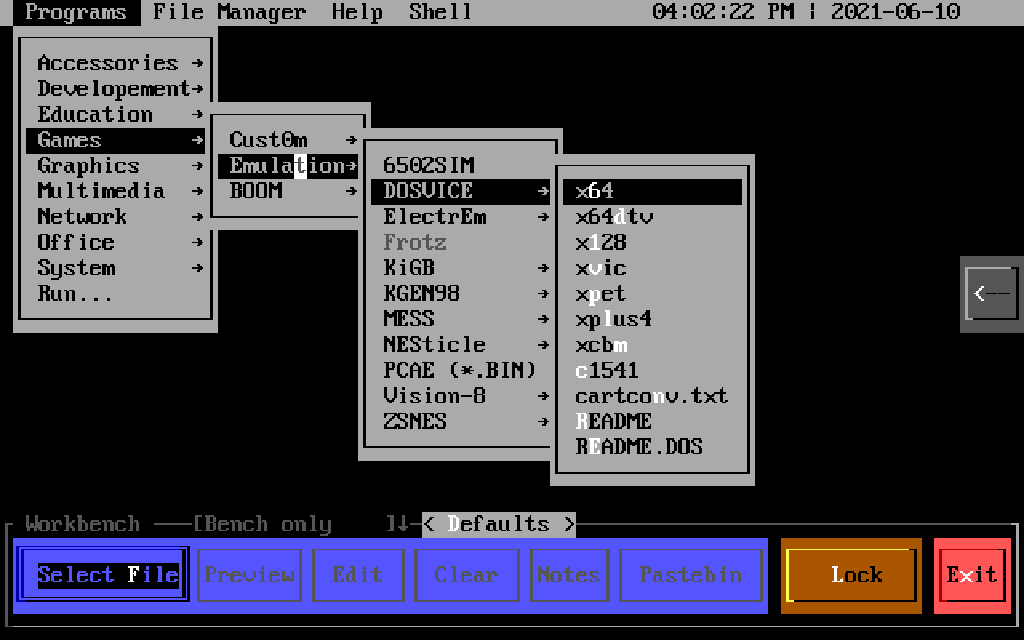
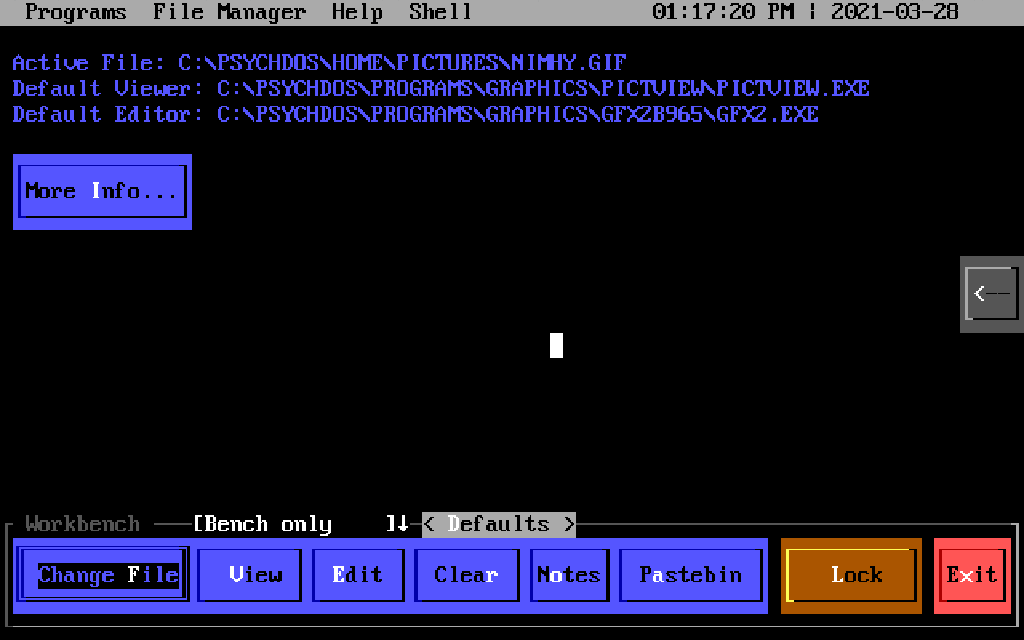
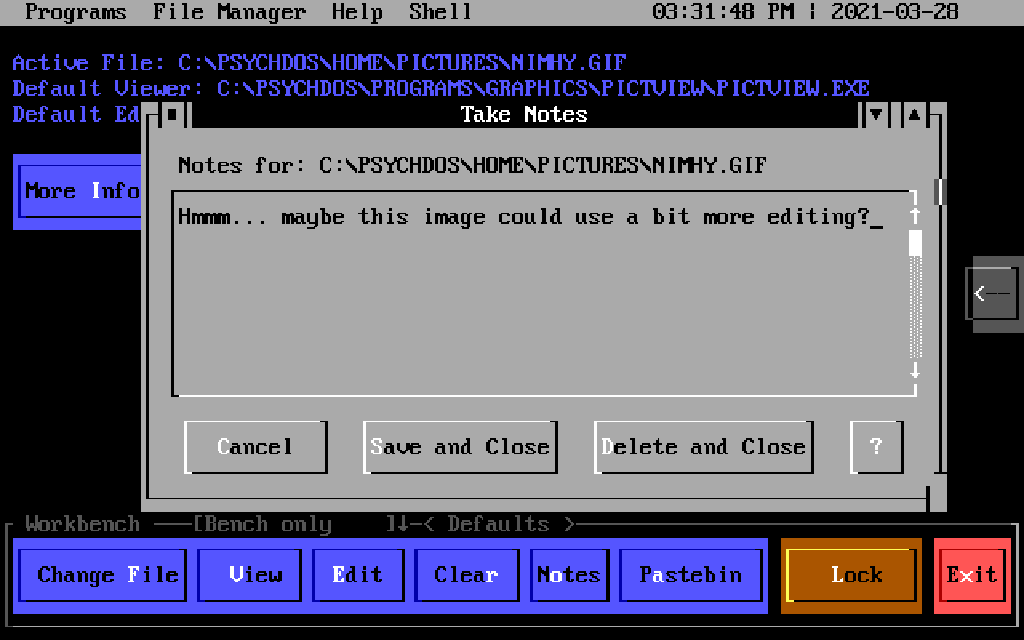
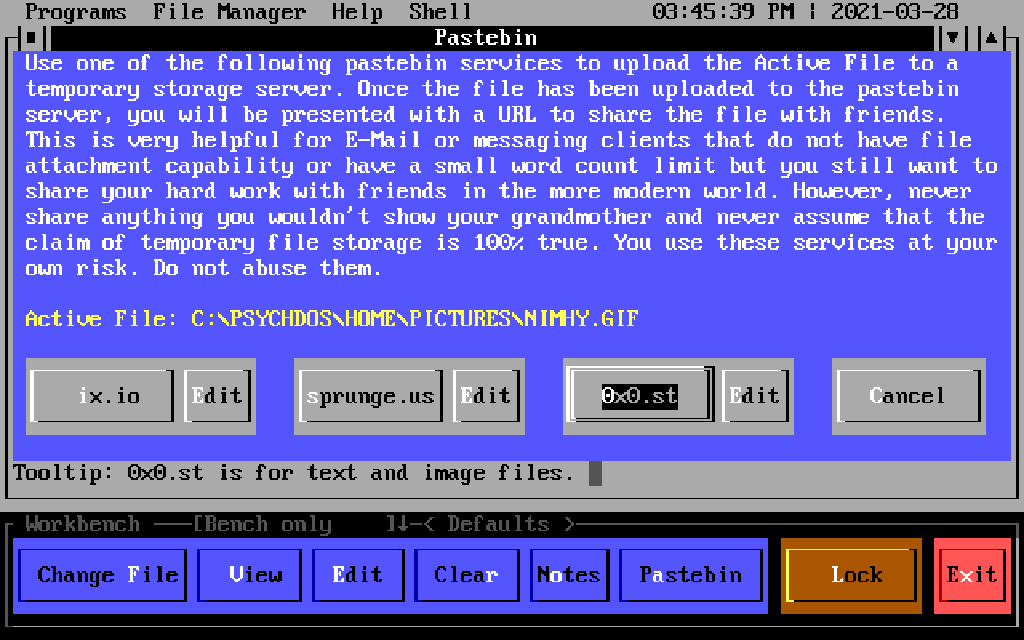
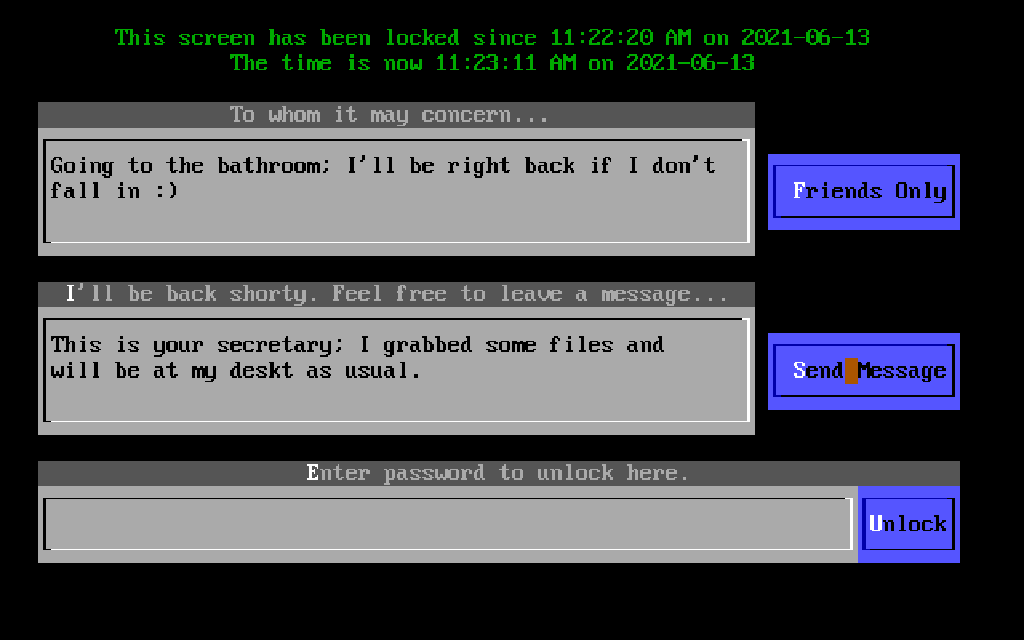
See images (this was on a 80286, but tests to work on an 8088)
PICTURE #14 is impressive (multi-tasking & on web, confirmed on a NEC V30 XT with 640kb)

MY REDDIT POST WITH GREATER DETAILS:
https://www.reddit.com/r/vintagecomputing/com … al_office_2000/
My Archive.org reupload:
https://archive.org/details/geos_20240815
Ethernet Driver, EtherPKT.Geo:
https://archive.org/details/etherpt-2
EMU386:
https://survpc.tripod.com/emu386/download.htm
System requirements appear to remain:
- 8088 (NEC V20 or better, + FPU for best results. Tested on NEC V30HL + NEC D9008D FPU @ 16mhz )
- Less than 256 kB of RAM (more = better results, 1024kb+ would be ideal. Tested on 1024kb + PicoMem 5MB EMS card)
- Base DOS install (IBM PC-DOS 7.1 BLD134 used for testing)
- Supports VGA true/high
- Supports Ethernet (driver above)
TO INSTALL/USE:
- Install GEOS, New Deal Office, Breadbox Ensemble (I suggest New Deal Office 2000 on an XT)
- Complete setup as normal, boot into it once & reboot to DOS
- Replace your SYSTEM\GEOS.GEO with it
- Reboot as normal
- I Suggest use of EMU386 if you have the memory to spare for it. Will work on NEC V20 or better with 8086-2 instruction set
Adds:
- Still boots & works on an XT 8088/8086, NEC V20/V30 with 640kb (tested on V30)
- SSL and HTML4 in the browser
- JPEG viewing support (in browser at very least)
- PDF that supports PDF 1.0-1.3 and then some.
- See images (this was on a 80286, but tests to work on an 8088)
Notably: READ THIS 1ST ONE, ABSORB, SERIOUSLY!
"So, I re-compiled latest FreeGEOS kernel with 32-bit support off and dropped it into NewDeal Office 2000 install. It boots and it works, there is SSL and HTML4 in the browser, and there's PDF that supports PDF 1.0-1.3 and then some. It works with acceptable speed, in fact."
&
"Nice bonus: even if MediaViewer doesn't seem to support JPEG files, they can be opened in browser. It is a very big deal for a 286 machine"
Found at:
https://tech.lgbt/@nina_kali_nina/111653827347219206
///
EtherPKT.GEO Note:
EtherPKT.Geo, GeoWorks GEOS, New Deal Office & Breadbox Ensemble ethernet driver.
NC_Quite.zip is This is a custom-compiled version of mTCP's Netcat utility mentioned.
Two Ether packet drivers. The driver in the ETHER_1 folder seems to be a bit older and a bit smaller. The driver in the ETHER_2 folder is the one from Thomas' download link. Which of the two works better is unclear.
I've been successfully using ETHERPKT.GEO with a NewDeal Office 3.2a setup for the past day-or-so, per an adaptation of this configuration.
Here is a generalized procedure:
1. Place ETHERPKT.GEO in the \SYSTEM\SOCKET subdirectory of your NDO installation.
2. Load the packet driver for your particular NIC.
3. Configure and run "DHCP" from Mike Brutman's mTCP package, taking note of the returned IP information.
4. Edit your GEOS.INI file to reflect the following for the [tcpip], [accpnt], and [accessPoint0001] sections. Populate the relevant IP fields with the information returned by the DHCP utility.
Code:
[tcpip]
driver = TCP/IP Driver
driverType = 0
link = Packet Ethernet Driver
linkDomain = Packet Ethernet
port = 2
[accpnt]
prevID = 4
contents = {
00010001
}
[accessPoint0001]
name = LAN
netType = 1
default = 1
ipaddr = x.x.x.x
ipgate = x.x.x.x
ipmask = x.x.x.x
dns1 = x.x.x.x
5. Fire-up NDO, and go to town.
There has been mention of the "ipaddr" field of the GEOS.INI file being dynamic if set to "0.0.0.0," but this failed to work for me. Also, it's worth noting that, in the absence of DHCP persistence in your environment, the expiration of an IP lease may require regular updating of the static IP address in that field.
The only anomalous behavior worth mentioning in all of this is that, with my particular system, some quirk of the ETHERPKT.GEO driver causes the keyboard to become unresponsive when exiting back to DOS from NDO. As a workaround, I'm just initiating "Exit > Reboot the Computer" instead.
EDIT: liiks like OG poster (Cloudschatze) of info is here, here is the link:
https://forum.vcfed.org/index.php?threads/loo … 959/post-929465