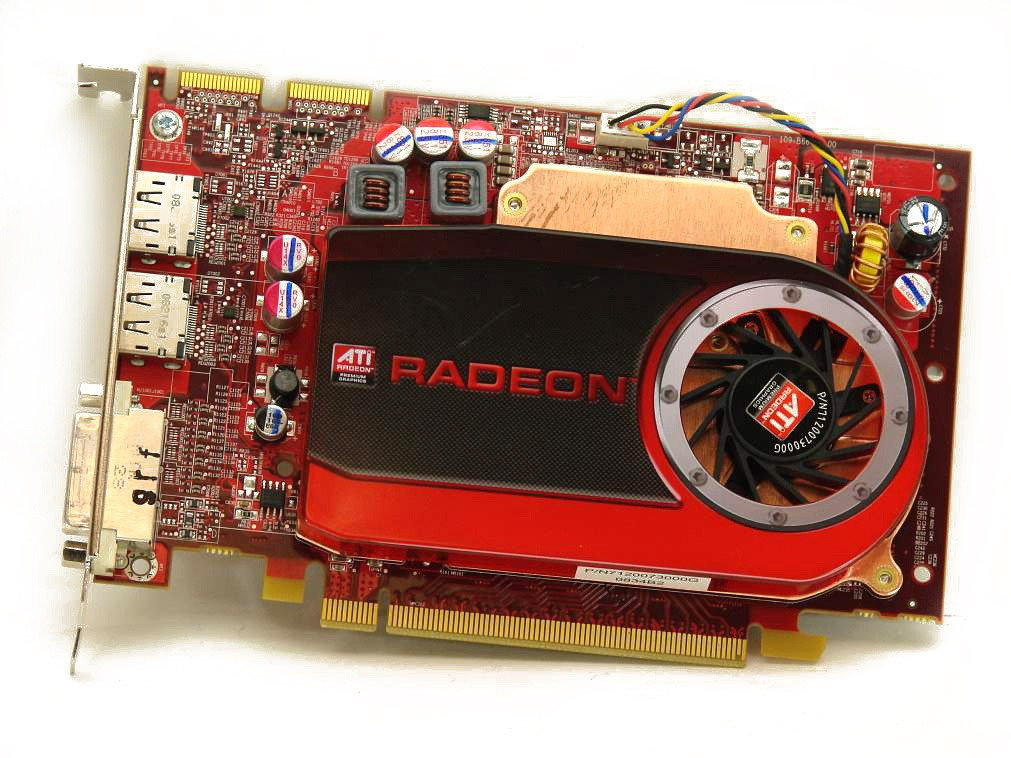
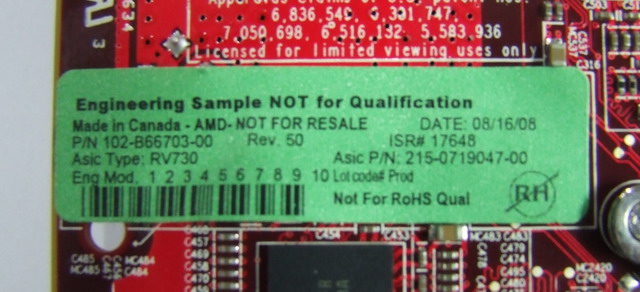
It turned out to be so easy that it wasn't even sporty.
Why convert FirePro B5700 to HD4670
- Higher standard frequencies
- AMD Overdrive tab available (for manual overclocking)
- Drivers available for more operating systems.
Download
- Radeon BIOS Editor
https://www.techpowerup.com/download/techpowe … on-bios-editor/
- GPU-Z
https://www.techpowerup.com/download/techpowerup-gpu-z/
- Ati winflash
https://www.techpowerup.com/download/ati-winflash/
1. Save the video BIOS using GPU-Z (the arrow next to ‘BIOS Version’ in the same line).
2. Open the saved BIOS using the RBE. ("unable to find overdrive setting" - OK)
3. Remember ‘vendor’
In my case, it is 0x1002 - ATI.
4. Replace the "video card" from FireGL V5700 to HD4670.
5. Save the bios
6. Download any BIOS for 4670 from the same manufacturer.
For ATI, I used this one.
https://www.techpowerup.com/vgabios/50300/50300
Open it with RBE, go to the “Additional Features” tab, and save the HASH for overdrive.
“Method 1 - Save”
Close RBE and forget about this BIOS, it is only a HASH donor.
7. Open BIOS from step 5 (you now also have a Fan Settings tab).
Additional Features tab - Method 1 - Load.
Select the saved HASH file.
8. Save BIOS.
That's it.
No adventures with softstrap bits like with nVidia VideoBIOS.
Just change the device ID
Force reprogramming using ATI winflash utility directly from Windows.
amdvbflash.exe -unlockrom 0
amdvbflash.exe -f -p 0 mb.rom
amdvbflash.exe -v 0 mb.rom
Then you can also adjust the frequencies, select the GPU voltages, and configure the fan in the same RBE.
Aopen MX3S, PIII-S Tualatin 1133, Radeon 9800Pro@XT BIOS, Audigy 4 SB0610
JetWay K8T8AS, Athlon DH-E6 3000+, Radeon HD2600Pro AGP, Audigy 2 Value SB0400
Gigabyte Ga-k8n51gmf, Turion64 ML-30@2.2GHz , Radeon X800GTO PL16, Diamond monster sound MX300