VOGONS


First post, by Estel Randir

User metadata
Rank Newbie
Rank
Newbie

These releases are windows versions released I think in 2000. I am trying to get them to run on Windows 11 Pro, butI simply cannot get them to run correctly. The executable will run, the game sound pulls up, I can escape through some intro (I can hear it change), but the screen is black. I have tried various Windows compatibility modes, Dxwind, dgvoodoo2 in both full screen & window mode using directx and glide in both x32 & x64 drivers. Nothing seems to work. I think these are directx 7.0 games. There is a folder in the install directory named "directx7" with dxsetup.exe & directx.cab files in it. But i do not want to try to install that for fear of adding yet another old set of legacy drivers on my computer. I already have too many now.

Anyone have suggetions or have successfully got these to work?
Reply 1 of 8, by Dege

User metadata
Rank l33t
Rank
l33t

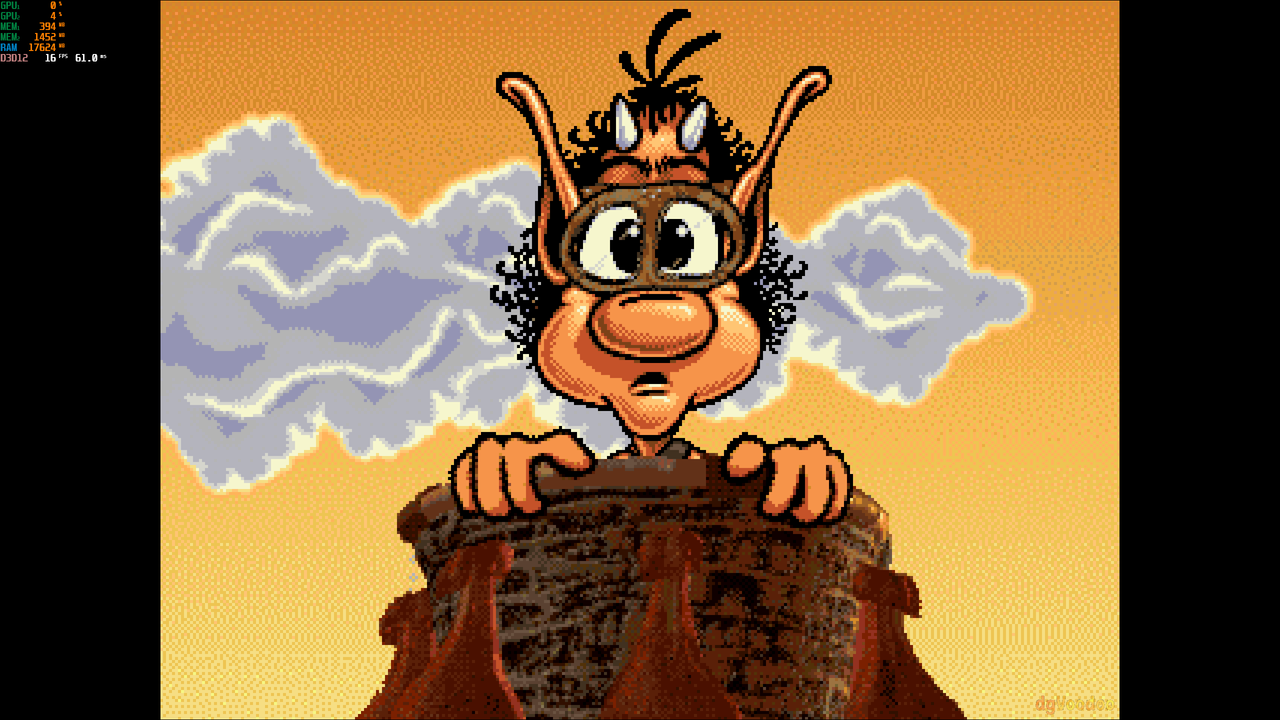
I've just tried Hugo Classic #2 and it works with dgVoodoo without a problem (Win11).
Hugo-2026-07-08-20-50-44.png

Natively I get a black screen too, for a while and then the game window minimalizes(?).
So, regarding that nothing works for you, the question aries: do you run the executable from a proper location? I mean doesn't it run natively all the time for some reason? You could check it out with the _dbg version of dgVoodoo.

Reply 2 of 8, by Estel Randir

User metadata
Rank Newbie
Rank
Newbie

What are your dgvoodoo2 settings?

Reply 3 of 8, by Joseph_Joestar

User metadata
Rank l33t++
Rank
l33t++

Anyone else remember the Hugo interactive phone-in games on Kabel 1 from back in the day?

I used to watch that show as a kid.

My retro builds

Reply 4 of 8, by Sombrero

User metadata
Rank Oldbie
Rank
Oldbie
Joseph_Joestar wrote on Yesterday, 06:59:

Anyone else remember the Hugo interactive phone-in games on Kabel 1 from back in the day?

I used to watch that show as a kid.

Yeah, I did too in my neck of the woods. Hugo was pretty big in europe at its height I guess. Though now one look at that face and I get a pretty strong NOPE reaction 😁

I also remember wondering why everyone was so bad at it, the lag between input and action must have been horrendous.

Reply 5 of 8, by Joseph_Joestar

User metadata
Rank l33t++
Rank
l33t++
Sombrero wrote on Yesterday, 11:07:

I also remember wondering why everyone was so bad at it, the lag between input and action must have been horrendous.

You know, I hadn't actually considered that, but it does make sense!

Hugo was truly ahead of the curve, giving us a glimpse of how laggy game streaming would feel some day. 😁

My retro builds

Reply 6 of 8, by Dege

User metadata
Rank l33t
Rank
l33t
Estel Randir wrote on Yesterday, 06:34:

What are your dgvoodoo2 settings?

Nothing special, it works with the default config for me.
But I usually use max forced resolution + "stretched, keep aspect ratio" scaling mode + dx12.

Reply 7 of 8, by Estel Randir

User metadata
Rank Newbie
Rank
Newbie
Dege wrote on Yesterday, 18:29:
Estel Randir wrote on Yesterday, 06:34:

What are your dgvoodoo2 settings?

Nothing special, it works with the default config for me.
But I usually use max forced resolution + "stretched, keep aspect ratio" scaling mode + dx12.

I went back to default settings and it seems to work now. I tweaked the settings a bit and still works. Who knows, it could be any setting. It does require windows compatibility settings to be Windows XP SP2 , run in 640x480 resolutionor it will blackscreen for me. which totally defeats the purpose of setting dgvoodoo2 to my native resolution. The game is playable but aggrivating with all the switching video modes and throwing my screens around. Too bad the dos versions have that wierd reboot error that won't let you run them on DosBox.

Reply 8 of 8, by Dege

User metadata
Rank l33t
Rank
l33t

And what if you unapply all the compatibility settings for the game?
Probably they just worsen the situation, I can run it with dgVoodoo without any compat settings applied.