VOGONS


A NOT-SO EPIC Dual Pentium Pro Build

Topic actions

Reply 220 of 232, by Irinikus

User metadata
Rank Oldbie
Rank
Oldbie
Grem Five wrote on 2026-06-08, 06:56:

I dont remember this whole thread but how did the memory test out? Only 440FX board I have is a Dual PII 3oos but it was a bit quirky with a couple of sticks of EDO I had.

The memory appears to be fine.

YouTube

Reply 221 of 232, by Irinikus

User metadata
Rank Oldbie
Rank
Oldbie

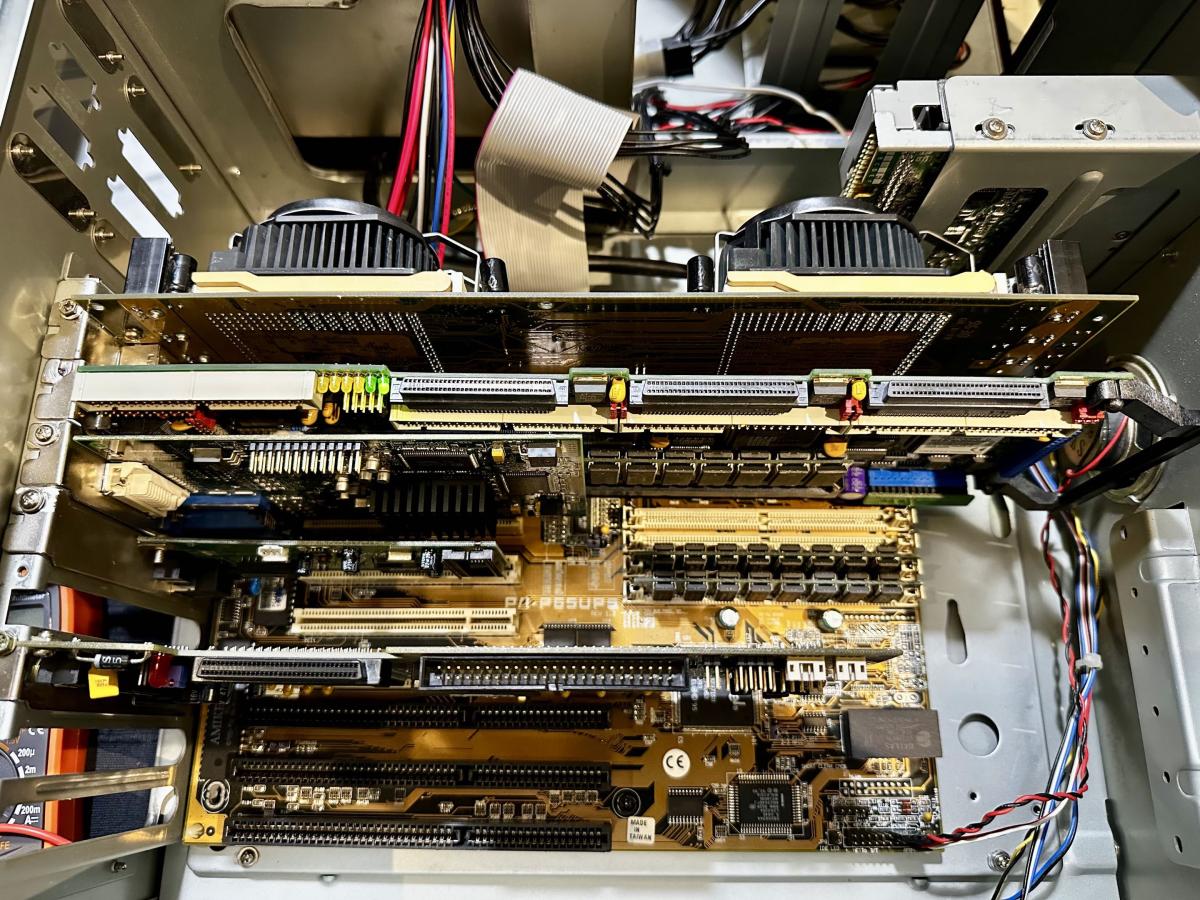
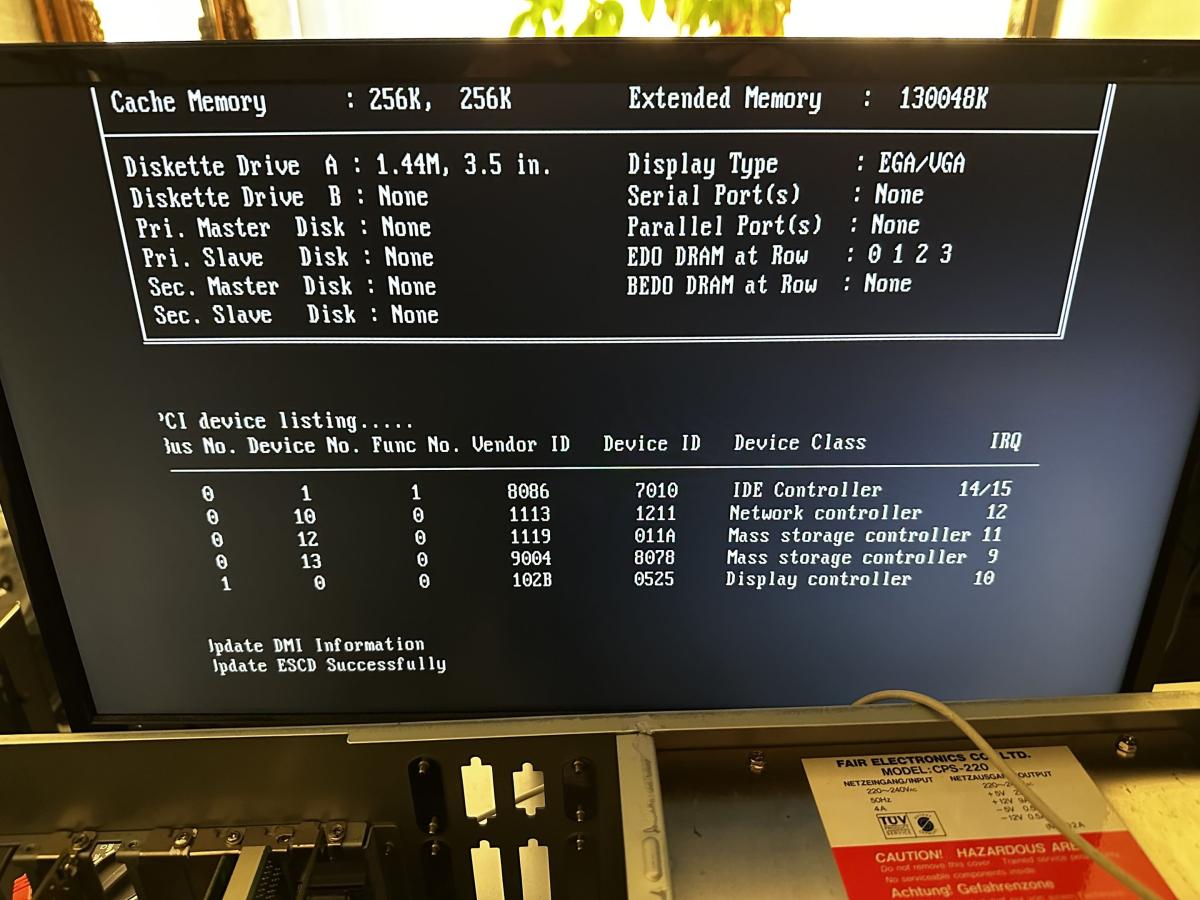
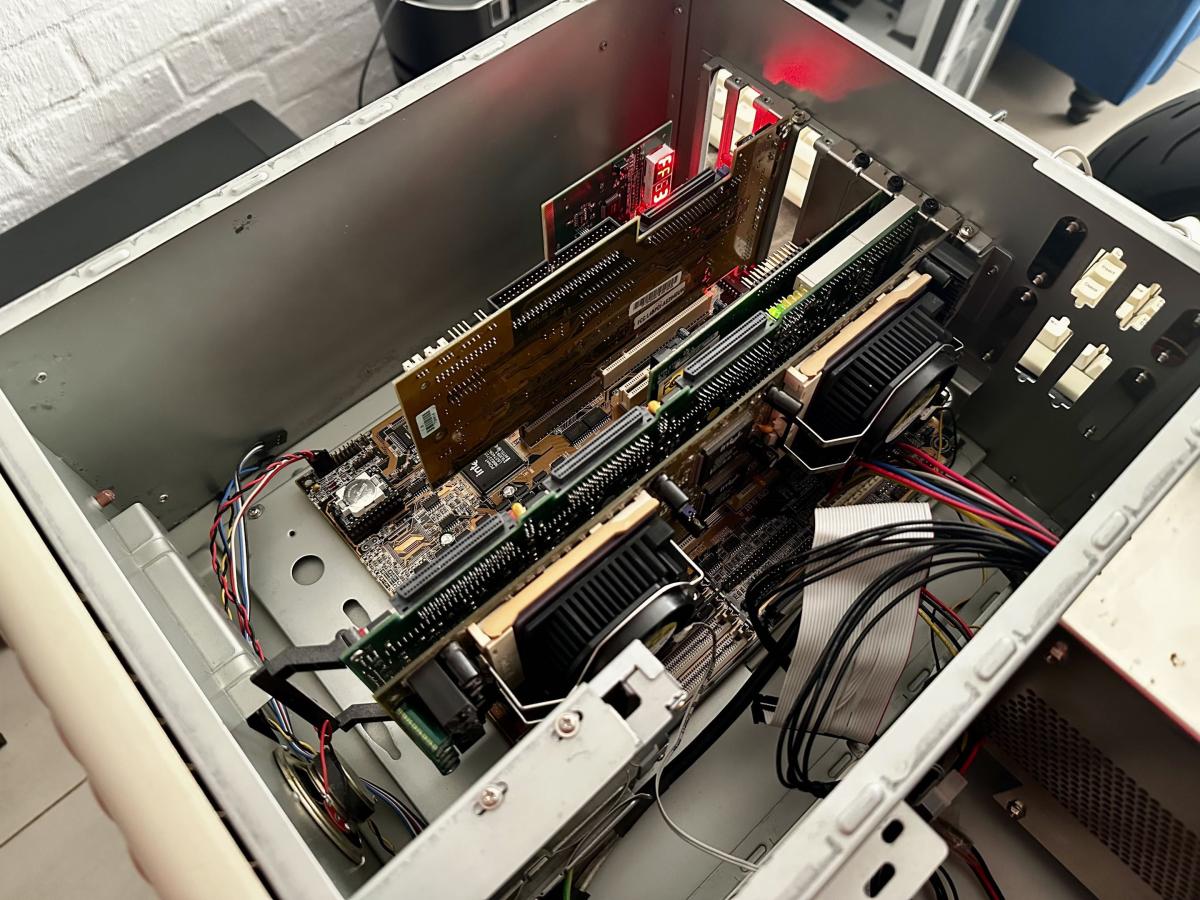
I’ve made some headway on my Dual Pentium Pro. I now have the Matrox Millennium G450 (2000) as well as the ICP SCSI card running in the system without any IRQ conflicts.

17812802283666G3cPoPrUf4_portrait.jpg

178128020748393E3Q0sIw74_portrait.jpg

The Matrox Millennium G450 (2000) will at least enable me to get XP onto this thing with driver support!

I still need to sort out the POST problem.

The DALLAS chip has already been drilled, so I can easily fit a coin cell holder to it. Its current battery voltage is sitting at 2.9v, which could be part of the problem! (I just need to get the part.)

YouTube

Reply 222 of 232, by maxtherabbit

User metadata
Rank l33t
Rank
l33t

What exactly is the post problem again? Does it only post "sometimes"?

Reply 223 of 232, by Irinikus

User metadata
Rank Oldbie
Rank
Oldbie
maxtherabbit wrote on 2026-06-12, 21:40:

What exactly is the post problem again? Does it only post "sometimes"?

That's pretty much it!

It didn't support the Matrox card before the BIOS update, so that at least worked!

YouTube

Reply 224 of 232, by maxtherabbit

User metadata
Rank l33t
Rank
l33t
Irinikus wrote on 2026-06-13, 02:09:
maxtherabbit wrote on 2026-06-12, 21:40:

What exactly is the post problem again? Does it only post "sometimes"?

That's pretty much it!

It didn't support the Matrox card before the BIOS update, so that at least worked!

Is it basically random, like it would work one minute and then not the next without you even touching anything inside the case?

Reply 225 of 232, by Irinikus

User metadata
Rank Oldbie
Rank
Oldbie
maxtherabbit wrote on 2026-06-13, 15:28:
Irinikus wrote on 2026-06-13, 02:09:
maxtherabbit wrote on 2026-06-12, 21:40:

What exactly is the post problem again? Does it only post "sometimes"?

That's pretty much it!

It didn't support the Matrox card before the BIOS update, so that at least worked!

Is it basically random, like it would work one minute and then not the next without you even touching anything inside the case?

That's correct!

I think that the DALLAS Chip may be part of the problem, as the CMOS is not resetting with the CMOS reset jumper and I've had issues saving settings to the CMOS.

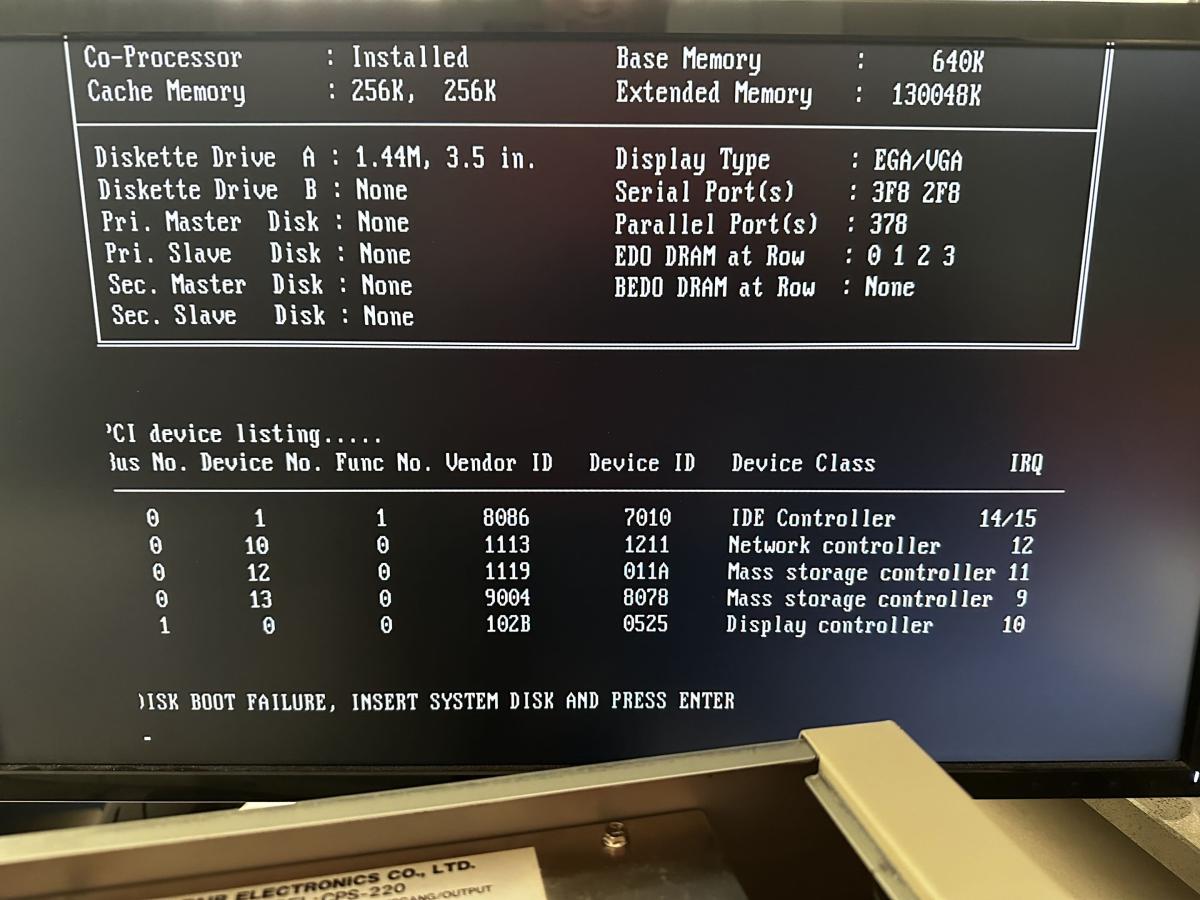
On one of the Boot Cycles I got this message:
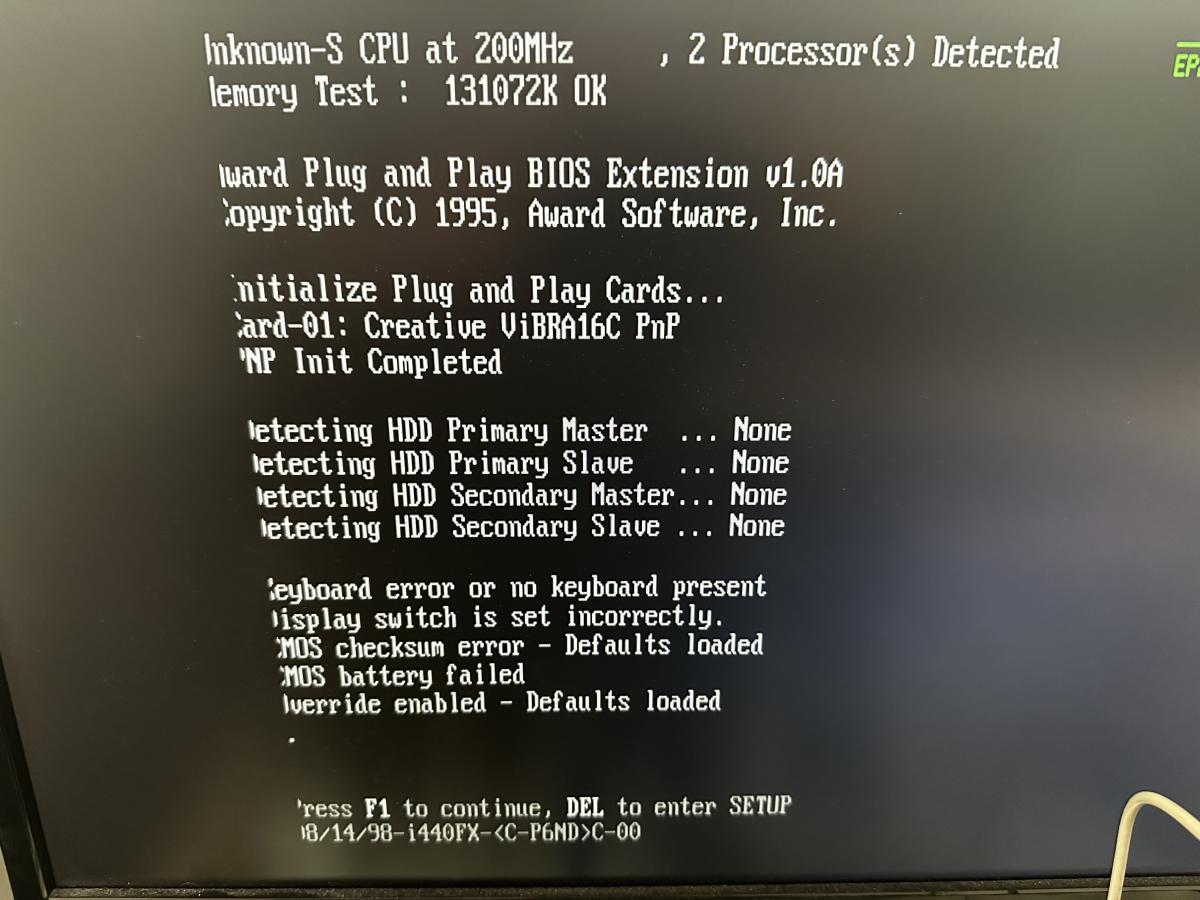
17813711024733c4WfXgdew4_portrait.jpg

Even with this message concerning the keyboard, the keyboard was connected and working correctly. (The next successful boot did not show this message.)

This kind of points to the DALLAS Chip

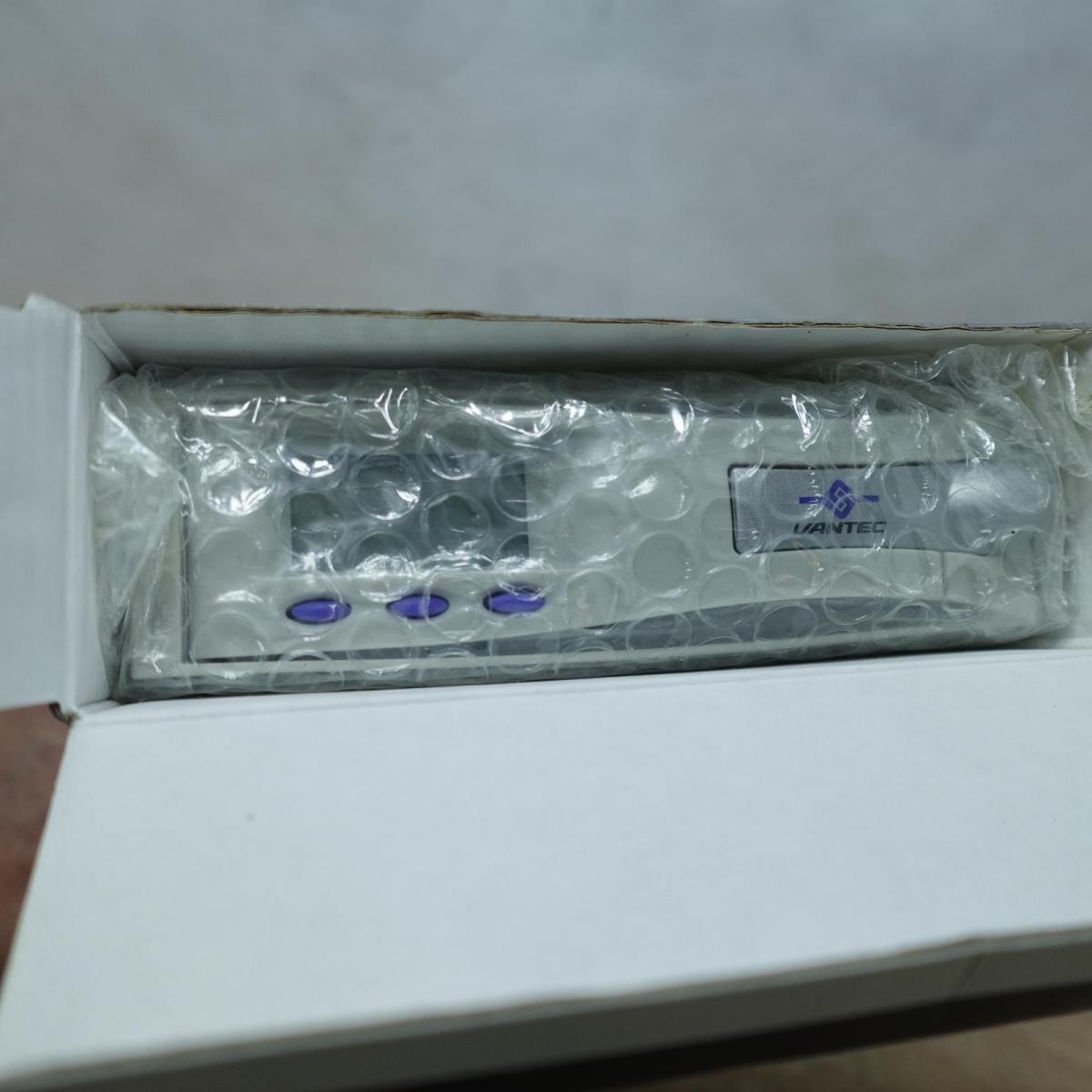
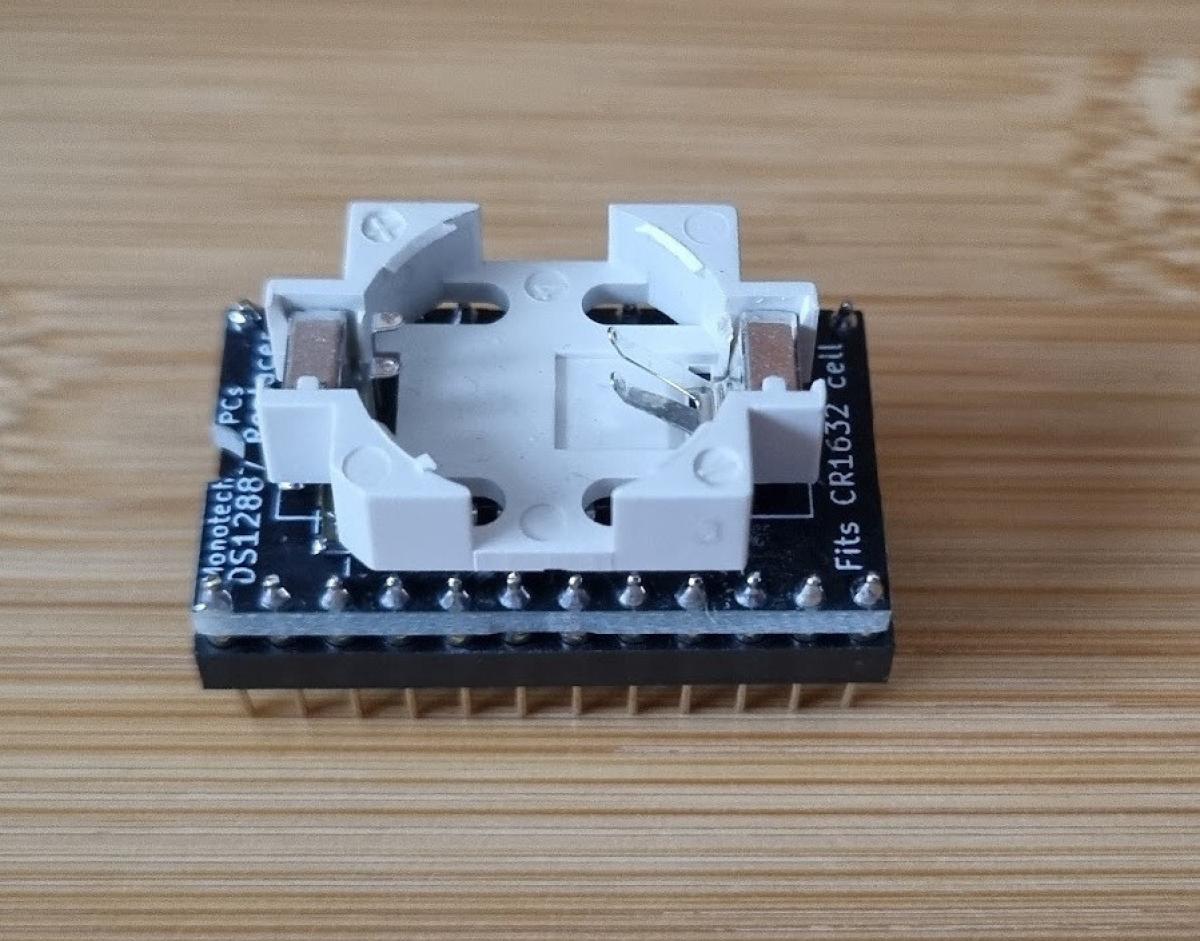
On Monday I'm going to purchase one of these replacement chips from a seller in New Zealand:
17813712431954yz2oyYQ4E4_portrait.jpg

This should eliminate the DALLAS Chip as a possibility.

I'm going to get this thing DHL Express'd to me! (The Shipping's going to cost twice as much as the item, but I don't have the stomach for the snail mail at this time!)

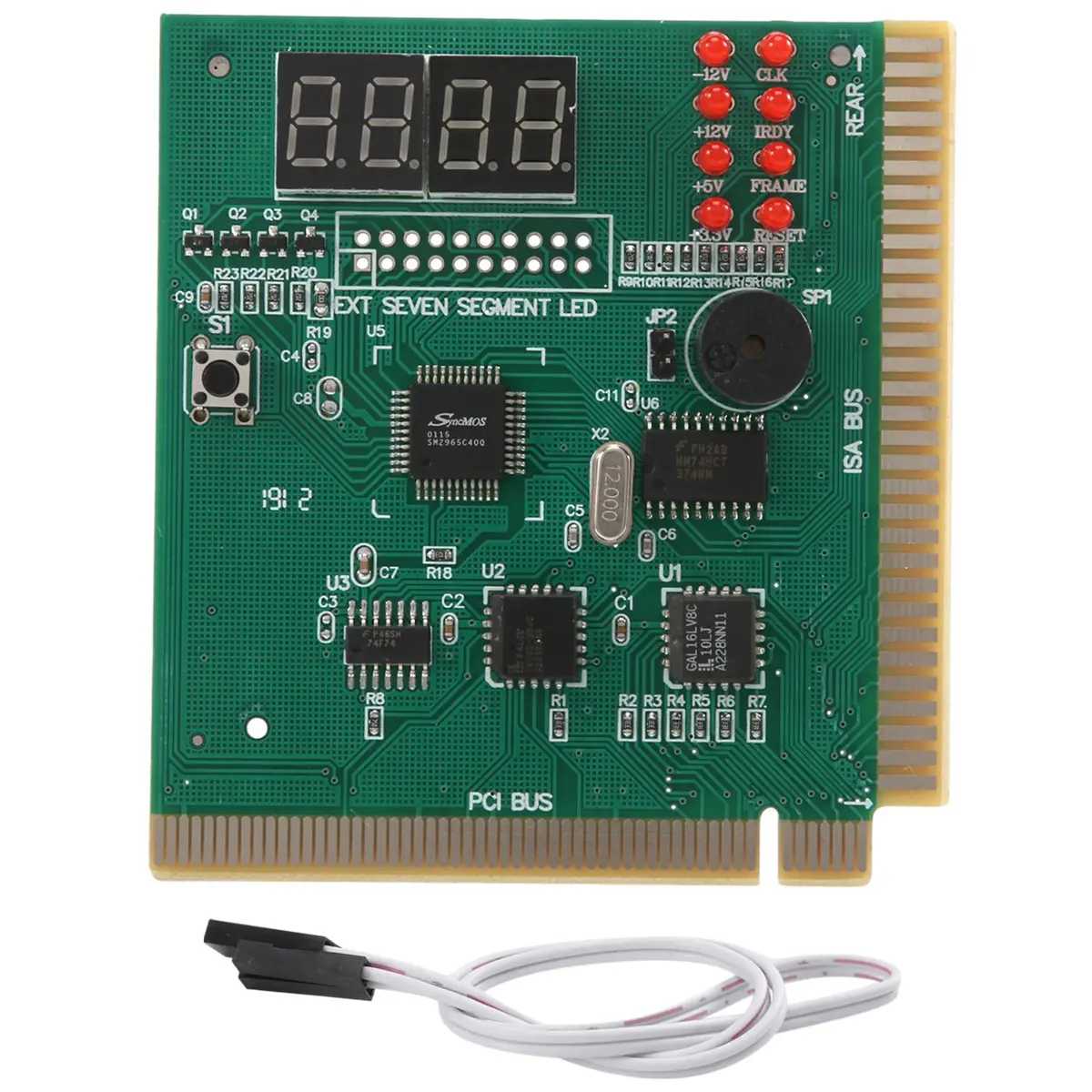
The Diagnostic card's also going to take a while to get here!

I'M HATING THIS MACHINE AT THE MOMENT!!!

YouTube

Reply 226 of 232, by maxtherabbit

User metadata
Rank l33t
Rank
l33t

Yes if the RTC chip is making intermittent contact in the socket it would do exactly what you are experiencing. In fact I've had the same thing happen to me, on a pentium pro board no less.

The clear CMOS jumper could be a red herring though, as some models of dallas chips and clones don't connect that pin at all

Reply 227 of 232, by Irinikus

User metadata
Rank Oldbie
Rank
Oldbie
maxtherabbit wrote on 2026-06-13, 19:03:

Yes if the RTC chip is making intermittent contact in the socket it would do exactly what you are experiencing. In fact I've had the same thing happen to me, on a pentium pro board no less.

It's always good to see that you're not the only one experiencing a specific problem! Thanks for the input!

maxtherabbit wrote on 2026-06-13, 19:03:

The clear CMOS jumper could be a red herring though, as some models of dallas chips and clones don't connect that pin at all

I don't think that the module that was fitted was an original DALLAS!

It may be a Red Herring, but it becomes a problem if your CMOS is corrupt and you cannot save to it or reset it!

The bad checksum may have been part of the problem. (I say part of the problem, as I don't know whether the new DALLAS replacement will solve all of the problems, as I haven't been able to run a diagnostic yet.)

YouTube

Reply 228 of 232, by Irinikus

User metadata
Rank Oldbie
Rank
Oldbie

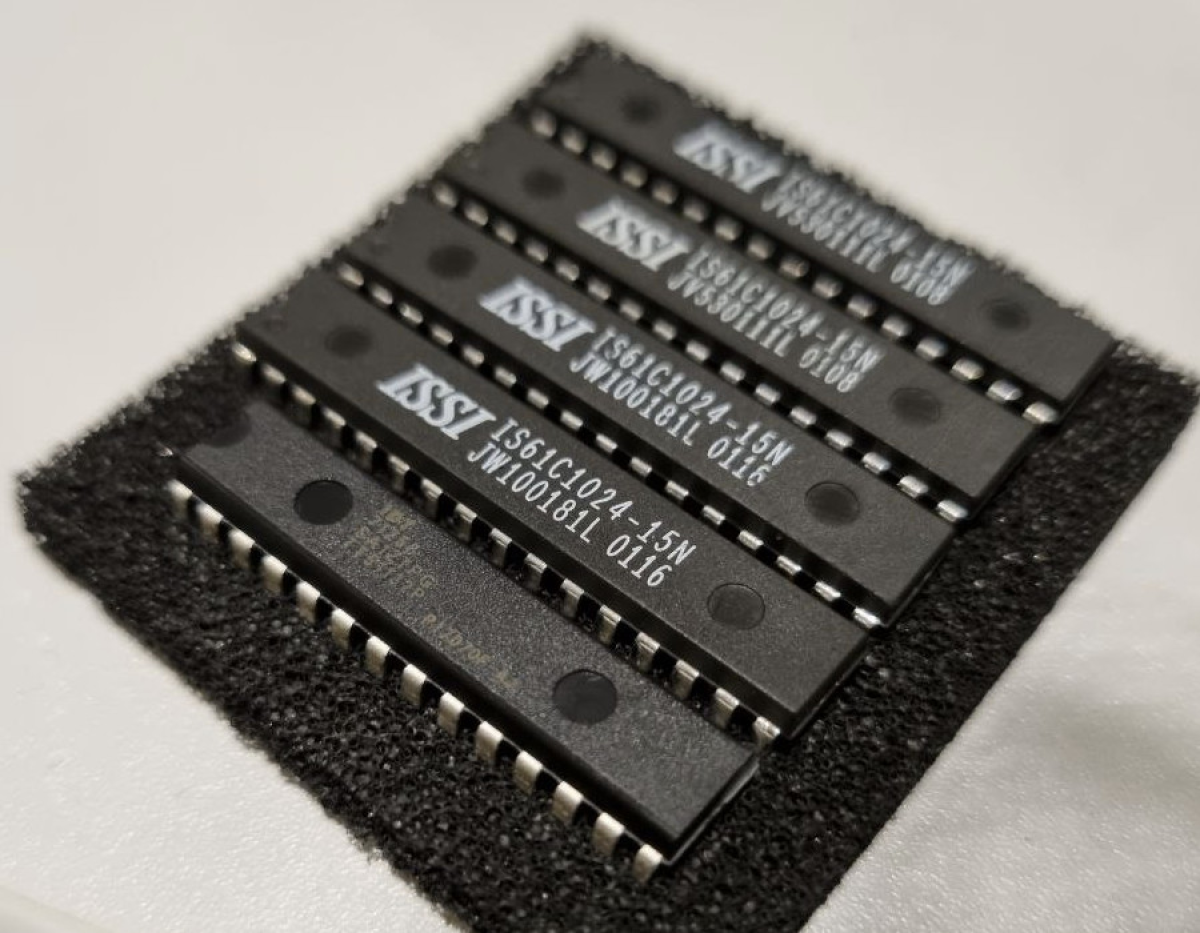
Yesterday I ordered the DS12887 replacement as well as the Diagnostic card as well as 512KB Cache for my 486: (I got the DS12887 replacement and the cache from the same seller in New Zealand.)

17813712431954yz2oyYQ4E4_portrait.jpg

17805825860068bHTagn5aS4_portrait.webp

17815903292338bea2UPhBE4_portrait.png

It turns out that my 486 can take 512KB of Cache, allowing it to Cache the full 128MB of RAM which can be slotted!

YouTube

Reply 229 of 232, by H3nrik V!

User metadata
Rank l33t
Rank
l33t
Irinikus wrote on 2026-06-16, 06:15:

It turns out that my 486 can take 512KB of Cache, allowing it to Cache the full 128MB of RAM which can be slotted!

That's crazy, given that many Pentium chipsets are only able to cache 64 MiB ... Are you sure about that? AFAIK it also depends on TAG size 🤷‍♂️

If it's dual it's kind of cool ... 😎

--- GA586DX --- P2B-DS --- BP6 ---

Please use the "quote" option if asking questions to what I write - it will really up the chances of me noticing 😀

Reply 230 of 232, by Irinikus

User metadata
Rank Oldbie
Rank
Oldbie
H3nrik V! wrote on 2026-06-16, 13:38:
Irinikus wrote on 2026-06-16, 06:15:

It turns out that my 486 can take 512KB of Cache, allowing it to Cache the full 128MB of RAM which can be slotted!

That's crazy, given that many Pentium chipsets are only able to cache 64 MiB ... Are you sure about that? AFAIK it also depends on TAG size 🤷‍♂️

Well that's according to The Retro Web: https://theretroweb.com/motherboards/s/ibm-pc … 71,-pc-350-6581

My particular board is IMG 2 of 8 on this page.

177216971498493GgaB99eB1_portrait.jpg

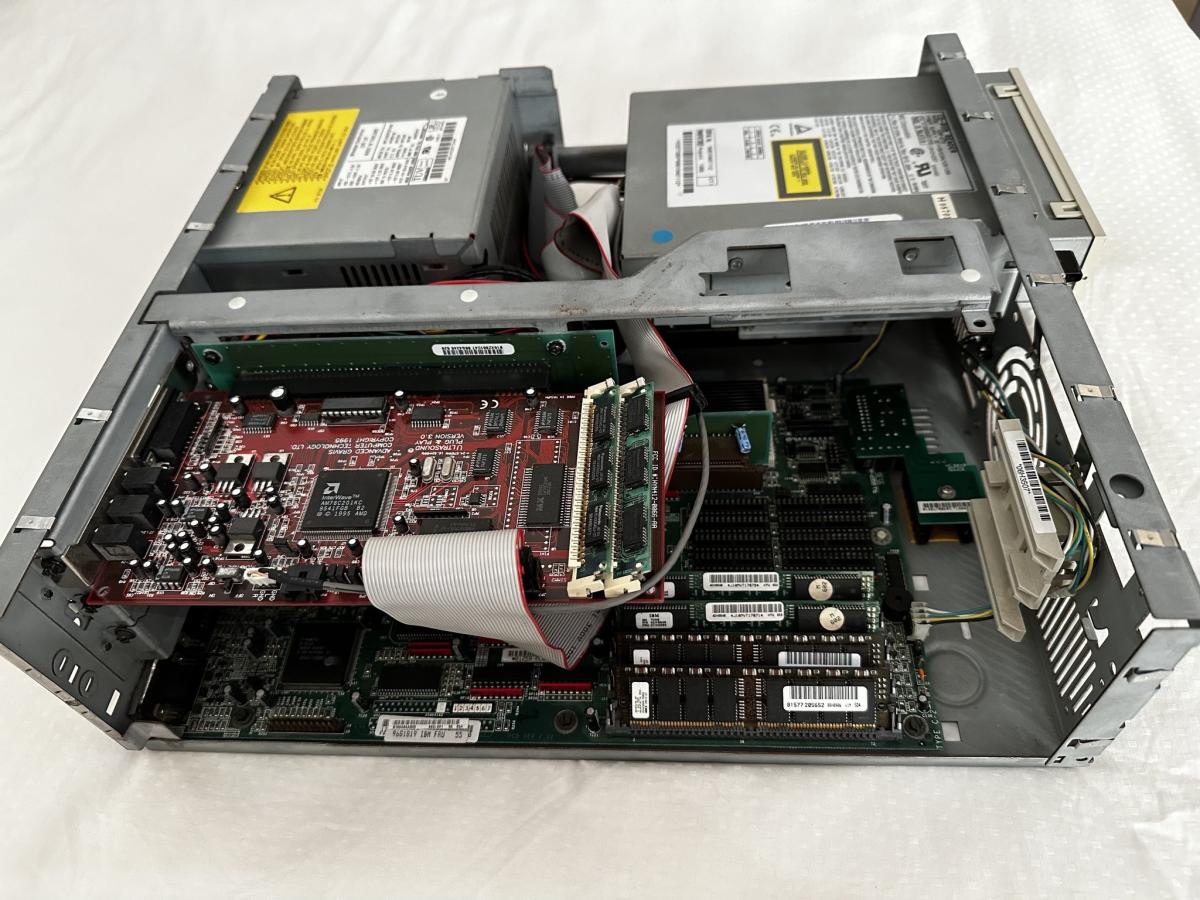
It's currently fitted with a 486 X4 100 CPU, 32MB of RAM, a 540MB Hard Drive, a quad speed Creative CD-ROM and a Gravis Ultrasound Plug & Play.
It needs the cache upgrade as well as a Diamond Stealth64 VLB with 4MB of video RAM to be completed

YouTube

Reply 231 of 232, by Irinikus

User metadata
Rank Oldbie
Rank
Oldbie

At long last it appears to be working!!!

17853379310014H01T25XDK4_portrait.jpg

17853379588745ldwnFgIlb4_portrait.jpg

YouTube

Reply 232 of 232, by Irinikus

User metadata
Rank Oldbie
Rank
Oldbie

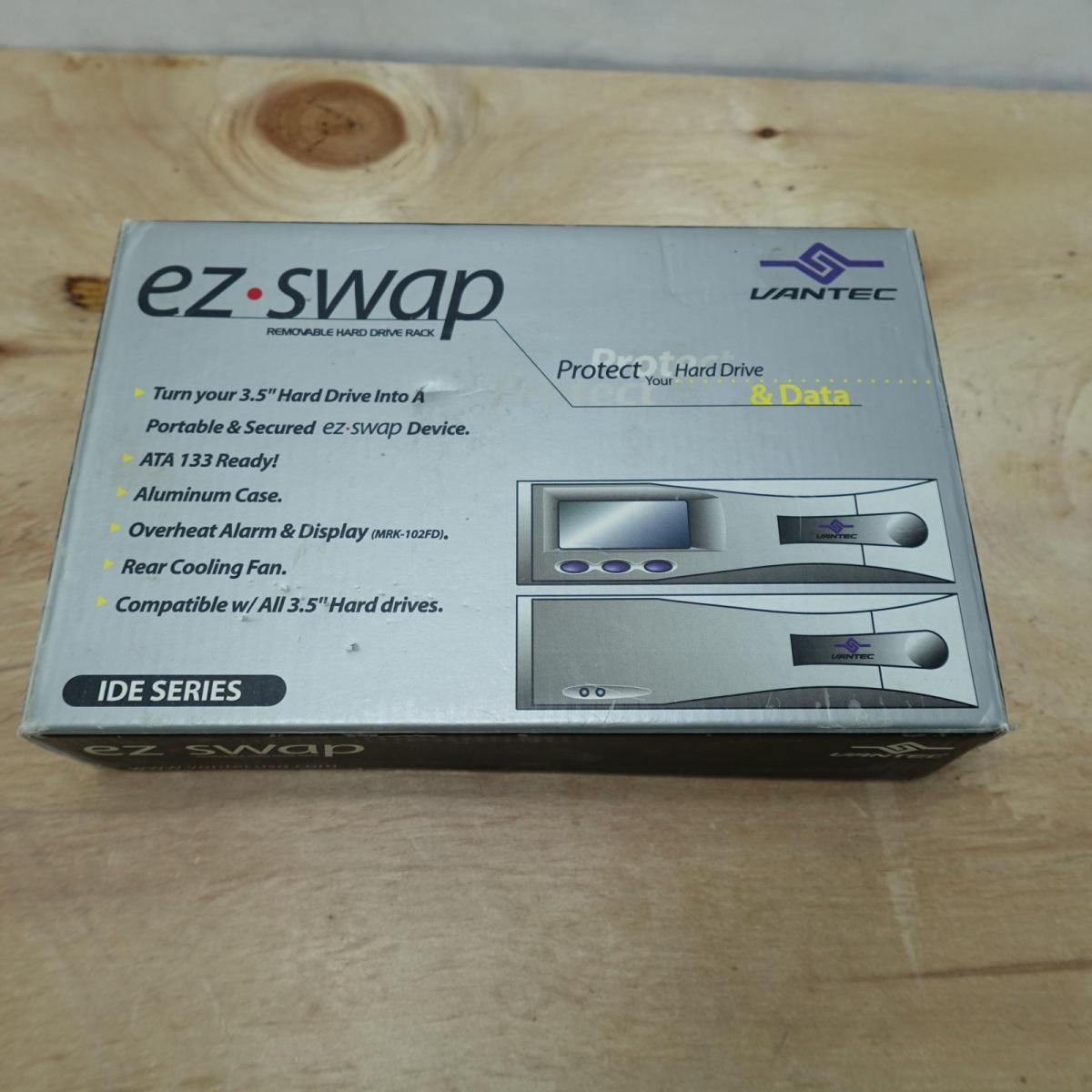
I've just ordered two of these Beige Hard Drive Bays for the Dual Pentium Pro, as the Colani case doesn't have any dedicated 3.5"slots for hard drives. (I will also have to order in two 80-pin SCSI bays in the future, but one step at a time for now.)

17855081831331Wu934tBk84_portrait.jpg

17855083133295XYN0yKAmi4_portrait.jpg

YouTube