VOGONS

Common searches


First post, by Totempole

User metadata
Rank Member
Rank
Member

Some time ago, I scrapped the idea of using a TNT2 M64 in my system in favour of a Geforce 2 MX400. It seemed like a no-brainer, since the GF2 is much faster, and uses pretty much the same drivers.

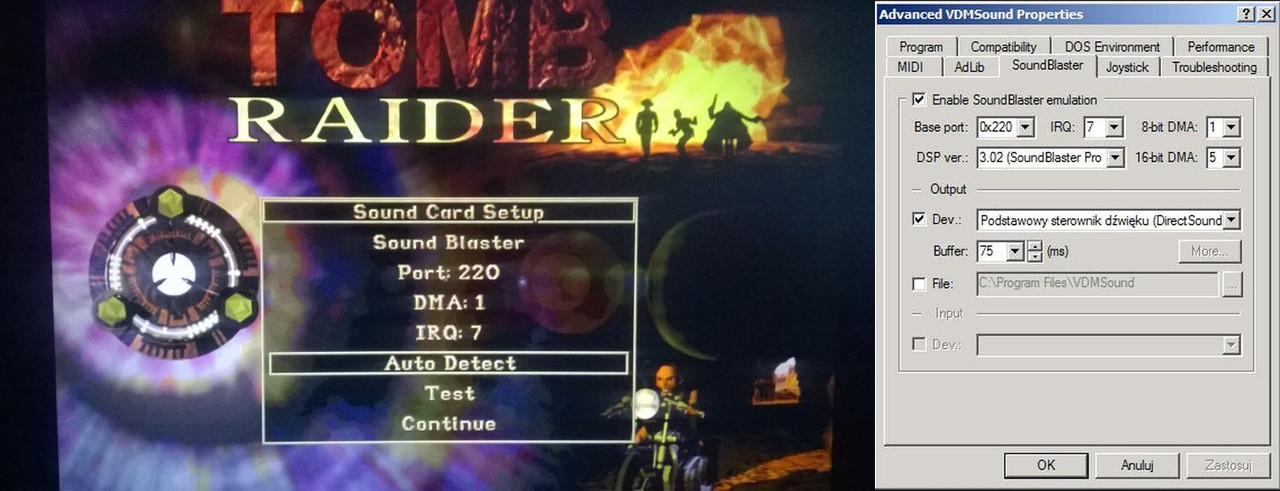
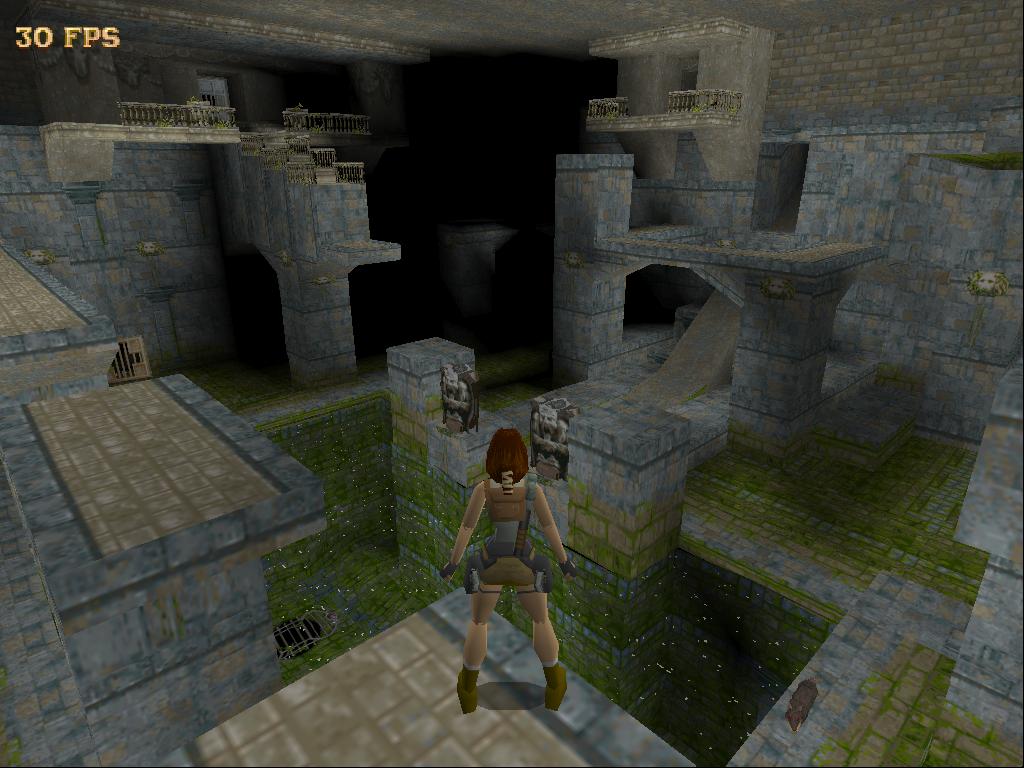
So far, the only problem I've experienced is with Tomb Raider 1, 99% of the time, it freezes at the main menu. At first, I wasn't sure it was caused by the GF2, but now I'm positive. I've tried running TR1 in three different machines each running GF2's. Regardless of drivers, running in Windows or DOS, the game seems to freeze.

So, my question is, does anyone know of any kind of fix I could try? Perhaps like a VESA driver or something?

Any advice would be much appreciated.

Thanks. 😀

My Retro Gaming PC:
Pentium III 450MHz Katmai Slot 1
Transcend 256MB PC133
Gigabyte GA-6BXC
MSI Geforce 2 MX400 AGP
Ensoniq ES1371 PCI
Sound Blaster AWE64 ISA


Reply 2 of 11, by Totempole

User metadata
Rank Member
Rank
Member

No joystick or gamepad. Just a GF2. It's not a sound conflict either. If I disable sound, I still have the same problem. I tried the demo as well, and the same thing happens.

With a TNT2 M64, it works fine.

My Retro Gaming PC:
Pentium III 450MHz Katmai Slot 1
Transcend 256MB PC133
Gigabyte GA-6BXC
MSI Geforce 2 MX400 AGP
Ensoniq ES1371 PCI
Sound Blaster AWE64 ISA

Reply 3 of 11, by filipetolhuizen

User metadata
Rank Oldbie
Rank
Oldbie

Maybe your AGP slot doesn't like Geforce cards. I've seen this happening before. Do you have the latest BIOS for your mobo?

Reply 4 of 11, by Totempole

User metadata
Rank Member
Rank
Member

I can rule out the actual PC as being the issue, since Ive tried 4 different Geforce 2MX cards across 3 completely different PCs. a P2, a P3, and a P4, all with the latest BIOS. It's more far more likely that TR1 doesn't like. NVidia Drivers are not a factor either, since this is a DOS game.

I've even tried using nolfb.com in a batch file, in the hope that it might help, but no luck. 🙁

My Retro Gaming PC:
Pentium III 450MHz Katmai Slot 1
Transcend 256MB PC133
Gigabyte GA-6BXC
MSI Geforce 2 MX400 AGP
Ensoniq ES1371 PCI
Sound Blaster AWE64 ISA
Reply 6 of 11, by Totempole

User metadata
Rank Member
Rank
Member

Good question. I've only tried it on high resolution, which I think is either 640x480 or 640x400. I'll try and switch to a low res and see if that makes a difference.

As for patches, I can't remember which ones I've tried up to now, but I don't think there's much in the line of official patches for TR1.

Update: Hmm. I can't even access setup.exe with the Geforce 2 card. If I do I just get a black screen and the PC freezes.

Update 2: I have no idea how to switch to low res, withou being able to get to the menu. The moment I reach the main menu after the opening cinematics, it freezes. 🙁

My Retro Gaming PC:
Pentium III 450MHz Katmai Slot 1
Transcend 256MB PC133
Gigabyte GA-6BXC
MSI Geforce 2 MX400 AGP
Ensoniq ES1371 PCI
Sound Blaster AWE64 ISA

Reply 7 of 11, by F2bnp

User metadata
Rank l33t
Rank
l33t

Totempole, it's been a while since I played Tomb Raider 1 on a "fast" retro PC, but I do seem to remember similar problems with Nvidia cards. It would usually hang at the main menu for me. What's the rest of your system like?

I suggest installing the TNT2 M64 back in (or maybe some other card that may even do hardware acceleration for this game) and beating the game. There's probably nothing wrong with your GeForce2 cards and the rest of the system, just Tomb Raider being picky.

Reply 8 of 11, by filipetolhuizen

User metadata
Rank Oldbie
Rank
Oldbie

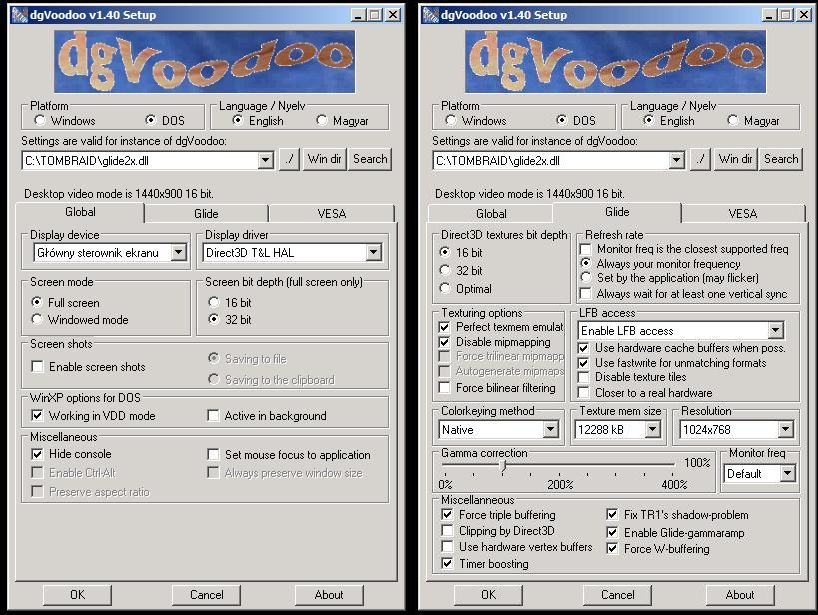
IIRC high resolution mode was accessed from a command line. Without it, it ran on low-res by default. Maybe you'll have to use the 3dfx patch along with a Glide wrapper to play it in your system.

Reply 9 of 11, by Totempole

User metadata
Rank Member
Rank
Member

Not via command line. I'm pretty sure I pressed one of the F keys to get into high res mode. I wouldn't want to run it in low res anyway, but it moght help me get closer to a solution if it does in fact work in low res mode.

The PC I want to run it on is a PII 450Mhz. Too slow to handle glide wrappers properly.

Edit: I've just realized I've asked about this before about 6 months ago. 😊
Tomb Raider 1 on Geforce 2 MX-400
I never did come right with those glide wrappers though.

My Retro Gaming PC:
Pentium III 450MHz Katmai Slot 1
Transcend 256MB PC133
Gigabyte GA-6BXC
MSI Geforce 2 MX400 AGP
Ensoniq ES1371 PCI
Sound Blaster AWE64 ISA
Reply 10 of 11, by F2bnp

User metadata
Rank l33t
Rank
l33t

Even funnier is the fact that there was the same back and forth between you and filipeto on that thread. 🤣

Pressing F1 switches between VGA and SVGA in Tomb Raider. Totempole, do you own any 3dfx cards? Tomb Raider also had accelerated versions for the PowerVR PCX2, Matrox Mystique and ATi Rage, so you can use those as well.

Reply 11 of 11, by Totempole

User metadata
Rank Member
Rank
Member

I have a Voodoo 3 3000 AGP card, but it's severely lacking in the D3D department, and compatibility is not great. The Geforce 2 is an extremely compatible card for 90's games, TR1 is the only problem I've come across so far.

My Retro Gaming PC:
Pentium III 450MHz Katmai Slot 1
Transcend 256MB PC133
Gigabyte GA-6BXC
MSI Geforce 2 MX400 AGP
Ensoniq ES1371 PCI
Sound Blaster AWE64 ISA