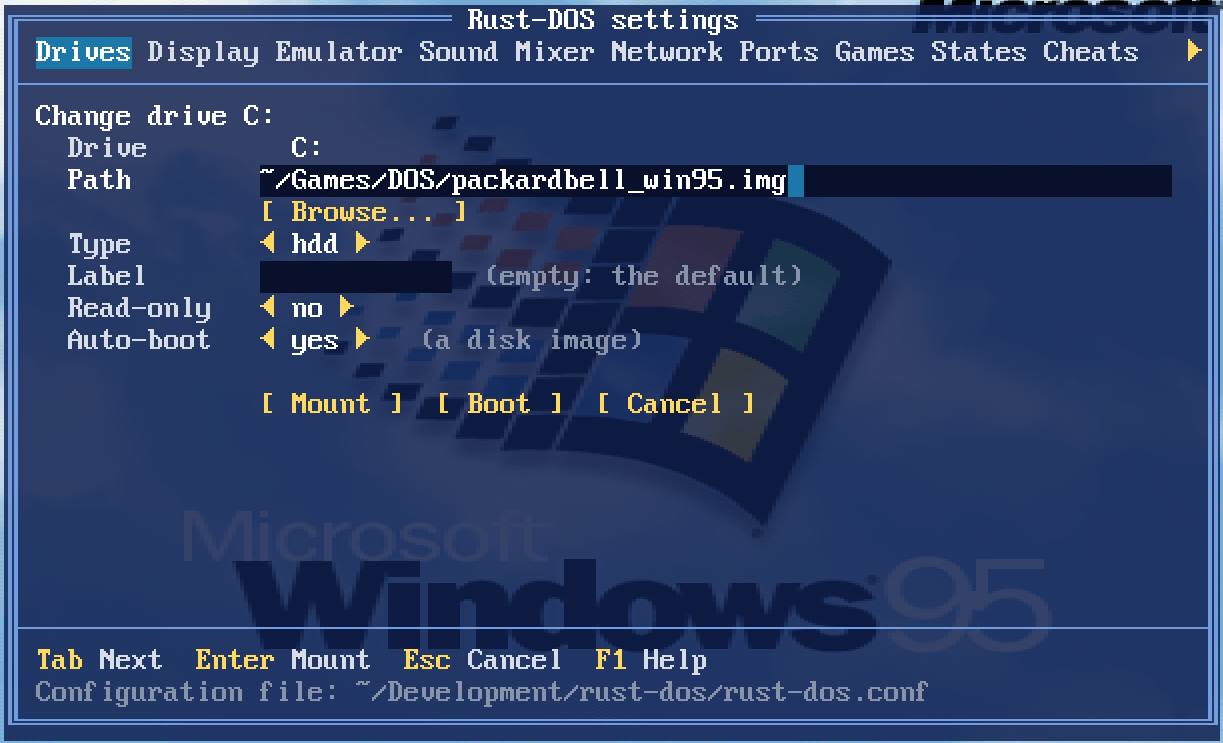
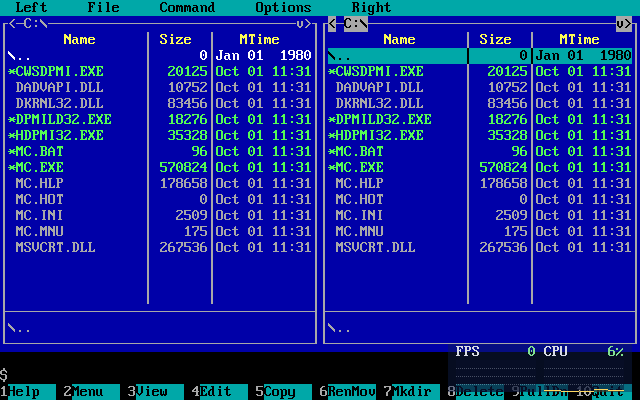
v1.1.0 is here: https://github.com/dividebysandwich/rust-dos/ … ases/tag/v1.1.0
SC-55 emulation

Rust-DOS now emulates the SoundCanvas with an implementation written in pure Rust. The ROMs are not shipped with the program, instead the user is prompted whether they want to download them from archive.org. This is the same mechanism as with the AWE32.
TsengLabs ET4000 support
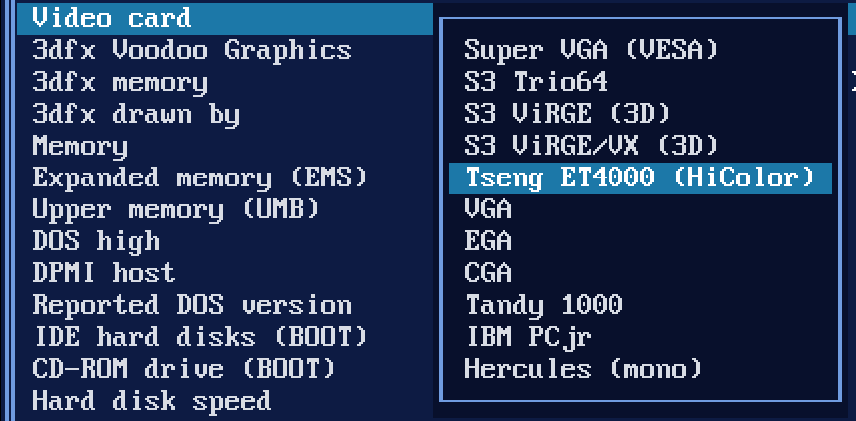
`machine=svga_et4000` is now a real Tseng ET4000AX with 1 MB and a Sierra HiColor DAC
VRR Frame Pacing
With the new `vrr` setting on, each frame is shown when the emulated video card would draw it, so a VRR display runs at the game's own rate. On a 144 Hz test display that measured 70.09 Hz in VGA text mode and 59.94 Hz in 640×480.
Write overlay
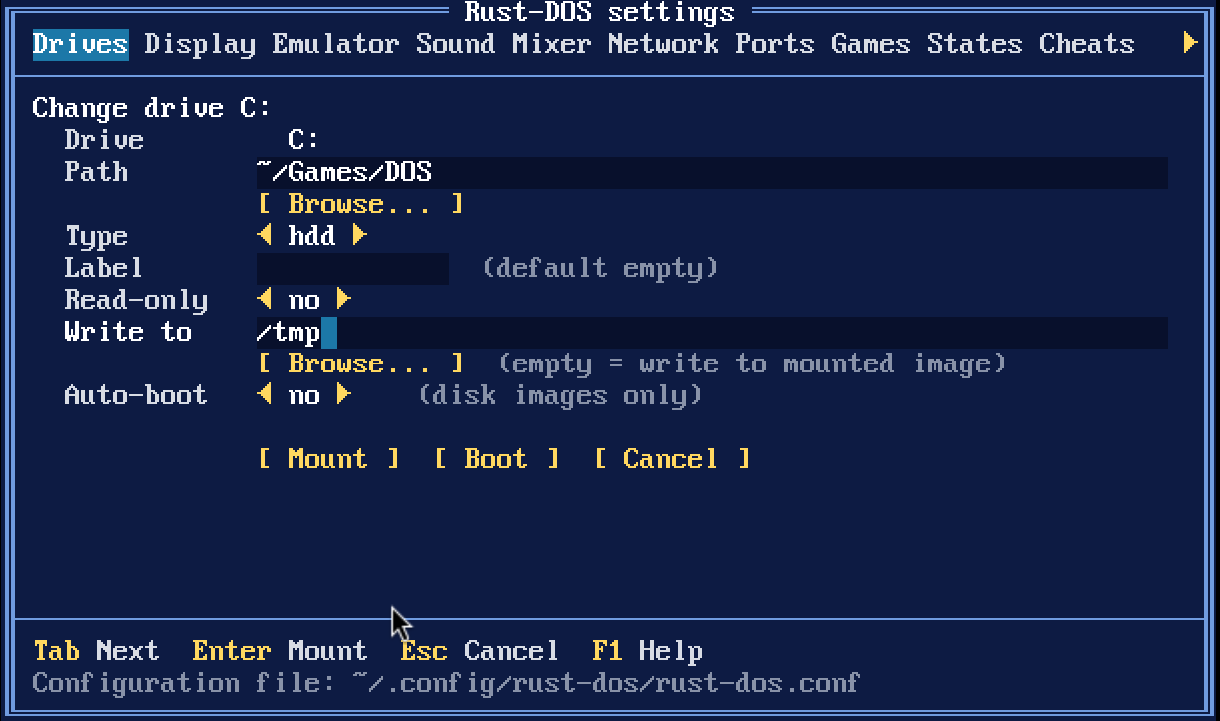
* Any folder drive can take `-overlay DIR`, and DOSBox's `MOUNT C DIR -t overlay` works too. Imported DOSBox profiles keep their overlay folder.
* Files are copied into the overlay folder when first written. Deleted files are listed in `.rust-dos-deleted` inside it.
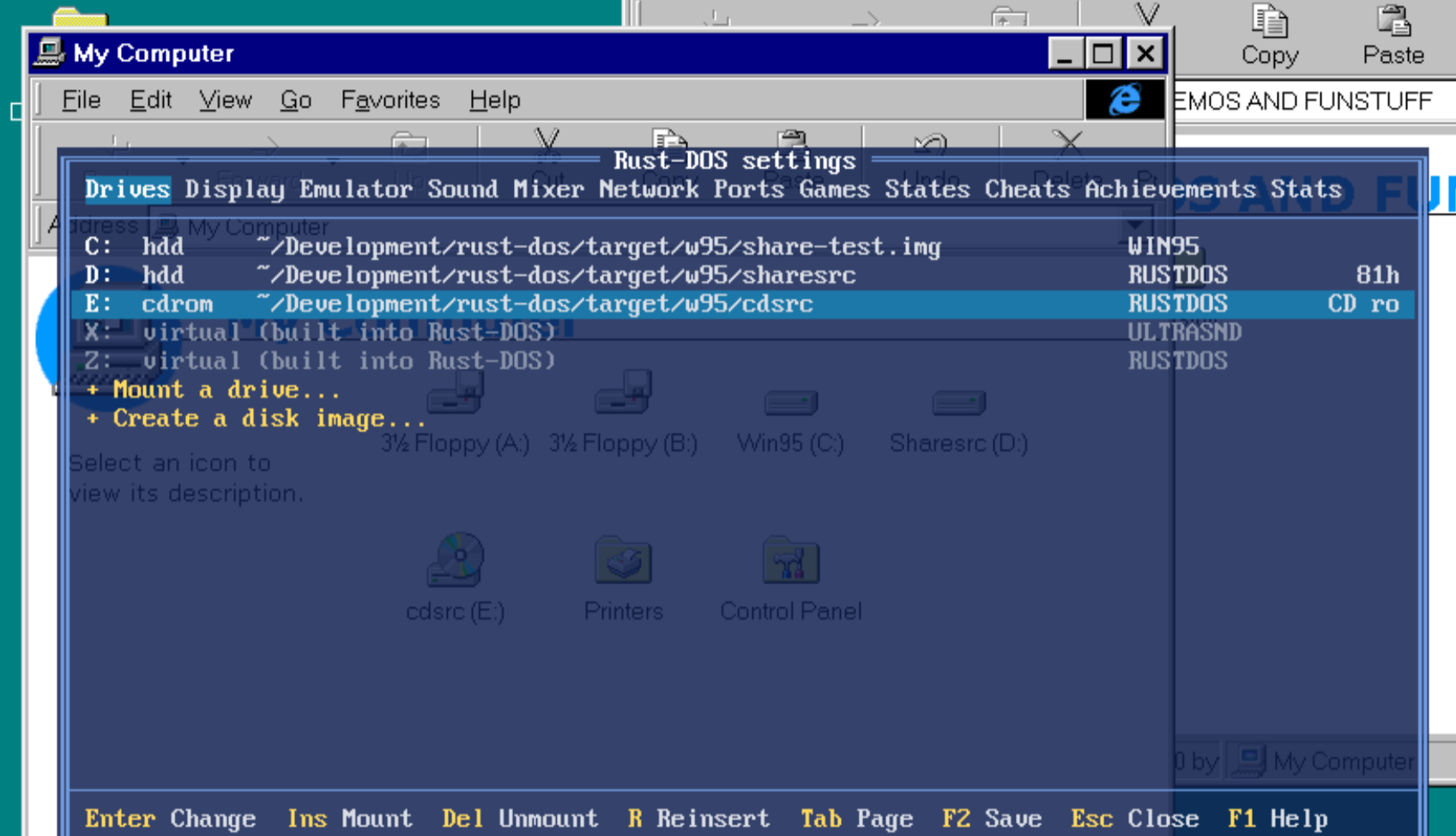
* Booted Windows 3.x/95 shared disks write their changes into the overlay as well.
* New and imported profiles get `overlay=true`, so changes go to `saves/<profile>/<drive letter>` next to the games folder. Existing profiles are unchanged until you add `overlay=true`.
* **R** on the Games page asks first, then deletes that folder, taking the game back to its install state.
ZIP/7z as drives
* ZIP, 7z and DOSBox Pure `.dosz` archives mount as drives. Stored zip files are read in place; compressed files are decompressed in memory on first open.
* An archive whose files are all in one folder uses that folder as the drive's root.
* An archive holding just a disk or CD image mounts the image.
* A `.dosz` stacks over the parent archive it names.
* Without an overlay an archive drive is read-only; game profiles always give their archives one.
* Dropping or loading an archive now creates a profile that plays it in place, instead of unpacking it. Games unpacked before keep their folders.
* The RetroAchievements hashing and the drives now share one zip reader. Hashing now reads through the libretro VFS too, so it also works for Android `saf://` content.
Manuals and extras viewer
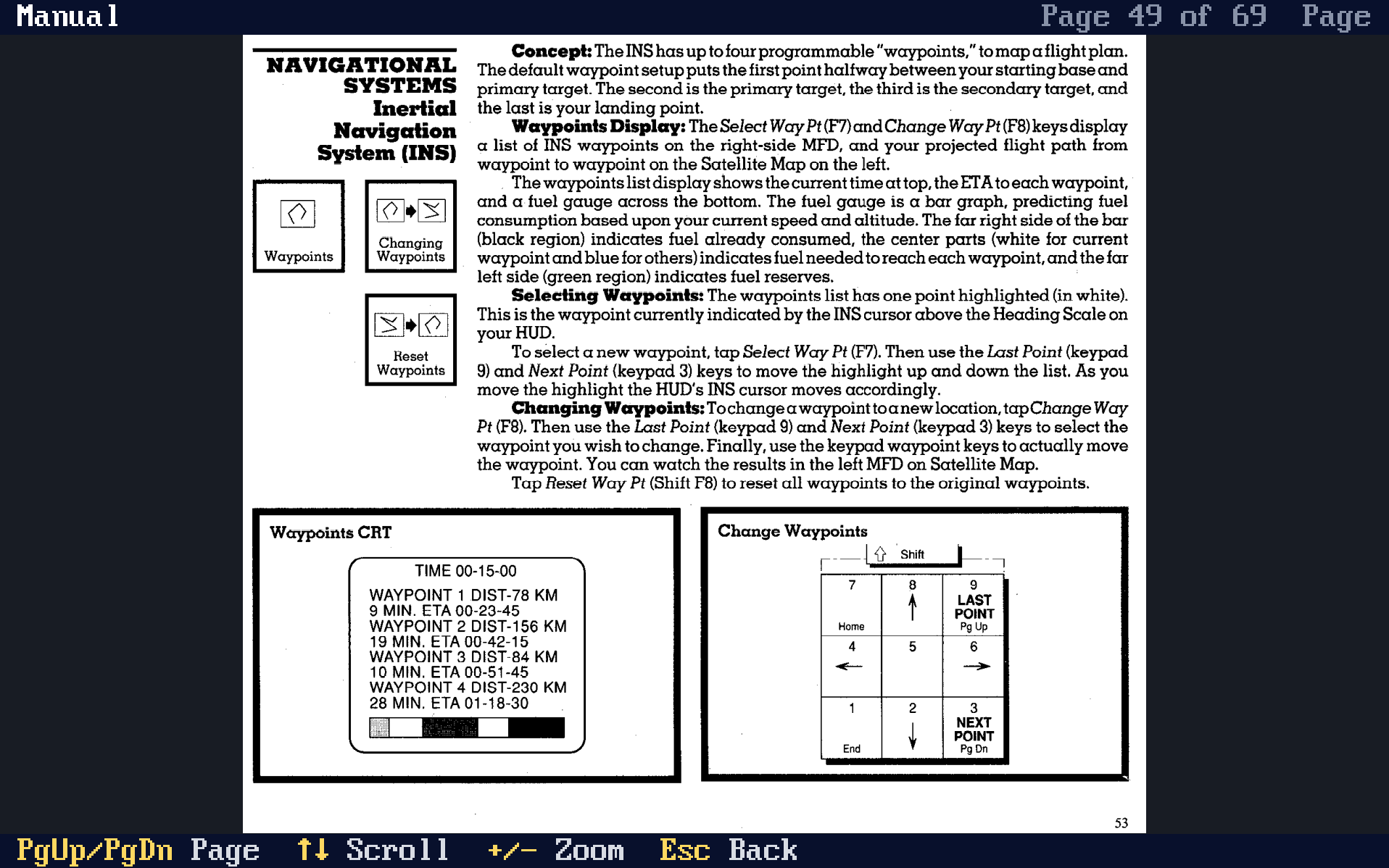
* With a game's profile defined, it is possible to set `[game] manual=path|Title` to specify the manual. Any files in `games/<profile>.extras`, are also used as manual, for example PDFs or PNG/JPEG/GIF pictures.
* **Ctrl+Shift+M** opens the running game's manuals; **M** on the Games page opens any game's. The game pauses while one is open.
* Keys: PgUp/PgDn turn pages, the arrows scroll, `+`/`-` zoom (whole page, width, 150%, 200%), Esc goes back. **Ins** in the list adds a file to the profile.
* The position in the manual is remembered during play so you can get back to the same page immediately.
* On desktop the page is drawn at the window's own resolution, so small print stays readable. In the libretro core it is drawn into the game's picture, with the same aspect correction.
* The browser build has no manuals: it has no host files to read them from.
* GAME-PACKAGES.md contains instructions on how to include manuals with your game.
VFS support
* The libretro core can now run content from Android's file picker (saf:// and content:// paths) through RetroArch's VFS.
Mouse Capture
* Automatic mouse cursor capture support
* Also works with games with different movement scaling (F117, etc)
* Ctrl+Alt added as shortcut to release mouse, like in VMWare
Dosbox compatibility
* Rust-Dos now imports dosbox and dosbox-pure packages: Inside it expects either a dosbox.conf at the package's root, or GAME.conf next to GAME.zip
Miscellaneous
* DOS HIGH support (defaults to on, see Emulation settings tab)
Bugfixes
* Fixed black screen in 3dfx emulation in OpenGL mode