v1.3.0 is available now! -> https://github.com/dividebysandwich/rust-dos/ … ases/tag/v1.3.0
Gamepad mappings and new action wheel
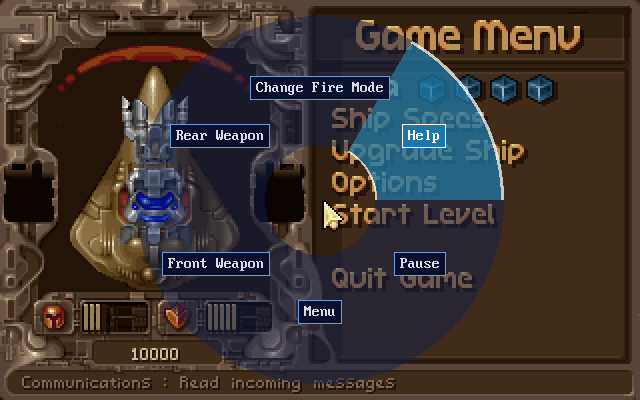
* Games can now come with their own gamepad mapping: a `[gamepad]` section in the profile, or the `input_pad_*` / `input_wheel_*` lines of a package's DOS.YML.
* Each pad input (D-pad, A/B/X/Y, shoulders, triggers, L3/R3, Select/Start and the stick directions) can press up to four keys, mouse moves or clicks, or joystick moves and buttons, e.g. `start=leftctrl+f10 Open Menu`.
* An input bound to `wheel` opens a radial action wheel over the game while held. The left stick (or D-pad) picks a slice, and releasing the button triggers it.
* Mouse speed (`padmousespeed`, `mousespeed`, `mousexfactor`) and the host mouse wheel (`mousewheelup`/`mousewheeldown`) can be set per game.
* On desktop the first gamepad uses the game's mapping. In the libretro core, it applies to port 1 set to **Gamepad as keyboard**.
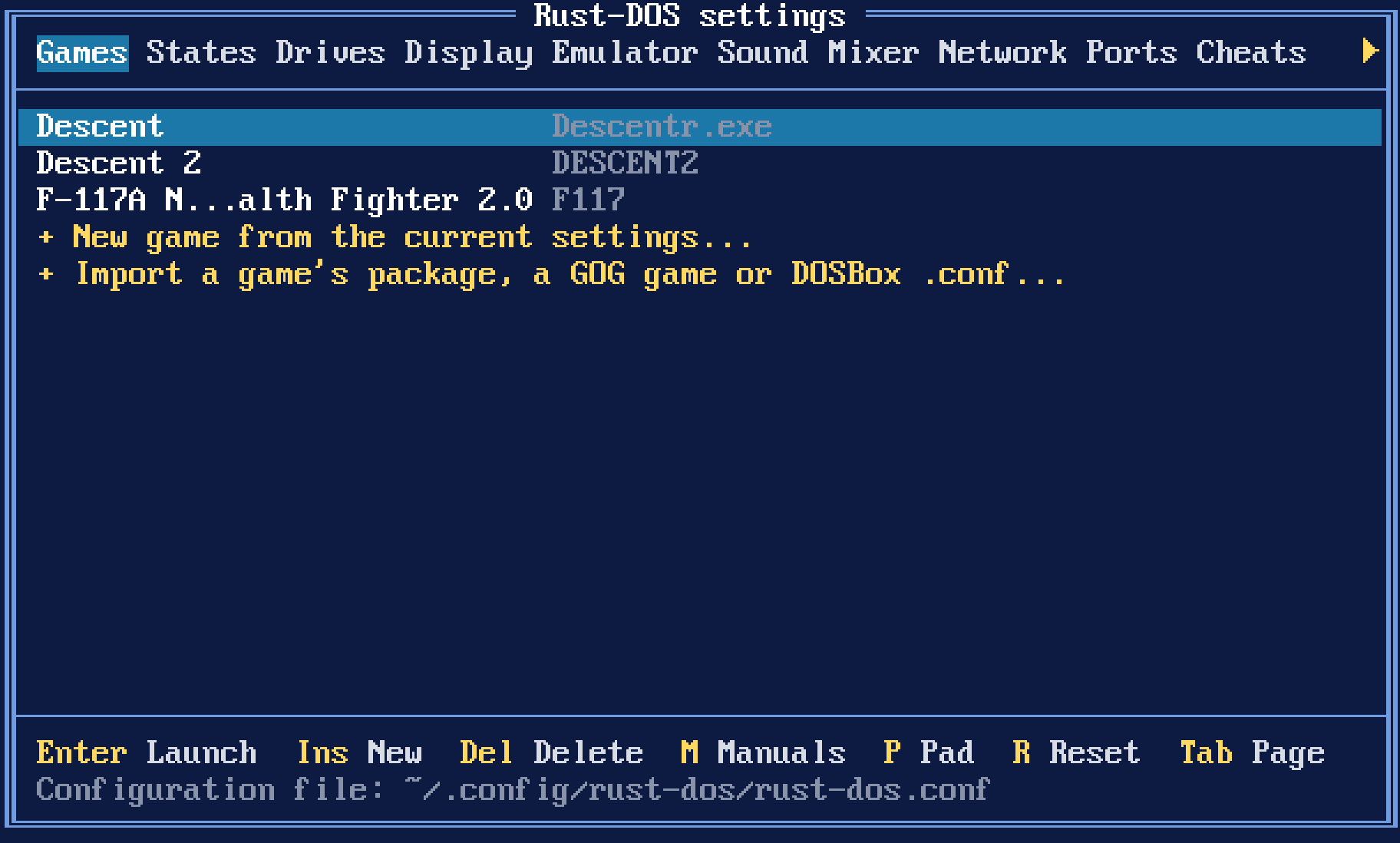
* **P** on the Games page lists a game's mapping.
Launch configurations
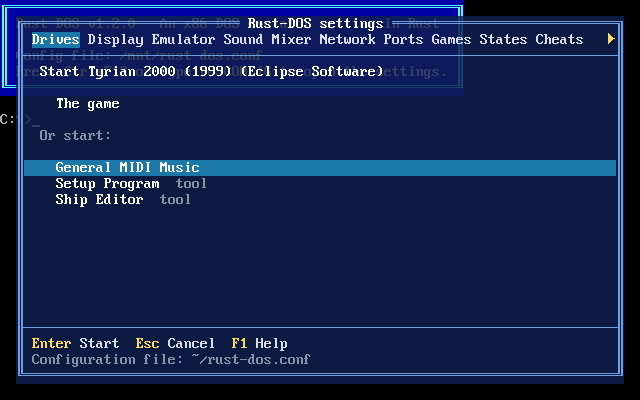
* A `.dosc` file's launch configurations (`[Setup Program]`, `[Ship Editor]`, `[General MIDI Music]`...) are offered in a chooser when the game is launched. Tools like the setup program are marked.
* Combined options such as `[MIDI + German]` are picked with Left/Right on the game's row.
* When a tool ends, the chooser opens again. All launch configurations share the game's saves.
* Works with the keyboard and mouse on desktop and with the gamepad in RetroArch.
.dosz / .dosc packages
* A `GAME.conf` next to `GAME.zip` or `GAME.dosz` is now used even if it only has an `[autoexec]` section.
* The package is mounted as C: before the conf's commands run, so `REMOUNT C D`, `SUBST C: X:\GAMEDIR` and mounting another C: work as these confs expect.
* A `.dosz`, or an archive with a `.conf` or `.dosc` of its name next to it, keeps the archive's root as C:, so `cd GAMEDIR` lines keep working.
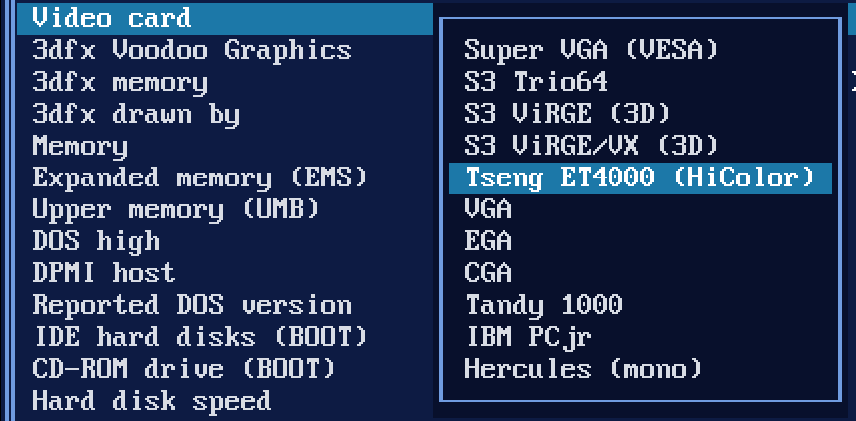
* A `GAME.dosc` is layered over its game. Its DOS.YML sets CPU speed, CPU type, memory, video card, sound card, MIDI synth, the program to start, images to mount or boot, the keys pressed at startup and the gamepad mapping.
* IPS, BPS and VCDIFF (xdelta) patches in a `.dosc` are applied to the game's files. XOR patches are reported in the log and skipped.
* Loading or importing a `.dosc` loads its game.
* Package profiles now track what they were made from: when you edit the `.conf` (or add a `.dosc`), the profile is rebuilt the next time the game loads, keeping its saves.
Keys at startup
* `[game] input=` (or DOS.YML's `run_input`) types keys once the game's program has started, e.g. `input=(WAIT:200)(ENTER)(WAITMODECHANGE)`.
* Supports typed text, `(KEY)` presses, `(key:DOWN)`/`(key:UP)`, `(WAIT:ms)`, `(WAITMODECHANGE)` and `(DELAY:ms)`.
* Waits run in emulated time, and the machine fast-forwards through them. Pressing a key or pad button stops the sequence.
Operating system packages organized by name
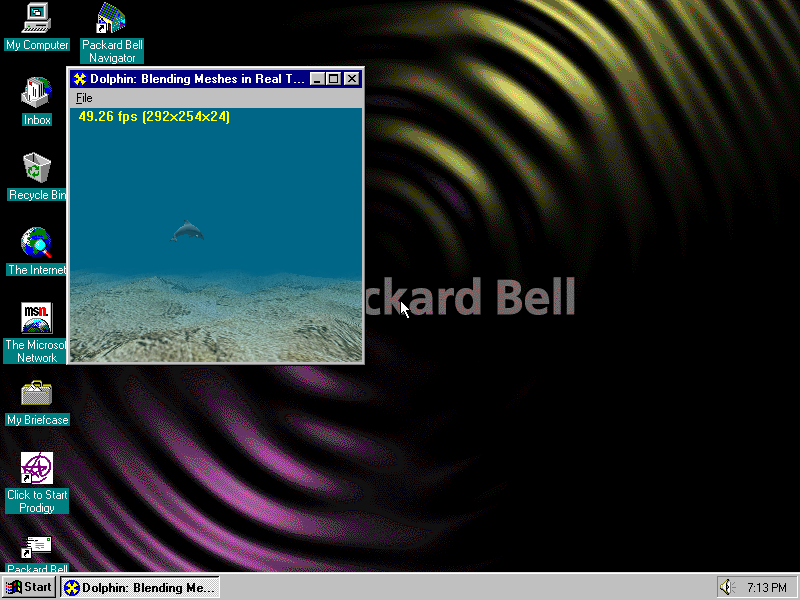
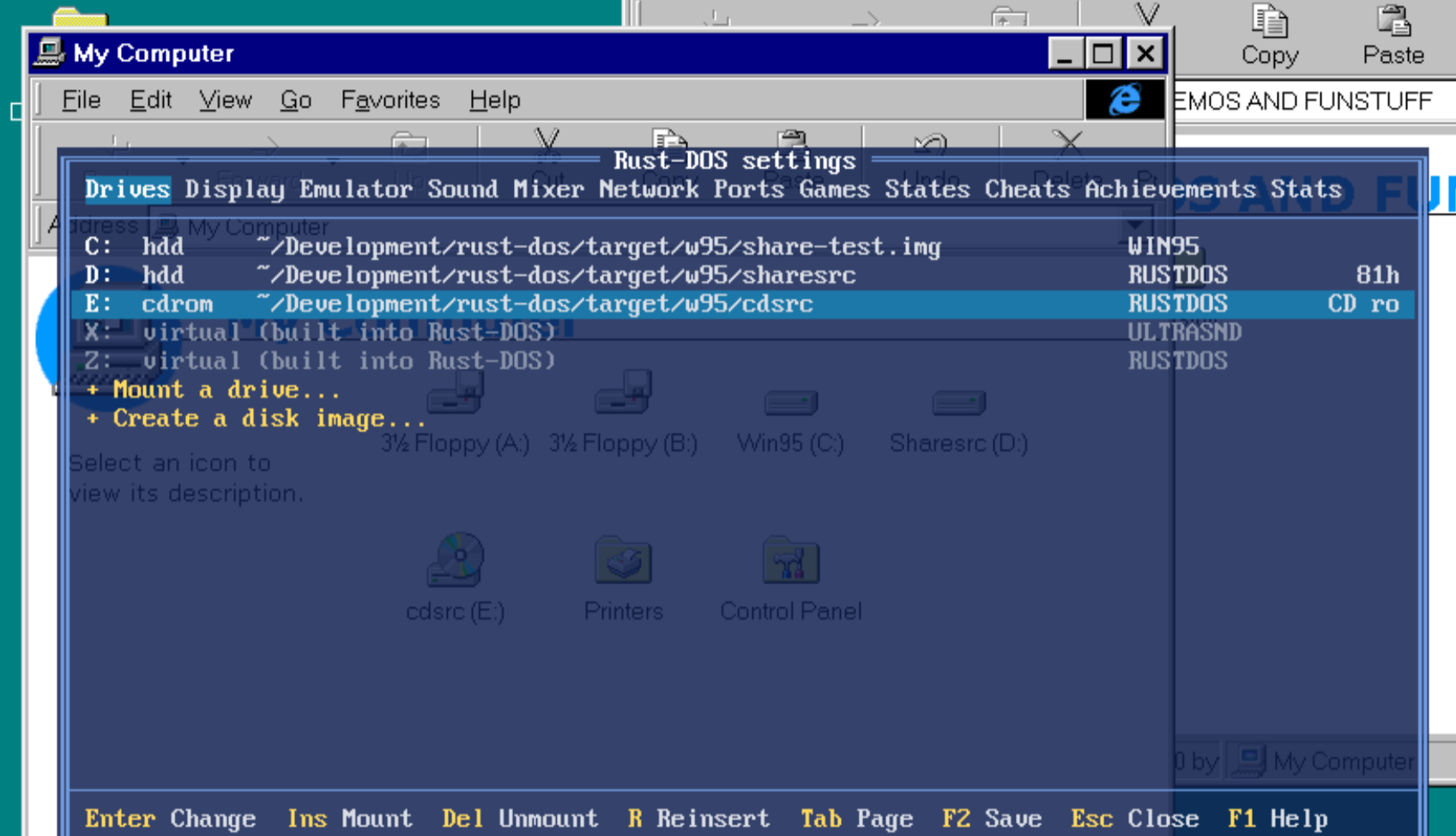
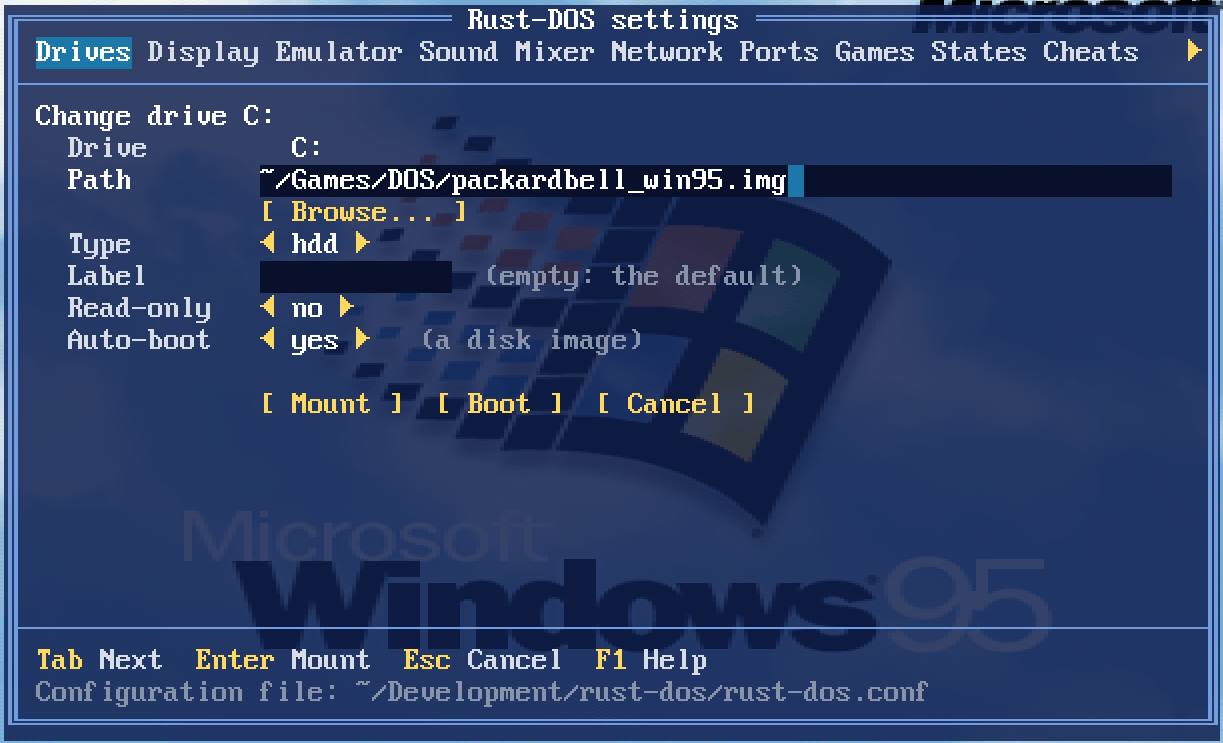
* Hard disk images in `~/.config/rust-dos/os` (libretro: `system/rust-dos/os`) can be mounted by name: `IMGMOUNT C WIN98SE` or `REMOUNT WIN98SE C`. `REMOUNT` on its own lists them.
* `[rust-dos] os=win98se` in a game's conf boots the game inside that OS: the image is the first hard disk and the game is D:. Other emulators ignore that section, so one conf works in both.
* A new **Boot OS** core option in the libretro core does the same for packages without a conf.
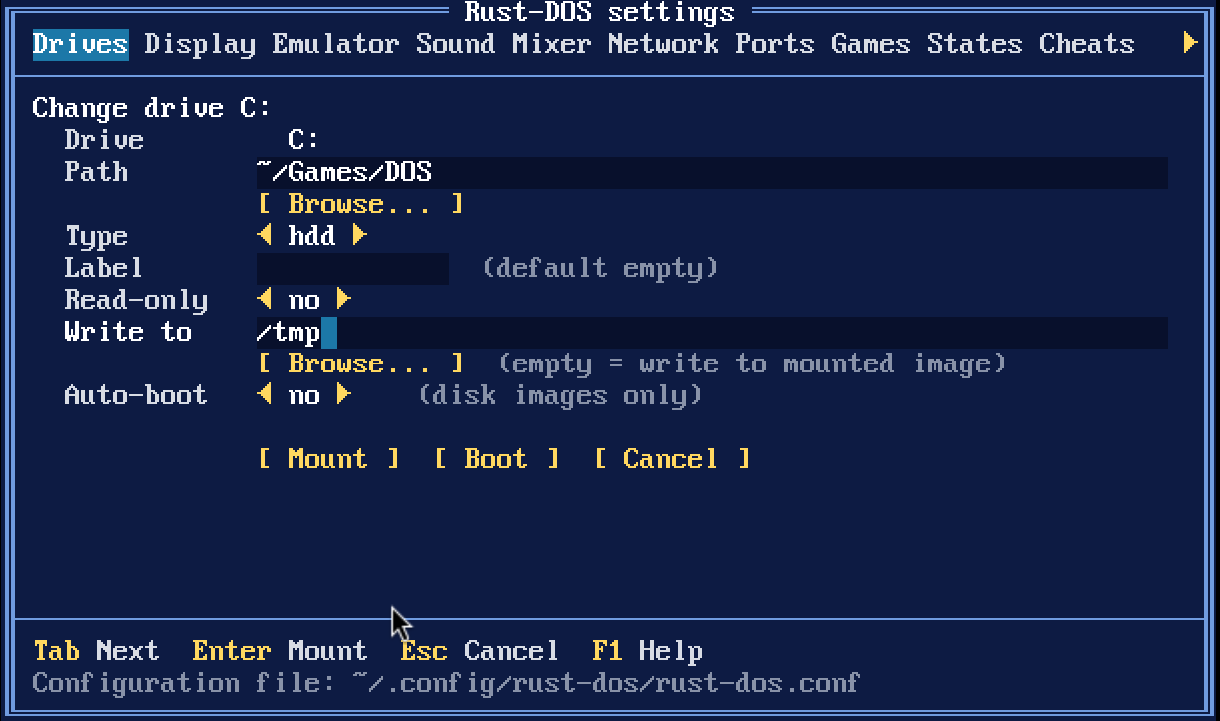
* The OS image is never written: each game's changes go to its own delta file, so one install serves every game.
New commands
* `REMOUNT from to` moves a mounted drive to another letter. `REMOUNT C D` leaves C: empty for an OS image.
* `SUBST drive: path` makes a folder a drive of its own, and `SUBST drive: /D` removes it.
Clink-style prompt

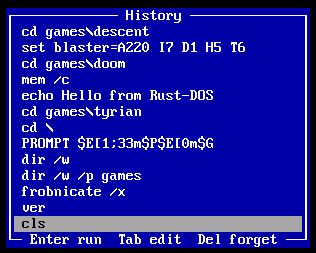
* The DOS prompt now edits its line like clink: move and delete anywhere in the line, word keys, overwrite and undo.
* Colors for commands, programs, switches and arguments. `PROMPT` can use ANSI colors after `$E`, e.g. `PROMPT $E[1;33m$P$E[0m$G`.
* Suggests the rest of the line from history (Right or End accepts).
* Tab completes commands, PATH programs, files, directories and variables. Ctrl+Space lists the matches.
* History is kept between sessions. PgUp/PgDn/F8 search it by prefix, Ctrl+R/Ctrl+S search it incrementally, and F7 shows it in a window. The new `HISTORY` command lists or clears it.
* This feature is configurable in the new `[shell]` section of the config
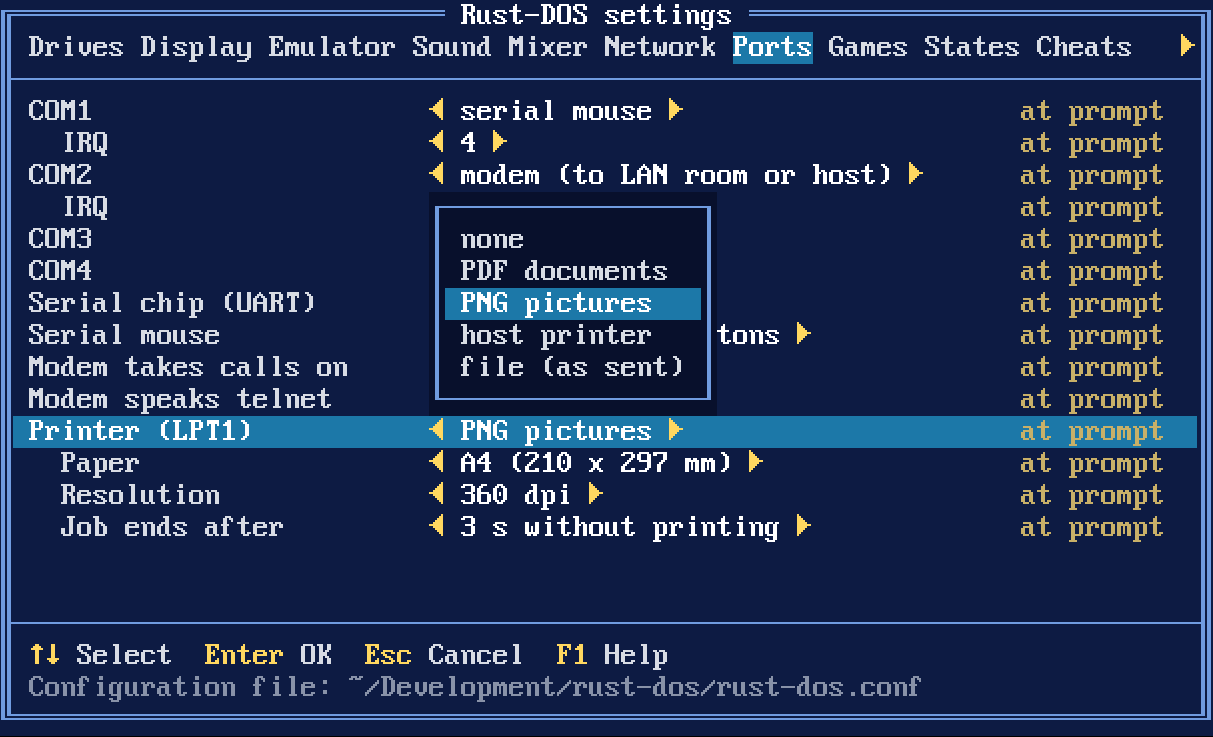
* The settings window now has toggles for suggestions, colors and history - in case you prefer an authentic DOS experience over convenience
Miscellaneous
* OpenGL rendering is now behind a `gl` feature (on by default). Builds without it, e.g. on RedoxOS the SDL renderer is used.
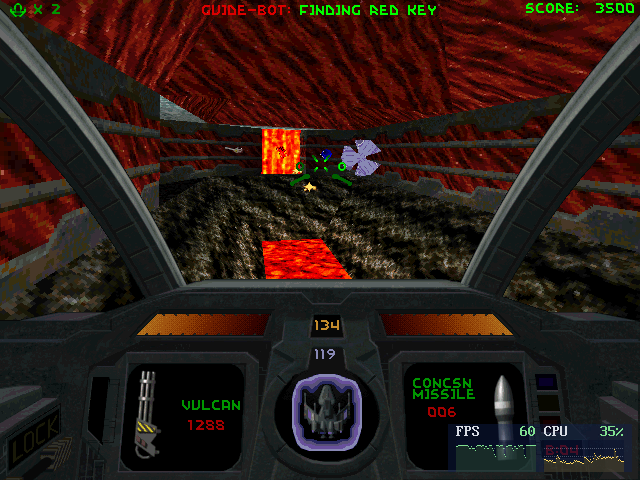
* Steam uses a different file extension for their cd image cue files. This is now supported as well. Tested with Steam's Descent 2 distribution - which works perfectly too btw 😉
Bugfixes
* Fixed a game's drives being swapped back (in RetroArch, to an empty `drive_c` folder) when its commands started no program
* When a game ends, every drive it changed is restored, including ones changed by REMOUNT or SUBST
* Fixed imported `BOOT C:` lines being treated as an image path
* Relative paths in a conf next to an archive are now also looked up in the archive's folder
* Fixed files in some DOS-made zips showing up as folders (Commander Keen 1's `INSTALL.EXE`)